Dig Down - Drill Game

Dig Down - Drill Game

Casual

| muskloftsoft

Play on PC with BlueStacks or from our cloud

  • Overview
  • Game Features
  • How to Play

Page Modified On: August 15, 2026

Play Dig Down - Drill Game on PC or Mac

Dig Down – Drill Game by muskloftsoft has plenty to keep you busy. BlueStacks lets you play it on PC or Mac with more screen space, better control, and fewer mobile limits.

About the Game

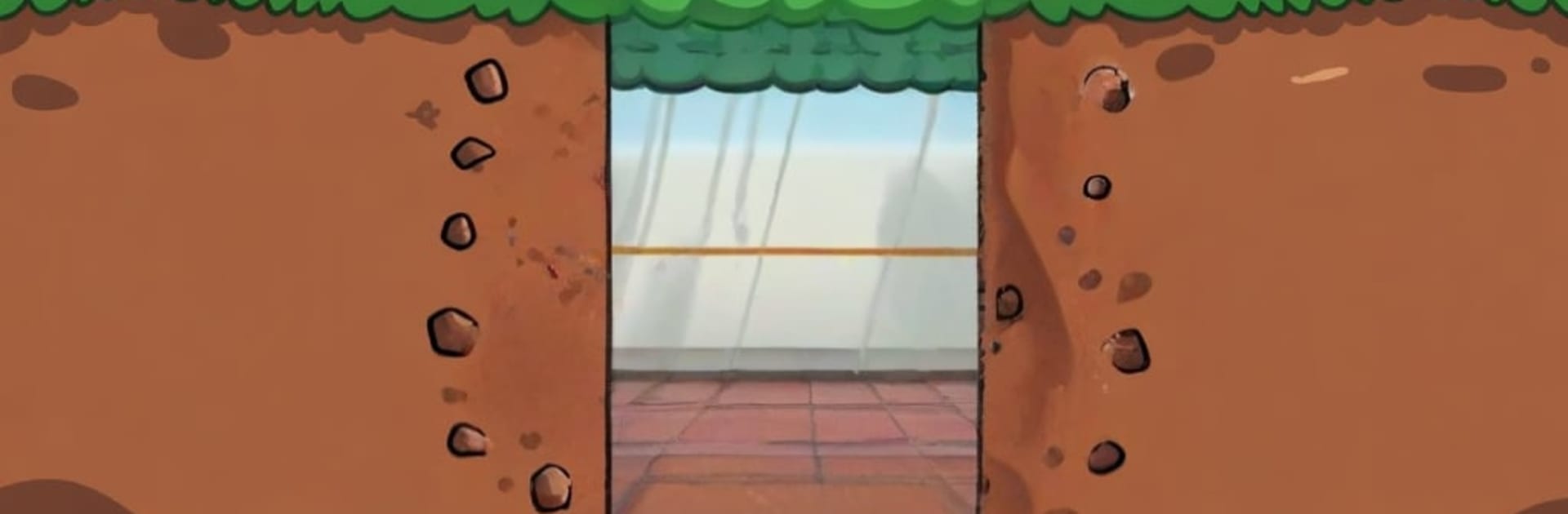
Dig Down – Drill Game is a Casual underground romp where you pilot a heavy-duty drill through layer after layer of soil and stone. You’ll scoop up shiny resources, tune up your rig, and push a little deeper every run just to see what’s hiding below. Controls feel snappy on touch, and it plays comfortably on BlueStacks if you like a wider view and precise input.

Game Features

  • Endless Descent: Keep drilling to uncover new layers, with tougher terrain and better loot the farther you go.
  • Tight, Responsive Controls: Easy to pick up right away, yet there’s real finesse in how you steer, brake, and thread narrow gaps.
  • Upgrades That Matter: Trade your haul for stronger bits, faster engines, and sturdier frames to reach depths you couldn’t touch before.
  • Obstacles With Bite: Navigate thick rock, awkward angles, and tight tunnels that test your timing and pathing.
  • Treasure Hunts: Snag rare minerals and hidden pockets of valuables that make risky routes worth it.
  • Plan Your Route: Choose between quick grabs near the surface or longer dives that pay off big if you manage fuel and momentum.
  • Punchy Visuals: Bright, colorful layers make each section of the earth feel distinct and lively.
  • Quick Runs, Big Payoff: Perfect for short sessions that spiral into “one more try” as you chase a new personal best.

Ready to top the leaderboard? We bet you do. Let precise controls and sharp visuals optimized on BlueStacks lead you to victory.


Game Features

Enhancements

  • Macros
  • Multi Instance
  • Script
  • Repeated Tap
  • Enhancements
Macros

Macros

Automate the predictable in Dig Down - Drill Game and transform your gameplay with Macros. Get access to inventive Macros in the BlueStacks Macro Community
Multi Instance

Multi Instance

Play Dig Down - Drill Game on one window. And chat with your friend on the other. Press CTRL + Shift + 8 to open the Multi-Instance Manager. And start creating fresh instances or clone an existing one.
Script

Script

Script your way to gaming glory in Dig Down - Drill Game with BlueStacks Script. Write and run a set of commands to automate repeated tasks. Trigger the command by assigning it to any key.
Repeated Tap

Repeated Tap

BlueStacks lets you master Dig Down - Drill Game with useful features like the Repeated Tap. Now you do not have to press the same key repeatedly to initiate an action. Just assign it to one key and you are good to go.
Read More

How to Download and Play Dig Down - Drill Game on PC or Mac

  • Download and install BlueStacks on your PC or Mac

  • Complete Google sign-in to access the Play Store, or do it later

  • Look for Dig Down - Drill Game in the search bar at the top right corner

  • Click to install Dig Down - Drill Game from the search results

  • Complete Google sign-in (if you skipped step 2) to install Dig Down - Drill Game

  • Click the Dig Down - Drill Game icon on the home screen to start playing

video
Watch Video

Minimum System Requirements

With BlueStacks 5, you can get started on a PC that fulfills the following requirements.

  • Operating System

    Microsoft Windows 7 or above, macOS 11 (Big Sur) or above

  • Processor

    Intel, AMD or Apple Silicon Processor

  • RAM

    at least 4GB

  • HDD

    10GB Free Disk Space

Note:

* You must be an Administrator on your PC. Up to date graphics drivers from Microsoft or the chipset vendor.

Dig Down - Drill Game - FAQs

  • How to play Dig Down - Drill Game on Windows PC & Mac?

    Play Dig Down - Drill Game on your PC or Mac by following these simple steps.

    • Click on 'Play Dig Down - Drill Game on PC’ to download BlueStacks
    • Install it and log-in to Google Play Store
    • Launch and play the game.
  • Why is BlueStacks the fastest and safest platform to play games on PC?

    BlueStacks respects your privacy and is always safe and secure to use. It does not carry any malware, spyware, or any sort of additional software that could harm your PC.

    It is engineered to optimize speed and performance for a seamless gaming experience.

  • What are Dig Down - Drill Game PC requirements?

    Minimum requirement to run Dig Down - Drill Game on your PC

    • OS: Microsoft Windows 7 or above MacOS 11 (Big Sur) or above
    • Processor: Intel, AMD or Apple Silicon Processor
    • RAM: Your PC must have at least 4GB of RAM. (Note that having 4GB or more disk space is not a substitute for RAM)
    • HDD: 10GB Free Disk Space.
    • You must be an Administrator on your PC.