Don't touch Cat Girl!

Don't touch Cat Girl!

Casual

| YANASE GAMES

Play on PC with BlueStacks or from our cloud

  • Overview
  • Game Features
  • How to Play

Page Modified On: January 09, 2026

Play Don't touch Cat Girl! on PC or Mac

From the innovators and creators at YANASE GAMES, Don’t touch Cat Girl! is another fun addition to the World of Casual games. Go beyond your mobile screen and play it bigger and better on your PC or Mac. An immersive experience awaits you.

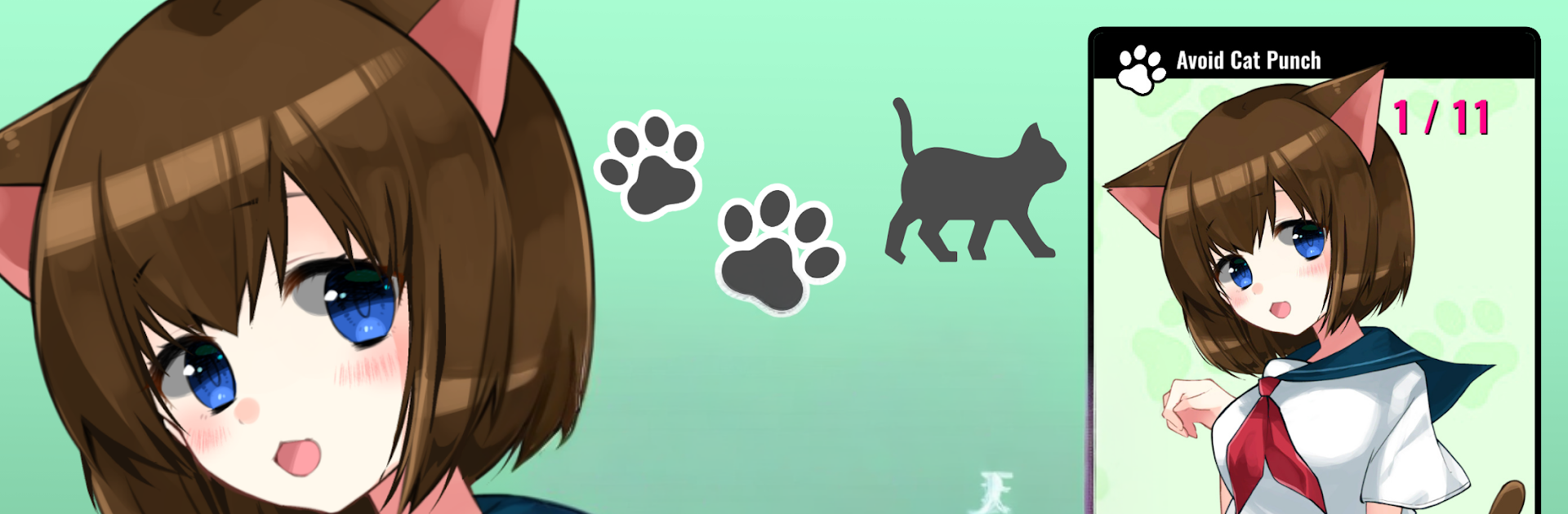
Do not touch Cat Girl feels like a tiny interactive toy built around one very lively character. The whole joke is right there in the title. The screen says do not touch, the cat ear girl reacts anyway, and the fun is in seeing what expression pops next. Ears perk, tail swishes, little meows play, and the face shifts from smug to surprised to flustered with silly timing. It is light, mostly taps and short swipes, with small scenes that unlock as the player keeps interacting. No long grind, just snack sized bits of play that fit into a spare minute.

What stands out is how expressive the character is. The ears are not just decoration, they drive the mood. When excitement kicks in, the ears lift or twitch and the animation sells it. There are fantasy hints too, like moments that feel a touch magical, as if she has a trick or two beyond normal. On PC with BlueStacks, the bigger screen makes the micro reactions easier to catch, and mouse clicks feel more precise for those quick prompts. It lands somewhere between a stress toy and a cute character viewer, with enough tiny surprises to keep poking at it, even when the game keeps saying do not.

Start your journey now. Download the game on BlueStacks, invite your friends, and march on a new adventure.


Game Features

Enhancements

  • Macros
  • Multi Instance
  • Script
  • Repeated Tap
  • Enhancements
Macros

Macros

Automate the predictable in Don't touch Cat Girl! and transform your gameplay with Macros. Get access to inventive Macros in the BlueStacks Macro Community
Multi Instance

Multi Instance

Play Don't touch Cat Girl! on one window. And chat with your friend on the other. Press CTRL + Shift + 8 to open the Multi-Instance Manager. And start creating fresh instances or clone an existing one.
Script

Script

Script your way to gaming glory in Don't touch Cat Girl! with BlueStacks Script. Write and run a set of commands to automate repeated tasks. Trigger the command by assigning it to any key.
Repeated Tap

Repeated Tap

BlueStacks lets you master Don't touch Cat Girl! with useful features like the Repeated Tap. Now you do not have to press the same key repeatedly to initiate an action. Just assign it to one key and you are good to go.
Read More

How to Download and Play Don't touch Cat Girl! on PC or Mac

  • Download and install BlueStacks on your PC or Mac

  • Complete Google sign-in to access the Play Store, or do it later

  • Look for Don't touch Cat Girl! in the search bar at the top right corner

  • Click to install Don't touch Cat Girl! from the search results

  • Complete Google sign-in (if you skipped step 2) to install Don't touch Cat Girl!

  • Click the Don't touch Cat Girl! icon on the home screen to start playing

video
Watch Video

Minimum System Requirements

With BlueStacks 5, you can get started on a PC that fulfills the following requirements.

  • Operating System

    Microsoft Windows 7 or above, macOS 11 (Big Sur) or above

  • Processor

    Intel, AMD or Apple Silicon Processor

  • RAM

    at least 4GB

  • HDD

    10GB Free Disk Space

Note:

* You must be an Administrator on your PC. Up to date graphics drivers from Microsoft or the chipset vendor.

Don't touch Cat Girl! - FAQs

  • How to play Don't touch Cat Girl! on Windows PC & Mac?

    Play Don't touch Cat Girl! on your PC or Mac by following these simple steps.

    • Click on 'Play Don't touch Cat Girl! on PC’ to download BlueStacks
    • Install it and log-in to Google Play Store
    • Launch and play the game.
  • Why is BlueStacks the fastest and safest platform to play games on PC?

    BlueStacks respects your privacy and is always safe and secure to use. It does not carry any malware, spyware, or any sort of additional software that could harm your PC.

    It is engineered to optimize speed and performance for a seamless gaming experience.

  • What are Don't touch Cat Girl! PC requirements?

    Minimum requirement to run Don't touch Cat Girl! on your PC

    • OS: Microsoft Windows 7 or above MacOS 11 (Big Sur) or above
    • Processor: Intel, AMD or Apple Silicon Processor
    • RAM: Your PC must have at least 4GB of RAM. (Note that having 4GB or more disk space is not a substitute for RAM)
    • HDD: 10GB Free Disk Space.
    • You must be an Administrator on your PC.