
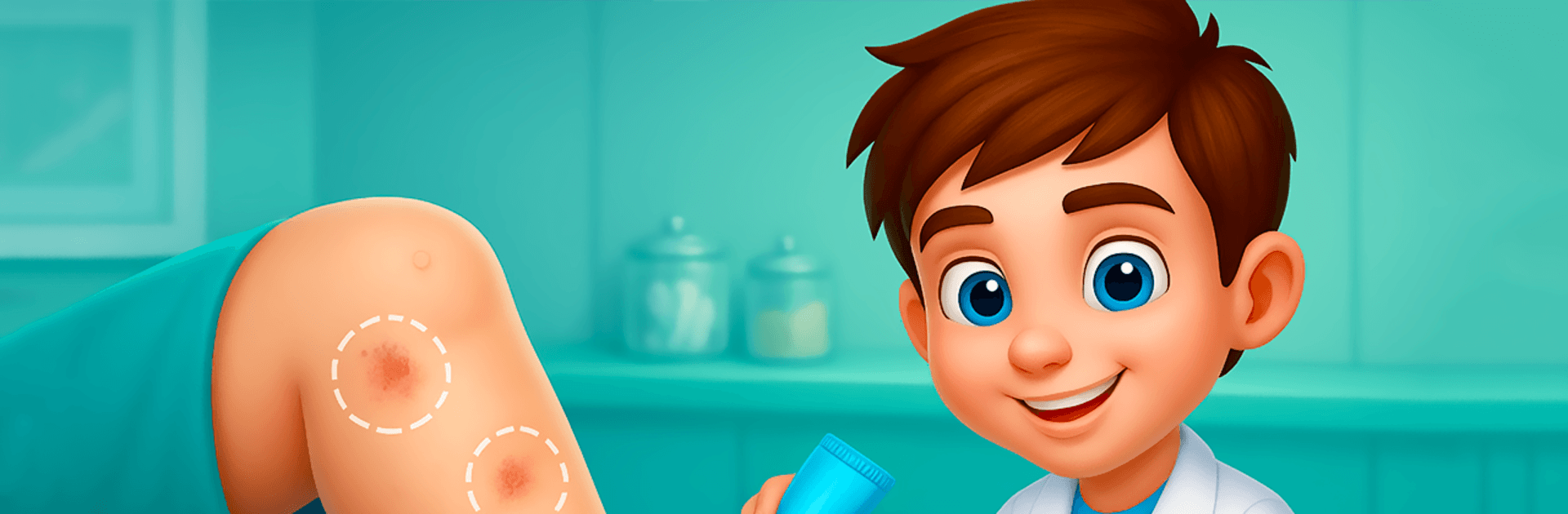
Foot Doctor ASMR
Foot Doctor ASMR

Foot Doctor ASMR

Casual

| LittleTap

Play on PC with BlueStacks or from our cloud

  • Overview
  • Game Features
  • How to Play

Page Modified On: June 17, 2026

Play Foot Doctor ASMR on PC or Mac

Explore a whole new adventure with Foot Doctor ASMR, a Casual game created by LittleTap. Experience great gameplay with BlueStacks, the most popular gaming platform to play Android games on your PC or Mac.

About the Game

Foot Doctor ASMR is a chill, hands-on Casual game where you play the calm, steady doc everyone wishes they had. Clean up messy feet, fix tricky injuries, and enjoy those oddly satisfying sounds as you work through each case. It’s part spa day, part clinic visit, with step-by-step procedures that feel relaxing rather than stressful. Prefer a bigger screen? It runs smoothly on BlueStacks too.

Game Features

  • Soothing ASMR moments: From gentle scraping to careful bandaging, every action comes with soft, satisfying sounds that make each procedure feel relaxing.
  • Six core procedures: Tackle Achilles tendon rupture, bunions, knee issues, broken bones, nail problems, and back-of-foot care—each with its own flow and tools.
  • Real medical tools (made simple): Use X-rays, an arthroscope, a cannula, hook graspers, a bone saw, forceps, scrapers, and more—presented in a friendly, easy-to-follow way.
  • Step-by-step guidance: Check the patient, identify the problem, clean the area, and perform the treatment—no guesswork, just smooth, guided tasks.
  • Clean-up that’s actually fun: Remove glass pieces, treat corns and ulcers, tidy dead skin, and give nails some much-needed attention without the ick factor.
  • Knee clinic basics: Do a quick exam, look inside the joint, smooth rough spots, and test movement to make sure everything’s aligned.
  • Bone repair made approachable: Prep the leg, align the fracture, and secure it neatly—precise, but not stressful.
  • Nail rescue time: Calm swelling, trim or remove damaged parts, and wrap it up with a neat bandage for a fresh start.
  • Pick your cases: Choose from different characters and conditions, then treat the exact problem they’re dealing with.
  • Easy controls, satisfying results: Quick taps and drags make every procedure feel smooth, with clear visuals and a clean, spa-like vibe.

BlueStacks gives you more room to focus on the game and less time adjusting around mobile limitations.


Game Features

Enhancements

  • Macros
  • Multi Instance
  • Script
  • Repeated Tap
  • Enhancements
Macros

Macros

Automate the predictable in Foot Doctor ASMR and transform your gameplay with Macros. Get access to inventive Macros in the BlueStacks Macro Community
Multi Instance

Multi Instance

Play Foot Doctor ASMR on one window. And chat with your friend on the other. Press CTRL + Shift + 8 to open the Multi-Instance Manager. And start creating fresh instances or clone an existing one.
Script

Script

Script your way to gaming glory in Foot Doctor ASMR with BlueStacks Script. Write and run a set of commands to automate repeated tasks. Trigger the command by assigning it to any key.
Repeated Tap

Repeated Tap

BlueStacks lets you master Foot Doctor ASMR with useful features like the Repeated Tap. Now you do not have to press the same key repeatedly to initiate an action. Just assign it to one key and you are good to go.
Read More

How to Download and Play Foot Doctor ASMR on PC or Mac

  • Download and install BlueStacks on your PC or Mac

  • Complete Google sign-in to access the Play Store, or do it later

  • Look for Foot Doctor ASMR in the search bar at the top right corner

  • Click to install Foot Doctor ASMR from the search results

  • Complete Google sign-in (if you skipped step 2) to install Foot Doctor ASMR

  • Click the Foot Doctor ASMR icon on the home screen to start playing

video
Watch Video

Minimum System Requirements

With BlueStacks 5, you can get started on a PC that fulfills the following requirements.

  • Operating System

    Microsoft Windows 7 or above, macOS 11 (Big Sur) or above

  • Processor

    Intel, AMD or Apple Silicon Processor

  • RAM

    at least 4GB

  • HDD

    10GB Free Disk Space

Note:

* You must be an Administrator on your PC. Up to date graphics drivers from Microsoft or the chipset vendor.

Foot Doctor ASMR - FAQs

  • How to play Foot Doctor ASMR on Windows PC & Mac?

    Play Foot Doctor ASMR on your PC or Mac by following these simple steps.

    • Click on 'Play Foot Doctor ASMR on PC’ to download BlueStacks
    • Install it and log-in to Google Play Store
    • Launch and play the game.
  • Why is BlueStacks the fastest and safest platform to play games on PC?

    BlueStacks respects your privacy and is always safe and secure to use. It does not carry any malware, spyware, or any sort of additional software that could harm your PC.

    It is engineered to optimize speed and performance for a seamless gaming experience.

  • What are Foot Doctor ASMR PC requirements?

    Minimum requirement to run Foot Doctor ASMR on your PC

    • OS: Microsoft Windows 7 or above MacOS 11 (Big Sur) or above
    • Processor: Intel, AMD or Apple Silicon Processor
    • RAM: Your PC must have at least 4GB of RAM. (Note that having 4GB or more disk space is not a substitute for RAM)
    • HDD: 10GB Free Disk Space.
    • You must be an Administrator on your PC.







