Frost Valley™: Merge & Story

Frost Valley™: Merge & Story

Casual

| LiteOrange

Play on PC with BlueStacks or from our cloud

  • Overview
  • Game Features
  • How to Play

Page Modified On: January 06, 2026

Play Frost Valley™: Merge & Story on PC or Mac

Explore a whole new adventure with Frost Valley™: Merge & Story, a Casual game created by LiteOrange. Experience great gameplay with BlueStacks, the most popular gaming platform to play Android games on your PC or Mac.

About the Game

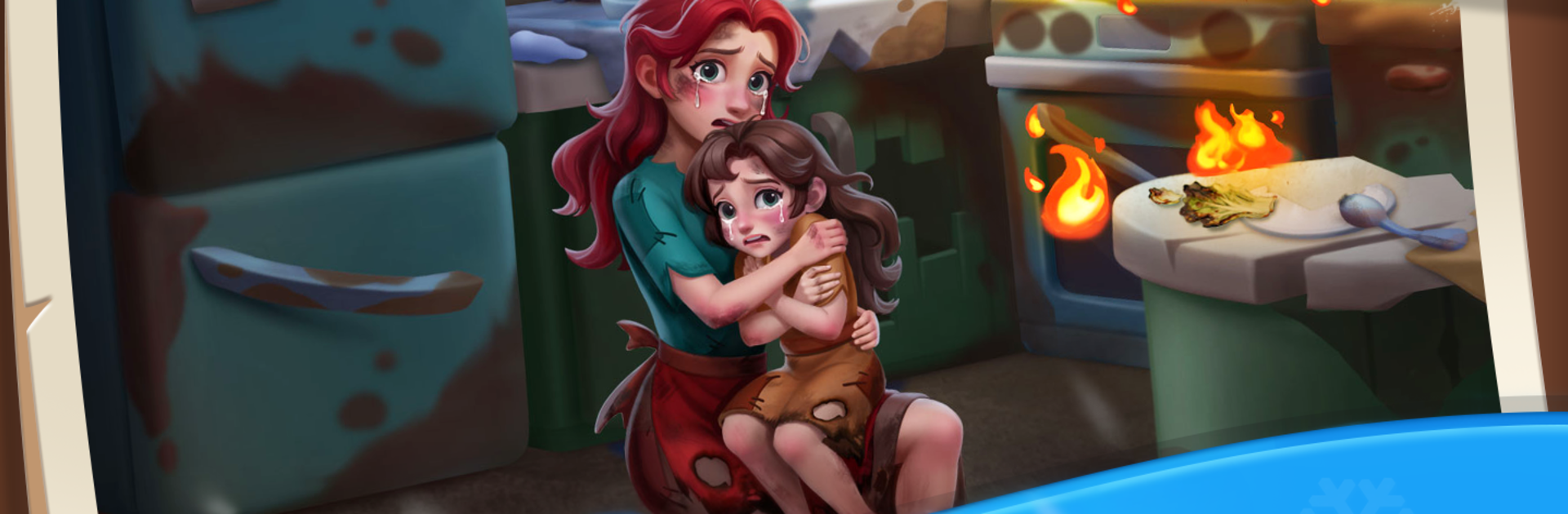
Frost Valley™: Merge & Story is a Casual title from LiteOrange where a frostbitten valley waits for a little warmth—and your knack for merging. You’ll combine everyday pieces into useful tools, restore cozy spaces, and watch a snowbound world slowly thaw back to life. Expect chill vibes, satisfying merges, and a story that grows as each corner of the valley brightens up. Prefer a bigger screen? It runs smoothly on PC with BlueStacks too.

Game Features

  • Merge Made Simple
  • Tap, drag, and merge matching items to create stronger, more helpful versions. Each upgraded piece nudges the story forward and opens new possibilities.

  • A Valley to Rebuild

  • Renovate cabins, rooms, and outdoor nooks that have been sleeping under the cold. Every fix reveals fresh scenes and a touch more warmth.

  • Story-Driven Chapters

  • Progress through clear chapter goals. Complete tasks, unlock new areas, and see how your work changes the look and feel of the valley.

  • Friendly Faces, Little Moments

  • Meet neighbors starting over and lend a hand. Their small requests and personal stories add heart to each restoration.

  • Events with Seasonal Flair

  • Hop into limited-time activities featuring festive themes, new characters, and playful twists. Earn special rewards that spice up your board.

  • Satisfying Collection

  • Gather the items you’ve merged to check off objectives, tidy up your spaces, and keep the momentum going from one scene to the next.

  • Play Your Way

  • Whether you enjoy quick sessions or longer, cozy evenings, the pacing fits your schedule—and feels great with mouse-and-keyboard support on BlueStacks.

Slay your opponents with your epic moves. Play it your way on BlueStacks and dominate the battlefield.


Game Features

Enhancements

  • Macros
  • Multi Instance
  • Script
  • Repeated Tap
  • Enhancements
Macros

Macros

Automate the predictable in Frost Valley™: Merge & Story and transform your gameplay with Macros. Get access to inventive Macros in the BlueStacks Macro Community
Multi Instance

Multi Instance

Play Frost Valley™: Merge & Story on one window. And chat with your friend on the other. Press CTRL + Shift + 8 to open the Multi-Instance Manager. And start creating fresh instances or clone an existing one.
Script

Script

Script your way to gaming glory in Frost Valley™: Merge & Story with BlueStacks Script. Write and run a set of commands to automate repeated tasks. Trigger the command by assigning it to any key.
Repeated Tap

Repeated Tap

BlueStacks lets you master Frost Valley™: Merge & Story with useful features like the Repeated Tap. Now you do not have to press the same key repeatedly to initiate an action. Just assign it to one key and you are good to go.
Read More

How to Download and Play Frost Valley™: Merge & Story on PC or Mac

  • Download and install BlueStacks on your PC or Mac

  • Complete Google sign-in to access the Play Store, or do it later

  • Look for Frost Valley™: Merge & Story in the search bar at the top right corner

  • Click to install Frost Valley™: Merge & Story from the search results

  • Complete Google sign-in (if you skipped step 2) to install Frost Valley™: Merge & Story

  • Click the Frost Valley™: Merge & Story icon on the home screen to start playing

video
Watch Video

Minimum System Requirements

With BlueStacks 5, you can get started on a PC that fulfills the following requirements.

  • Operating System

    Microsoft Windows 7 or above, macOS 11 (Big Sur) or above

  • Processor

    Intel, AMD or Apple Silicon Processor

  • RAM

    at least 4GB

  • HDD

    10GB Free Disk Space

Note:

* You must be an Administrator on your PC. Up to date graphics drivers from Microsoft or the chipset vendor.

Frost Valley™: Merge & Story - FAQs

  • How to play Frost Valley™: Merge & Story on Windows PC & Mac?

    Play Frost Valley™: Merge & Story on your PC or Mac by following these simple steps.

    • Click on 'Play Frost Valley™: Merge & Story on PC’ to download BlueStacks
    • Install it and log-in to Google Play Store
    • Launch and play the game.
  • Why is BlueStacks the fastest and safest platform to play games on PC?

    BlueStacks respects your privacy and is always safe and secure to use. It does not carry any malware, spyware, or any sort of additional software that could harm your PC.

    It is engineered to optimize speed and performance for a seamless gaming experience.

  • What are Frost Valley™: Merge & Story PC requirements?

    Minimum requirement to run Frost Valley™: Merge & Story on your PC

    • OS: Microsoft Windows 7 or above MacOS 11 (Big Sur) or above
    • Processor: Intel, AMD or Apple Silicon Processor
    • RAM: Your PC must have at least 4GB of RAM. (Note that having 4GB or more disk space is not a substitute for RAM)
    • HDD: 10GB Free Disk Space.
    • You must be an Administrator on your PC.