Gem Crush - Tile Match 3 Game

Gem Crush - Tile Match 3 Game

Casual

| Moe Games Inc

Play on PC with BlueStacks or from our cloud

  • Overview
  • Game Features
  • How to Play

Page Modified On: September 18, 2026

Play Gem Crush - Tile Match 3 Game on PC or Mac

Explore a whole new adventure with Gem Crush – Tile Match 3 Game, a Casual game created by Moe Games Inc. Experience great gameplay with BlueStacks, the most popular gaming platform to play Android games on your PC or Mac.

About the Game

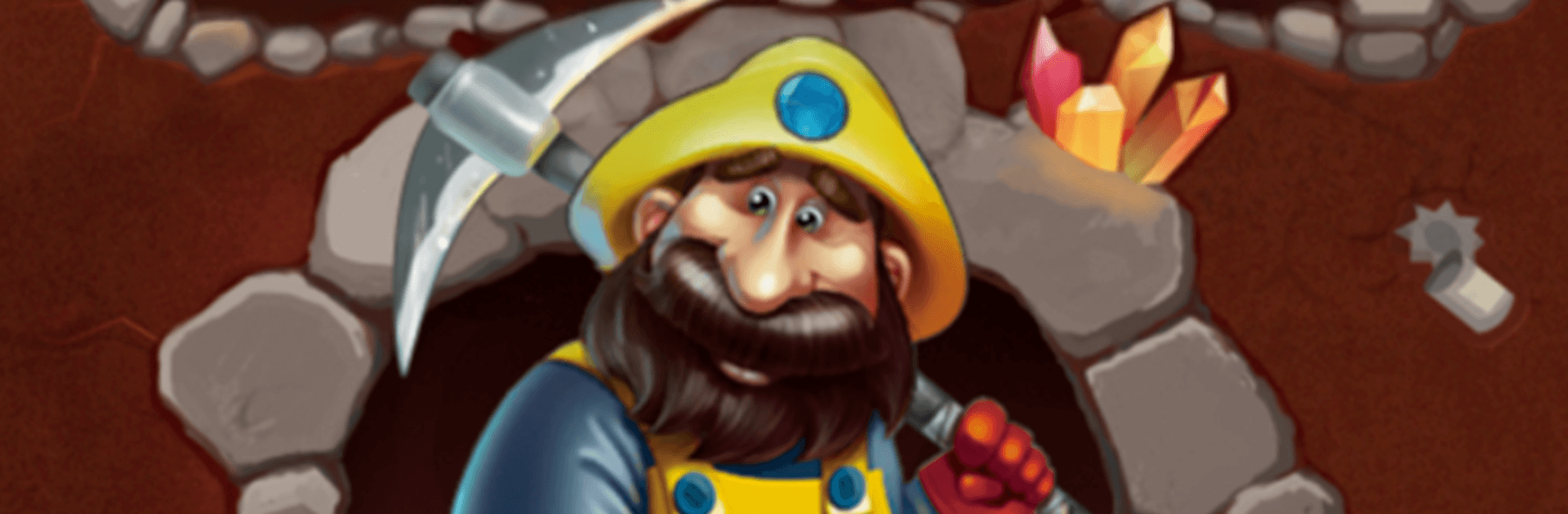
Gem Crush – Tile Match 3 Game is a Casual puzzle adventure set inside a glittering, reactive mine that actually feels alive. You’re matching gems, sure—but the real thrill is how the mine answers back as your moves get bigger, louder, and smarter. Prefer a larger view? You can run it on PC with BlueStacks without changing how the game plays.

Game Features

  • Living Board Feedback: Matches spark, rumble, and build momentum—the stronger your chain, the more the mine responds.
  • Distinct Round Styles: Take on five different round types that shift your goals and rhythm instead of just cranking difficulty.
  • Power Gems You Build: Create Lightning Gems, Fire Gems, and Mystic Gems—lines slice through rows, blasts punch out areas, and a single trigger can erase an entire color.
  • Six Special Combos: Swap two specials together for oversized results—Lightning + Lightning makes a plus-shaped storm, Fire + Fire blows out a 5-by-5, and Mystic + Mystic wipes the board, with three more pairings to learn.
  • Chapter-by-Chapter Flow: Finish a chapter, watch a rush of gold tiles pour down, then tap to step into the next tunnel at your own pace.
  • No Timers or Lives: Play streaks without waiting around—there’s no energy bar and no life counter tapping the brakes.
  • Quick Sessions That Sing: Great for a five-minute break but satisfying enough when you’re in the zone and chaining specials.
  • Offline Friendly: Play offline with progress saved on your device; when online, services are used for ads, diagnostics, and optional backup—no sign-in necessary.
  • Combos as Escape Hatches: Stuck in a tight spot? Craft a special, set up the swap, and blast your way back into control.
  • Punchy Sound and Feel: Crisp pops, chunky flashes, and that vault-like whoosh when a Mystic goes off make every move feel big.

Get ready for a buttery smooth, high-performance gaming action only on BlueStacks.

Game Features

Enhancements

  • Macros
  • Multi Instance
  • Script
  • Repeated Tap
  • Enhancements
Macros

Macros

Automate the predictable in Gem Crush - Tile Match 3 Game and transform your gameplay with Macros. Get access to inventive Macros in the BlueStacks Macro Community
Multi Instance

Multi Instance

Play Gem Crush - Tile Match 3 Game on one window. And chat with your friend on the other. Press CTRL + Shift + 8 to open the Multi-Instance Manager. And start creating fresh instances or clone an existing one.
Script

Script

Script your way to gaming glory in Gem Crush - Tile Match 3 Game with BlueStacks Script. Write and run a set of commands to automate repeated tasks. Trigger the command by assigning it to any key.
Repeated Tap

Repeated Tap

BlueStacks lets you master Gem Crush - Tile Match 3 Game with useful features like the Repeated Tap. Now you do not have to press the same key repeatedly to initiate an action. Just assign it to one key and you are good to go.
Read More

How to Download and Play Gem Crush - Tile Match 3 Game on PC or Mac

  • Download and install BlueStacks on your PC or Mac

  • Complete Google sign-in to access the Play Store, or do it later

  • Look for Gem Crush - Tile Match 3 Game in the search bar at the top right corner

  • Click to install Gem Crush - Tile Match 3 Game from the search results

  • Complete Google sign-in (if you skipped step 2) to install Gem Crush - Tile Match 3 Game

  • Click the Gem Crush - Tile Match 3 Game icon on the home screen to start playing

video
Watch Video

Minimum System Requirements

With BlueStacks 5, you can get started on a PC that fulfills the following requirements.

  • Operating System

    Microsoft Windows 7 or above, macOS 11 (Big Sur) or above

  • Processor

    Intel, AMD or Apple Silicon Processor

  • RAM

    at least 4GB

  • HDD

    10GB Free Disk Space

Note:

* You must be an Administrator on your PC. Up to date graphics drivers from Microsoft or the chipset vendor.

Gem Crush - Tile Match 3 Game - FAQs

  • How to play Gem Crush - Tile Match 3 Game on Windows PC & Mac?

    Play Gem Crush - Tile Match 3 Game on your PC or Mac by following these simple steps.

    • Click on 'Play Gem Crush - Tile Match 3 Game on PC’ to download BlueStacks
    • Install it and log-in to Google Play Store
    • Launch and play the game.
  • Why is BlueStacks the fastest and safest platform to play games on PC?

    BlueStacks respects your privacy and is always safe and secure to use. It does not carry any malware, spyware, or any sort of additional software that could harm your PC.

    It is engineered to optimize speed and performance for a seamless gaming experience.

  • What are Gem Crush - Tile Match 3 Game PC requirements?

    Minimum requirement to run Gem Crush - Tile Match 3 Game on your PC

    • OS: Microsoft Windows 7 or above MacOS 11 (Big Sur) or above
    • Processor: Intel, AMD or Apple Silicon Processor
    • RAM: Your PC must have at least 4GB of RAM. (Note that having 4GB or more disk space is not a substitute for RAM)
    • HDD: 10GB Free Disk Space.
    • You must be an Administrator on your PC.