Latest Sandbox Playground

Latest Sandbox Playground

Casual

| Agro Smart

Play on PC with BlueStacks or from our cloud

  • Overview
  • Game Features
  • How to Play

Page Modified On: May 11, 2026

Play Latest Sandbox Playground on PC or Mac

Bring your A-game to Latest Sandbox Playground, the Casual game sensation from Agro Smart. Give your gameplay the much-needed boost with precise game controls, high FPS graphics, and top-tier features on your PC or Mac with BlueStacks.

About the Game

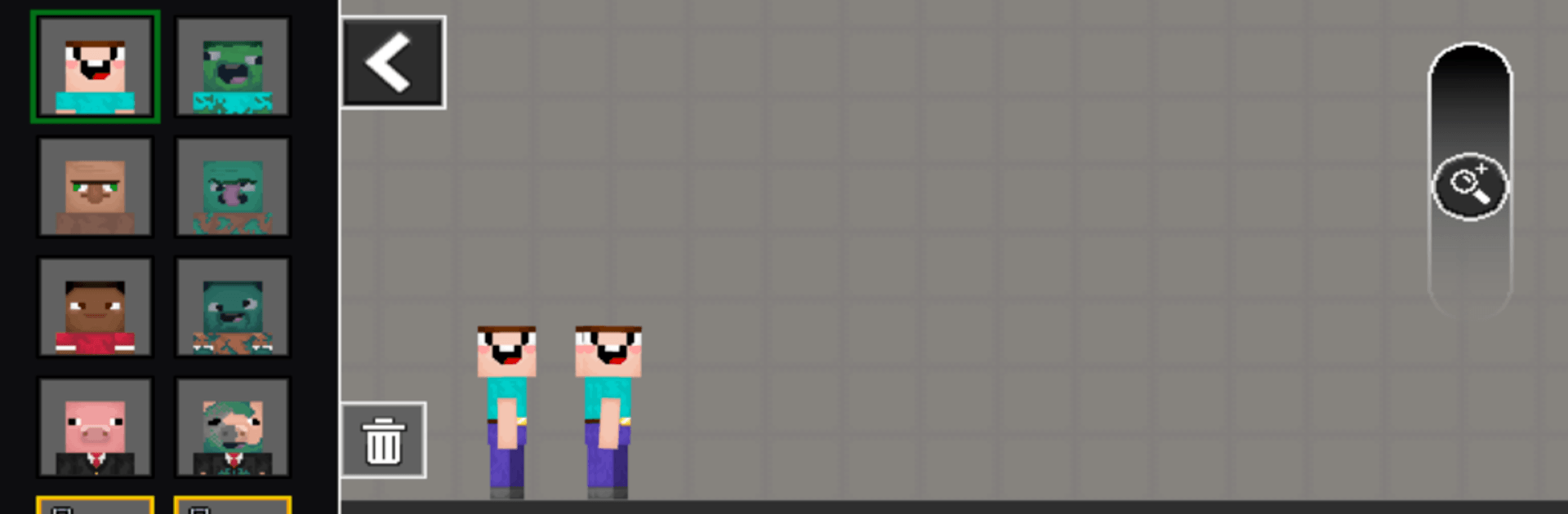
Latest Sandbox Playground is that “what happens if…?” toy box you open when you’re in the mood to make a mess and see what breaks. This Casual creation from Agro Smart lets you stage humans-versus-zombies showdowns, stack wild contraptions, and then blow them apart just to watch the pieces tumble. It’s physics-first, silly when you want it to be, and surprisingly tactical when you start planning real defenses. Prefer a bigger screen and mouse aim? It plays nicely on PC with BlueStacks, too.

Game Features

  • Pick Your Side: Jump in as a human survivor or flip the script and command the undead. Swap strategies, test ideas, and see which crew handles your chaos better.
  • Build, Wreck, Repeat: Throw together barricades, ramps, and full-on fortresses, then tear them down when the plan changes. Experimenting is half the fun.
  • Vehicles That Matter: Roll out in tanks, lift off in helicopters, or scout with quadcopters. Land and air options open up new angles for attack and defense.
  • Physics-Driven Mayhem: Explosions, crashes, and collisions send ragdoll bodies pinwheeling. It’s equal parts slapstick and “yep, that’s how momentum works.”
  • Your Loadout, Your Rules: Mix weapons, armor, and bombs to suit your mood—stealthy holdout, loud brawler, or meticulous trap-layer.
  • Enemies That Push Back: Zombies and human fighters don’t just wander; they react, pressure weak spots, and keep you on your toes.
  • Scale the Chaos: Everything’s built in—no extra stuff to install. Crank up the number of enemies and craft the exact battle you want.
  • Always Something New to Try: Base defense one minute, vehicle ambush the next, or just a sandbox experiment that turns into a glorious mess.

Slay your opponents with your epic moves. Play it your way on BlueStacks and dominate the battlefield.


Game Features

Enhancements

  • Macros
  • Multi Instance
  • Script
  • Repeated Tap
  • Enhancements
Macros

Macros

Automate the predictable in Latest Sandbox Playground and transform your gameplay with Macros. Get access to inventive Macros in the BlueStacks Macro Community
Multi Instance

Multi Instance

Play Latest Sandbox Playground on one window. And chat with your friend on the other. Press CTRL + Shift + 8 to open the Multi-Instance Manager. And start creating fresh instances or clone an existing one.
Script

Script

Script your way to gaming glory in Latest Sandbox Playground with BlueStacks Script. Write and run a set of commands to automate repeated tasks. Trigger the command by assigning it to any key.
Repeated Tap

Repeated Tap

BlueStacks lets you master Latest Sandbox Playground with useful features like the Repeated Tap. Now you do not have to press the same key repeatedly to initiate an action. Just assign it to one key and you are good to go.
Read More

How to Download and Play Latest Sandbox Playground on PC or Mac

  • Download and install BlueStacks on your PC or Mac

  • Complete Google sign-in to access the Play Store, or do it later

  • Look for Latest Sandbox Playground in the search bar at the top right corner

  • Click to install Latest Sandbox Playground from the search results

  • Complete Google sign-in (if you skipped step 2) to install Latest Sandbox Playground

  • Click the Latest Sandbox Playground icon on the home screen to start playing

video
Watch Video

Minimum System Requirements

With BlueStacks 5, you can get started on a PC that fulfills the following requirements.

  • Operating System

    Microsoft Windows 7 or above, macOS 11 (Big Sur) or above

  • Processor

    Intel, AMD or Apple Silicon Processor

  • RAM

    at least 4GB

  • HDD

    10GB Free Disk Space

Note:

* You must be an Administrator on your PC. Up to date graphics drivers from Microsoft or the chipset vendor.

Latest Sandbox Playground - FAQs

  • How to play Latest Sandbox Playground on Windows PC & Mac?

    Play Latest Sandbox Playground on your PC or Mac by following these simple steps.

    • Click on 'Play Latest Sandbox Playground on PC’ to download BlueStacks
    • Install it and log-in to Google Play Store
    • Launch and play the game.
  • Why is BlueStacks the fastest and safest platform to play games on PC?

    BlueStacks respects your privacy and is always safe and secure to use. It does not carry any malware, spyware, or any sort of additional software that could harm your PC.

    It is engineered to optimize speed and performance for a seamless gaming experience.

  • What are Latest Sandbox Playground PC requirements?

    Minimum requirement to run Latest Sandbox Playground on your PC

    • OS: Microsoft Windows 7 or above MacOS 11 (Big Sur) or above
    • Processor: Intel, AMD or Apple Silicon Processor
    • RAM: Your PC must have at least 4GB of RAM. (Note that having 4GB or more disk space is not a substitute for RAM)
    • HDD: 10GB Free Disk Space.
    • You must be an Administrator on your PC.