Makeup Hole:Makeover

Makeup Hole:Makeover

Casual

| Popular Game Studio

Play on PC with BlueStacks or from our cloud

  • Overview
  • Game Features
  • How to Play

Page Modified On: September 02, 2025

Play Makeup Hole:Makeover on PC or Mac

Join millions to experience Makeup Hole:Makeover, an exciting Casual game from Popular Game Studio. With BlueStacks App Player, you are always a step ahead of your opponent, ready to outplay them with faster gameplay and better control with the mouse and keyboard on your PC or Mac.

About the Game

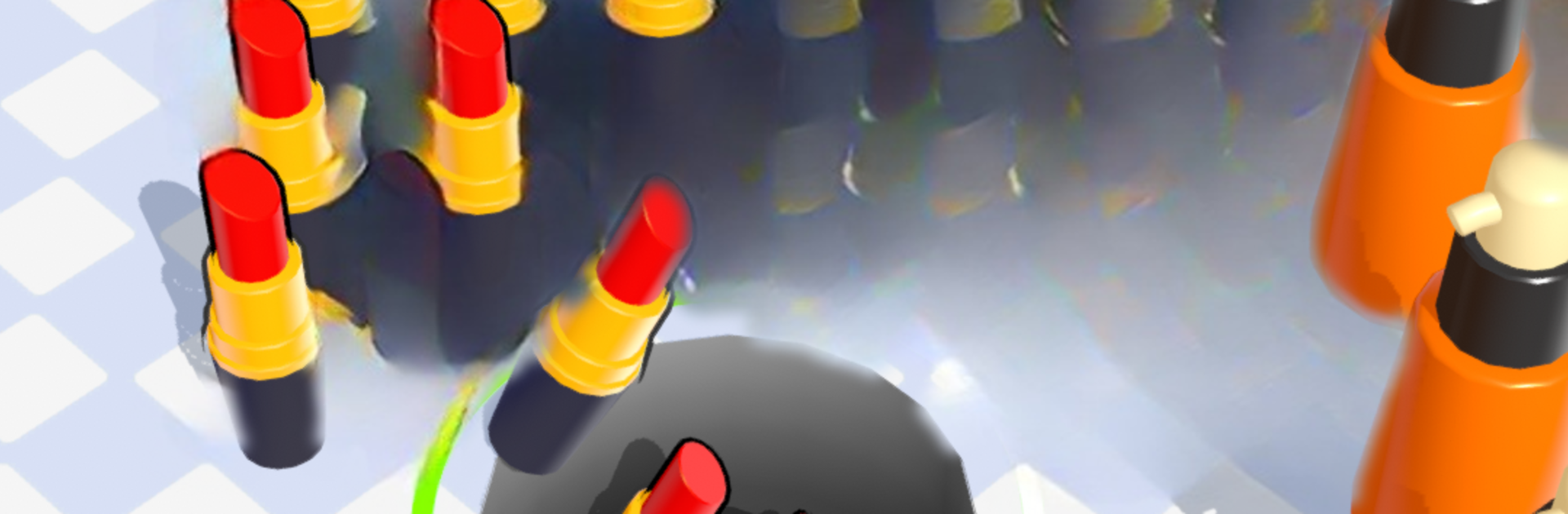
Makeup Hole:Makeover takes a wonderfully weird idea and turns it into a super satisfying Casual challenge. You guide a roaming hole around the screen, gobbling up lipsticks, brushes, and palettes, then fire that glam straight onto faces that need a quick fix. It’s part puzzle, part arcade snack—quick, quirky, and surprisingly strategic.

Game Features

  • Gobble-and-glam loop: Sweep the black hole over scattered cosmetics, stash everything inside, then launch your haul to complete each makeover. It’s simple to learn and oddly addictive.
  • Intuitive controls: Drag to steer, aim your shot, and release. That’s it. The fun comes from how precise you can be under pressure.
  • Satisfying physics: Items clatter into the hole, and makeup lands with a pop. Nail the angle and timing to cover more ground and clean up a face in one slick burst.
  • Varied makeover targets: From bare faces to ones with awkward gaps, each layout asks you to collect the right stuff and place it smartly.
  • Quick-hit levels: Short rounds make it easy to play a couple stages on a break—or chase a better score when you’ve got time.
  • Gradual challenge: Expect trickier layouts, moving pieces, and tighter spaces that push you to plan your route and shots.
  • Clean, playful style: Bright visuals and punchy effects keep every swallow and splash of color feeling crisp.
  • Smooth on PC with BlueStacks: Prefer a bigger screen and mouse control? It plays comfortably there too, without changing the pick-up-and-play vibe.
  • From Popular Game Studio: A fresh spin on makeovers that stays true to a Casual feel while keeping the action snappy and light.

Slay your opponents with your epic moves. Play it your way on BlueStacks and dominate the battlefield.


Game Features

Enhancements

  • Macros
  • Multi Instance
  • Script
  • Repeated Tap
  • Enhancements
Macros

Macros

Automate the predictable in Makeup Hole:Makeover and transform your gameplay with Macros. Get access to inventive Macros in the BlueStacks Macro Community
Multi Instance

Multi Instance

Play Makeup Hole:Makeover on one window. And chat with your friend on the other. Press CTRL + Shift + 8 to open the Multi-Instance Manager. And start creating fresh instances or clone an existing one.
Script

Script

Script your way to gaming glory in Makeup Hole:Makeover with BlueStacks Script. Write and run a set of commands to automate repeated tasks. Trigger the command by assigning it to any key.
Repeated Tap

Repeated Tap

BlueStacks lets you master Makeup Hole:Makeover with useful features like the Repeated Tap. Now you do not have to press the same key repeatedly to initiate an action. Just assign it to one key and you are good to go.
Read More

How to Download and Play Makeup Hole:Makeover on PC or Mac

  • Download and install BlueStacks on your PC or Mac

  • Complete Google sign-in to access the Play Store, or do it later

  • Look for Makeup Hole:Makeover in the search bar at the top right corner

  • Click to install Makeup Hole:Makeover from the search results

  • Complete Google sign-in (if you skipped step 2) to install Makeup Hole:Makeover

  • Click the Makeup Hole:Makeover icon on the home screen to start playing

video
Watch Video

Minimum System Requirements

With BlueStacks 5, you can get started on a PC that fulfills the following requirements.

  • Operating System

    Microsoft Windows 7 or above, macOS 11 (Big Sur) or above

  • Processor

    Intel, AMD or Apple Silicon Processor

  • RAM

    at least 4GB

  • HDD

    10GB Free Disk Space

Note:

* You must be an Administrator on your PC. Up to date graphics drivers from Microsoft or the chipset vendor.

Makeup Hole:Makeover - FAQs

  • How to play Makeup Hole:Makeover on Windows PC & Mac?

    Play Makeup Hole:Makeover on your PC or Mac by following these simple steps.

    • Click on 'Play Makeup Hole:Makeover on PC’ to download BlueStacks
    • Install it and log-in to Google Play Store
    • Launch and play the game.
  • Why is BlueStacks the fastest and safest platform to play games on PC?

    BlueStacks respects your privacy and is always safe and secure to use. It does not carry any malware, spyware, or any sort of additional software that could harm your PC.

    It is engineered to optimize speed and performance for a seamless gaming experience.

  • What are Makeup Hole:Makeover PC requirements?

    Minimum requirement to run Makeup Hole:Makeover on your PC

    • OS: Microsoft Windows 7 or above MacOS 11 (Big Sur) or above
    • Processor: Intel, AMD or Apple Silicon Processor
    • RAM: Your PC must have at least 4GB of RAM. (Note that having 4GB or more disk space is not a substitute for RAM)
    • HDD: 10GB Free Disk Space.
    • You must be an Administrator on your PC.