Memory Kingdom: Brain Game

Memory Kingdom: Brain Game

Casual

| Ivytech Innovations

Play on PC with BlueStacks or from our cloud

  • Overview
  • Game Features
  • How to Play

Page Modified On: September 25, 2026

Play Memory Kingdom: Brain Game on PC or Mac

Memory Kingdom: Brain Game brings the Casual genre to life, and throws up exciting challenges for gamers. Developed by Ivytech Innovations, this Android game is best experienced on BlueStacks, the World’s #1 app player for PC and Mac users.

About the Game

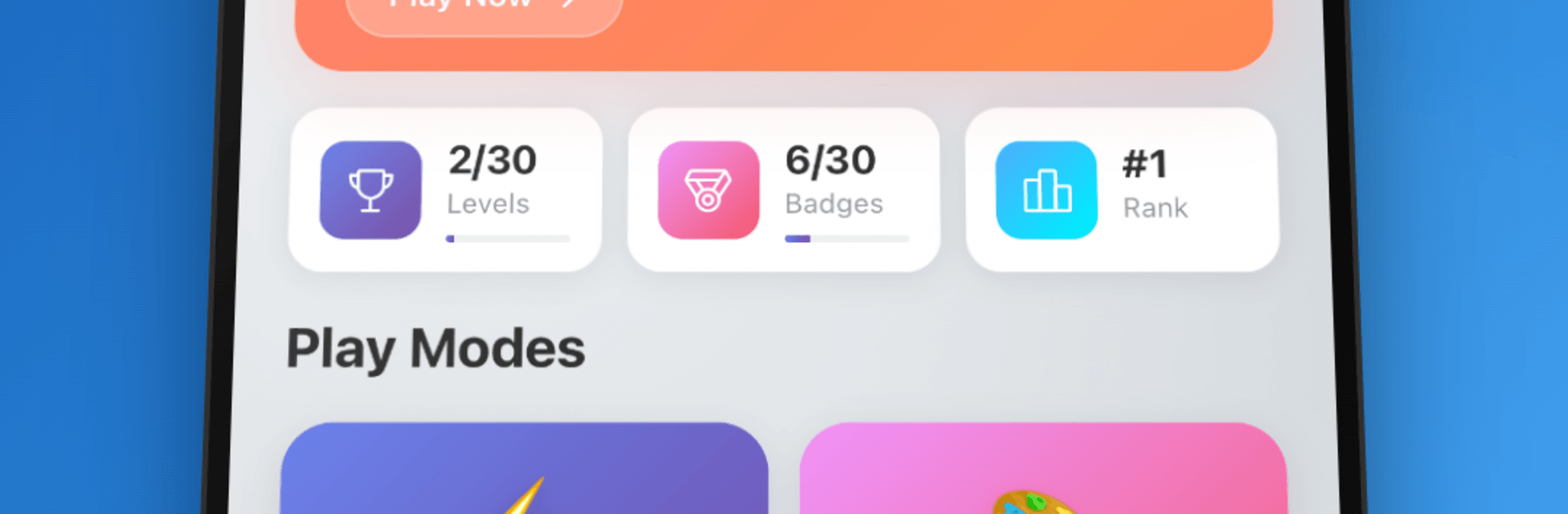
Memory Kingdom: Brain Game is a Casual matching challenge that turns memory training into a satisfying, structured journey. You’ll work through handcrafted stages, tackle clever daily twists, and track your progress with ranks, badges, and leaderboards. Prefer playing at a desk? It runs smoothly on PC with BlueStacks, too.

Game Features

  • Handcrafted Campaign: Tackle 30 thoughtfully built levels across four difficulty tiers, with grids that scale from 2×3 to 5×6 and twists like 3-card matches, timers, and move caps.
  • Daily Challenges That Count: Face rotating modes—Fog, Limited Moves, Triple Match, and Mega Grid—keep your streak going to earn standout badges.
  • Quick Play Anytime: Jump into unlimited practice rounds to warm up your brain, test strategies, or just relax between tougher stages.
  • Earnable Badges: Collect 30 unique achievements, from first clears to flawless finishes and long-running streaks that prove your consistency.
  • Climb the Ranks: Score points to rise from Beginner to Legend, showing steady improvement as you complete levels and daily modes.
  • Global Leaderboards: See how you stack up on all-time, daily, and seasonal boards, with regular resets that keep competition fresh.
  • Speed-and-Accuracy Bonuses: Play sharp and fast to snag performance boosts that bump your final score.
  • Smart Mechanics: Learn to handle memory-bending rules—fogged cards, triple matches, and time pressure—by planning your moves and focusing on patterns.
  • Offline-Friendly: Play without a connection whenever you’ve got a spare minute or want a longer session.
  • Clean, Modern Look: A crisp, intuitive interface keeps the focus on remembering card positions instead of wrestling with menus.

Start your journey now. Download the game on BlueStacks, invite your friends, and march on a new adventure.


Game Features

Enhancements

  • Macros
  • Multi Instance
  • Script
  • Repeated Tap
  • Enhancements
Macros

Macros

Automate the predictable in Memory Kingdom: Brain Game and transform your gameplay with Macros. Get access to inventive Macros in the BlueStacks Macro Community
Multi Instance

Multi Instance

Play Memory Kingdom: Brain Game on one window. And chat with your friend on the other. Press CTRL + Shift + 8 to open the Multi-Instance Manager. And start creating fresh instances or clone an existing one.
Script

Script

Script your way to gaming glory in Memory Kingdom: Brain Game with BlueStacks Script. Write and run a set of commands to automate repeated tasks. Trigger the command by assigning it to any key.
Repeated Tap

Repeated Tap

BlueStacks lets you master Memory Kingdom: Brain Game with useful features like the Repeated Tap. Now you do not have to press the same key repeatedly to initiate an action. Just assign it to one key and you are good to go.
Read More

How to Download and Play Memory Kingdom: Brain Game on PC or Mac

  • Download and install BlueStacks on your PC or Mac

  • Complete Google sign-in to access the Play Store, or do it later

  • Look for Memory Kingdom: Brain Game in the search bar at the top right corner

  • Click to install Memory Kingdom: Brain Game from the search results

  • Complete Google sign-in (if you skipped step 2) to install Memory Kingdom: Brain Game

  • Click the Memory Kingdom: Brain Game icon on the home screen to start playing

video
Watch Video

Minimum System Requirements

With BlueStacks 5, you can get started on a PC that fulfills the following requirements.

  • Operating System

    Microsoft Windows 7 or above, macOS 11 (Big Sur) or above

  • Processor

    Intel, AMD or Apple Silicon Processor

  • RAM

    at least 4GB

  • HDD

    10GB Free Disk Space

Note:

* You must be an Administrator on your PC. Up to date graphics drivers from Microsoft or the chipset vendor.

Memory Kingdom: Brain Game - FAQs

  • How to play Memory Kingdom: Brain Game on Windows PC & Mac?

    Play Memory Kingdom: Brain Game on your PC or Mac by following these simple steps.

    • Click on 'Play Memory Kingdom: Brain Game on PC’ to download BlueStacks
    • Install it and log-in to Google Play Store
    • Launch and play the game.
  • Why is BlueStacks the fastest and safest platform to play games on PC?

    BlueStacks respects your privacy and is always safe and secure to use. It does not carry any malware, spyware, or any sort of additional software that could harm your PC.

    It is engineered to optimize speed and performance for a seamless gaming experience.

  • What are Memory Kingdom: Brain Game PC requirements?

    Minimum requirement to run Memory Kingdom: Brain Game on your PC

    • OS: Microsoft Windows 7 or above MacOS 11 (Big Sur) or above
    • Processor: Intel, AMD or Apple Silicon Processor
    • RAM: Your PC must have at least 4GB of RAM. (Note that having 4GB or more disk space is not a substitute for RAM)
    • HDD: 10GB Free Disk Space.
    • You must be an Administrator on your PC.