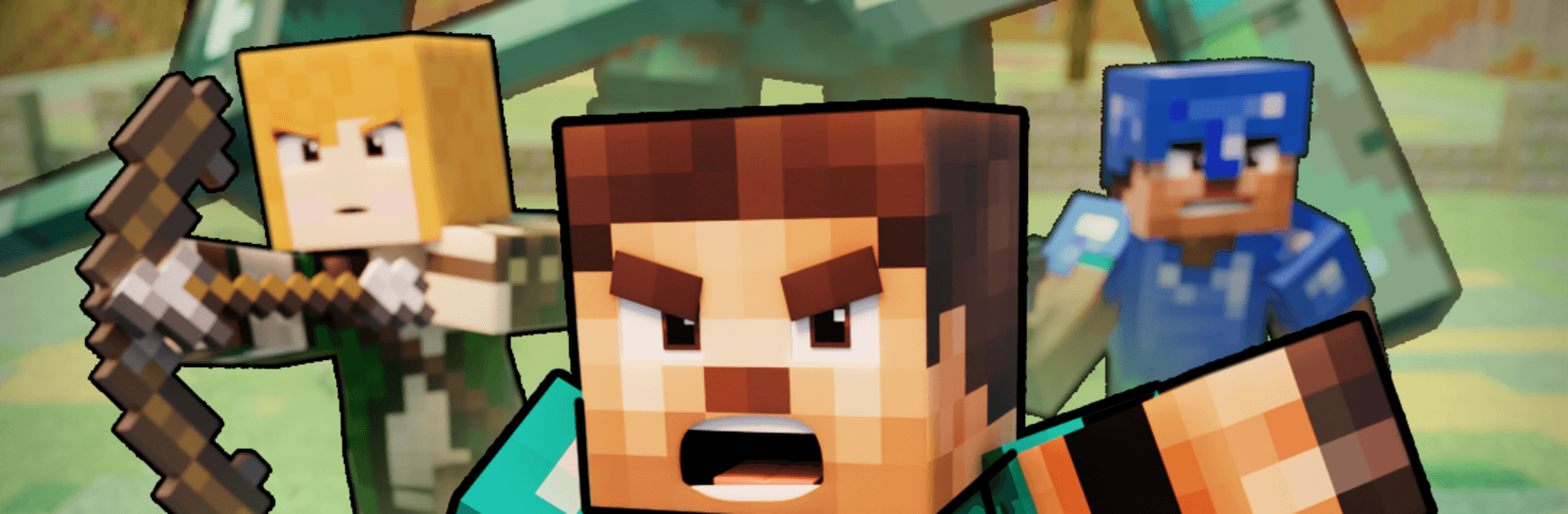
Mob Battle: Craft Army

Mob Battle: Craft Army

Casual

| Eliten

Play on PC with BlueStacks or from our cloud

  • Overview
  • Game Features
  • How to Play

Page Modified On: September 18, 2026

Play Mob Battle: Craft Army on PC or Mac

Bring your A-game to Mob Battle: Craft Army, the Casual game sensation from Eliten. Give your gameplay the much-needed boost with precise game controls, high FPS graphics, and top-tier features on your PC or Mac with BlueStacks.

About the Game

Mob Battle: Craft Army puts you in command of a scrappy force that grows into a serious war machine. This Casual strategy-and-action mix has you building a base, training mobs, crafting gear, and marching on neighboring lands to steal their flag. It’s easy to pick up for a quick session, and it plays nicely on PC with BlueStacks if you want a bigger view of the battlefield.

Game Features

  • Build your base: Set up barracks, training yards, and resource hubs so your mobs have everything they need to thrive.
  • Train the right mix: Recruit and level up different warriors, then toughen them through skirmishes, quests, and challenges.
  • Craft and upgrade gear: Use spoils from raids to forge weapons and armor at the blacksmith, boosting power and unlocking new possibilities.
  • Plan your economy: Balance gold, production, and unit costs to keep your growth rolling without stalling mid-push.
  • Tactics that matter: Read the map, pick your lanes, time your strikes, and grab the enemy flag when the moment’s right.
  • Varied maps and scenarios: Fight across changing layouts with fresh routes, chokepoints, and objectives that shake up your approach.
  • Quick to learn, satisfying to master: Simple controls and clear goals make it welcoming, while deeper systems reward smart planning.
  • Endless army combos: Mix unit types and equipment sets to create synergies that match your style—bulky tanks, speedy raiders, crafty specialists, and more.

Start your journey now. Download the game on BlueStacks, invite your friends, and march on a new adventure.


Game Features

Enhancements

  • Macros
  • Multi Instance
  • Script
  • Repeated Tap
  • Enhancements
Macros

Macros

Automate the predictable in Mob Battle: Craft Army and transform your gameplay with Macros. Get access to inventive Macros in the BlueStacks Macro Community
Multi Instance

Multi Instance

Play Mob Battle: Craft Army on one window. And chat with your friend on the other. Press CTRL + Shift + 8 to open the Multi-Instance Manager. And start creating fresh instances or clone an existing one.
Script

Script

Script your way to gaming glory in Mob Battle: Craft Army with BlueStacks Script. Write and run a set of commands to automate repeated tasks. Trigger the command by assigning it to any key.
Repeated Tap

Repeated Tap

BlueStacks lets you master Mob Battle: Craft Army with useful features like the Repeated Tap. Now you do not have to press the same key repeatedly to initiate an action. Just assign it to one key and you are good to go.
Read More

How to Download and Play Mob Battle: Craft Army on PC or Mac

  • Download and install BlueStacks on your PC or Mac

  • Complete Google sign-in to access the Play Store, or do it later

  • Look for Mob Battle: Craft Army in the search bar at the top right corner

  • Click to install Mob Battle: Craft Army from the search results

  • Complete Google sign-in (if you skipped step 2) to install Mob Battle: Craft Army

  • Click the Mob Battle: Craft Army icon on the home screen to start playing

video
Watch Video

Minimum System Requirements

With BlueStacks 5, you can get started on a PC that fulfills the following requirements.

  • Operating System

    Microsoft Windows 7 or above, macOS 11 (Big Sur) or above

  • Processor

    Intel, AMD or Apple Silicon Processor

  • RAM

    at least 4GB

  • HDD

    10GB Free Disk Space

Note:

* You must be an Administrator on your PC. Up to date graphics drivers from Microsoft or the chipset vendor.

Mob Battle: Craft Army - FAQs

  • How to play Mob Battle: Craft Army on Windows PC & Mac?

    Play Mob Battle: Craft Army on your PC or Mac by following these simple steps.

    • Click on 'Play Mob Battle: Craft Army on PC’ to download BlueStacks
    • Install it and log-in to Google Play Store
    • Launch and play the game.
  • Why is BlueStacks the fastest and safest platform to play games on PC?

    BlueStacks respects your privacy and is always safe and secure to use. It does not carry any malware, spyware, or any sort of additional software that could harm your PC.

    It is engineered to optimize speed and performance for a seamless gaming experience.

  • What are Mob Battle: Craft Army PC requirements?

    Minimum requirement to run Mob Battle: Craft Army on your PC

    • OS: Microsoft Windows 7 or above MacOS 11 (Big Sur) or above
    • Processor: Intel, AMD or Apple Silicon Processor
    • RAM: Your PC must have at least 4GB of RAM. (Note that having 4GB or more disk space is not a substitute for RAM)
    • HDD: 10GB Free Disk Space.
    • You must be an Administrator on your PC.