Zendala Color
Zendala Color

Zendala Color

Casual

| Joyful Ark Studio

Play on PC with BlueStacks or from our cloud

  • Overview
  • Game Features
  • How to Play

Page Modified On: January 08, 2026

Play Zendala Color on PC or Mac

Bring your A-game to Zendala Color, the Casual game sensation from Joyful Ark Studio. Give your gameplay the much-needed boost with precise game controls, high FPS graphics, and top-tier features on your PC or Mac with BlueStacks.

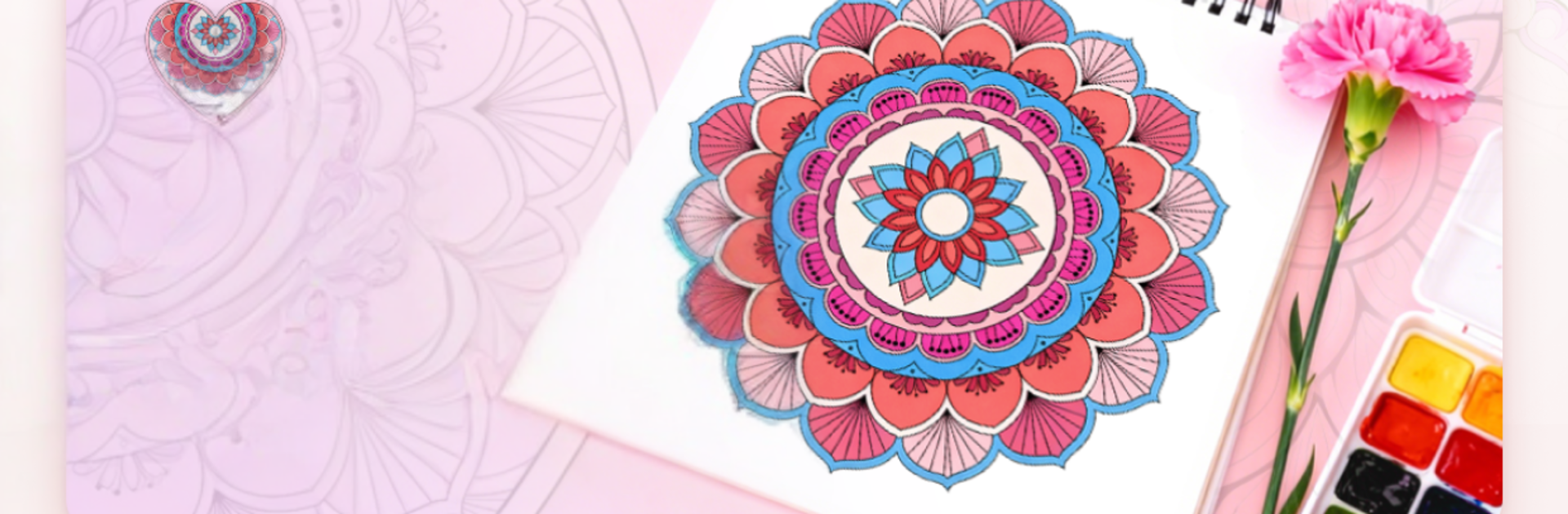
Zendala Color feels like a calm color-by-number playground built around mandala patterns. The whole thing is tap to fill, no drawing skill needed, so a player settles in fast and just watches the shapes come alive. The designs are neat and symmetrical, which gives that oddly satisfying snap as each section locks into place. There are no timers, no pressure, just numbers to follow at a comfortable pace. After a few minutes, the brain quiets down and focus drifts to the next little segment to complete, then the next, until the whole wheel looks tidy and bright.

What stands out is how gentle it is. It does not feel like a kids app, more like a small mental break that still lets someone make something pretty. Finished pictures can be saved or shared, so there is a tiny gallery vibe where progress actually looks nice on a screen. If a player likes simple, steady tasks that reduce noise rather than add more, this fits. On PC with BlueStacks, the larger display and mouse clicks make the tiny numbered pieces easier to hit, and zooming around the pattern feels clean. The only caution is that color-by-number can get repetitive if someone wants surprises all the time, but for a peaceful routine, it lands exactly where it should.

Get ready for a buttery smooth, high-performance gaming action only on BlueStacks.

Game Features

Enhancements

  • Macros
  • Multi Instance
  • Script
  • Repeated Tap
  • Enhancements
Macros

Macros

Automate the predictable in Zendala Color and transform your gameplay with Macros. Get access to inventive Macros in the BlueStacks Macro Community
Multi Instance

Multi Instance

Play Zendala Color on one window. And chat with your friend on the other. Press CTRL + Shift + 8 to open the Multi-Instance Manager. And start creating fresh instances or clone an existing one.
Script

Script

Script your way to gaming glory in Zendala Color with BlueStacks Script. Write and run a set of commands to automate repeated tasks. Trigger the command by assigning it to any key.
Repeated Tap

Repeated Tap

BlueStacks lets you master Zendala Color with useful features like the Repeated Tap. Now you do not have to press the same key repeatedly to initiate an action. Just assign it to one key and you are good to go.
Read More

How to Download and Play Zendala Color on PC or Mac

  • Download and install BlueStacks on your PC or Mac

  • Complete Google sign-in to access the Play Store, or do it later

  • Look for Zendala Color in the search bar at the top right corner

  • Click to install Zendala Color from the search results

  • Complete Google sign-in (if you skipped step 2) to install Zendala Color

  • Click the Zendala Color icon on the home screen to start playing

video
Watch Video

Minimum System Requirements

With BlueStacks 5, you can get started on a PC that fulfills the following requirements.

  • Operating System

    Microsoft Windows 7 or above, macOS 11 (Big Sur) or above

  • Processor

    Intel, AMD or Apple Silicon Processor

  • RAM

    at least 4GB

  • HDD

    10GB Free Disk Space

Note:

* You must be an Administrator on your PC. Up to date graphics drivers from Microsoft or the chipset vendor.

Zendala Color - FAQs

  • How to play Zendala Color on Windows PC & Mac?

    Play Zendala Color on your PC or Mac by following these simple steps.

    • Click on 'Play Zendala Color on PC’ to download BlueStacks
    • Install it and log-in to Google Play Store
    • Launch and play the game.
  • Why is BlueStacks the fastest and safest platform to play games on PC?

    BlueStacks respects your privacy and is always safe and secure to use. It does not carry any malware, spyware, or any sort of additional software that could harm your PC.

    It is engineered to optimize speed and performance for a seamless gaming experience.

  • What are Zendala Color PC requirements?

    Minimum requirement to run Zendala Color on your PC

    • OS: Microsoft Windows 7 or above MacOS 11 (Big Sur) or above
    • Processor: Intel, AMD or Apple Silicon Processor
    • RAM: Your PC must have at least 4GB of RAM. (Note that having 4GB or more disk space is not a substitute for RAM)
    • HDD: 10GB Free Disk Space.
    • You must be an Administrator on your PC.