
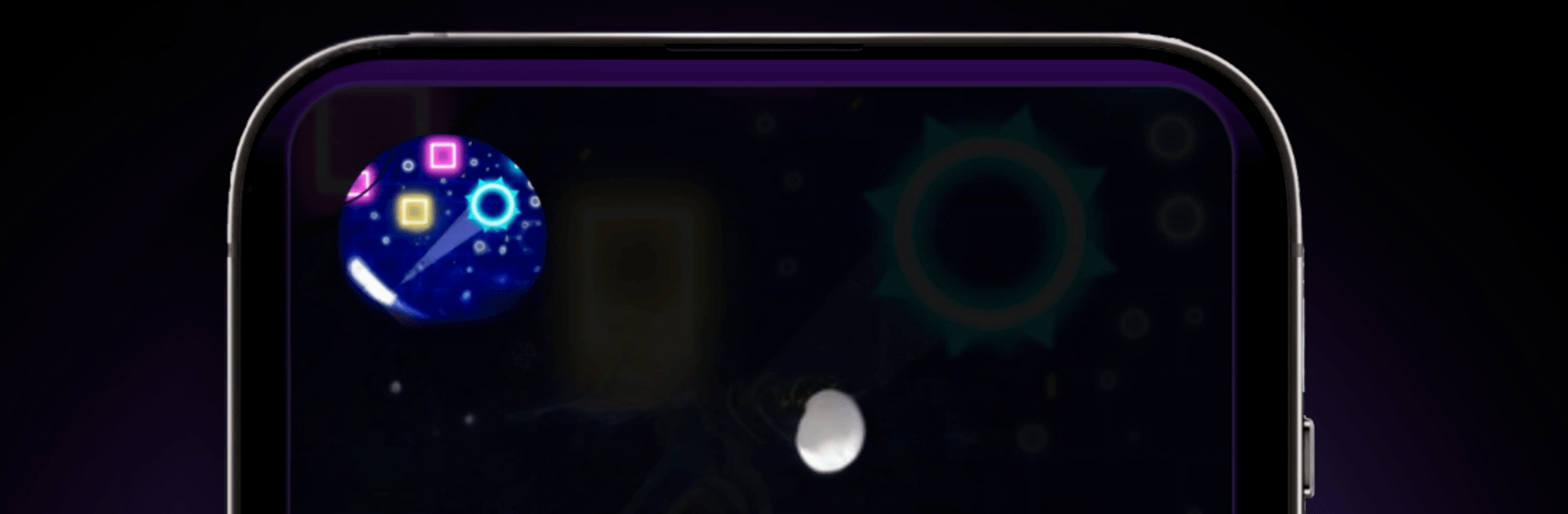
OP Games: Color Sort & Arcade

OP Games: Color Sort & Arcade

Casual

| SaaSifly Technologies

Play on PC with BlueStacks or from our cloud

  • Overview
  • Game Features
  • How to Play

Page Modified On: May 25, 2026

Play OP Games: Color Sort & Arcade on PC or Mac

Play OP Games: Color Sort & Arcade by SaaSifly Technologies on PC or Mac with BlueStacks. Use a bigger screen, mouse and keyboard controls, and smoother performance while you play.

About the Game

OP Games: Color Sort & Arcade bundles a bunch of bite-size challenges into one laid-back Casual package. It’s the kind of app you open for a quick brain teaser, then stick around for a fast arcade run or a timing test. Want a bigger screen for those reflex moments? It plays great on BlueStacks, too.

Game Features

  • 5-in-1 collection: Swap between puzzles and arcade modes without juggling multiple apps. One hub, lots of ways to play.
  • Color Sort Puzzle: Gently pour and match shades until each tube holds a single color. Tons of stages keep things fresh, and handy helpers like hints or an extra tube bail you out when logic hits a wall.
  • Bottle Shooter: A satisfying 3D target range where clean aim and timing matter. Moving bottles, crunchy glass effects, and physics that make every hit feel earned.
  • Neon Challenge: A glowing, high-speed obstacle rush that ramps up every second. Stay sharp, survive as long as you can, and chase a spot on the worldwide leaderboard.
  • Tower Builder: Tap to drop blocks and stack them sky-high. It’s simple to start, surprisingly tricky to perfect.
  • Find the Mistake: A classic spot-the-difference mode for when you want calm focus over speed. Great for sharpening attention.
  • Smooth and lightweight: Quick installs, steady performance, and snappy transitions between games.
  • Play your way: Brainy logic one minute, reflex-driven action the next—easy to pick up, fun for all ages.

Start playing OP Games: Color Sort & Arcade on BlueStacks and get a smoother, more comfortable PC or Mac setup.


Game Features

Enhancements

  • Macros
  • Multi Instance
  • Script
  • Repeated Tap
  • Enhancements
Macros

Macros

Automate the predictable in OP Games: Color Sort & Arcade and transform your gameplay with Macros. Get access to inventive Macros in the BlueStacks Macro Community
Multi Instance

Multi Instance

Play OP Games: Color Sort & Arcade on one window. And chat with your friend on the other. Press CTRL + Shift + 8 to open the Multi-Instance Manager. And start creating fresh instances or clone an existing one.
Script

Script

Script your way to gaming glory in OP Games: Color Sort & Arcade with BlueStacks Script. Write and run a set of commands to automate repeated tasks. Trigger the command by assigning it to any key.
Repeated Tap

Repeated Tap

BlueStacks lets you master OP Games: Color Sort & Arcade with useful features like the Repeated Tap. Now you do not have to press the same key repeatedly to initiate an action. Just assign it to one key and you are good to go.
Read More

How to Download and Play OP Games: Color Sort & Arcade on PC or Mac

  • Download and install BlueStacks on your PC or Mac

  • Complete Google sign-in to access the Play Store, or do it later

  • Look for OP Games: Color Sort & Arcade in the search bar at the top right corner

  • Click to install OP Games: Color Sort & Arcade from the search results

  • Complete Google sign-in (if you skipped step 2) to install OP Games: Color Sort & Arcade

  • Click the OP Games: Color Sort & Arcade icon on the home screen to start playing

video
Watch Video

Minimum System Requirements

With BlueStacks 5, you can get started on a PC that fulfills the following requirements.

  • Operating System

    Microsoft Windows 7 or above, macOS 11 (Big Sur) or above

  • Processor

    Intel, AMD or Apple Silicon Processor

  • RAM

    at least 4GB

  • HDD

    10GB Free Disk Space

Note:

* You must be an Administrator on your PC. Up to date graphics drivers from Microsoft or the chipset vendor.

OP Games: Color Sort & Arcade - FAQs

  • How to play OP Games: Color Sort & Arcade on Windows PC & Mac?

    Play OP Games: Color Sort & Arcade on your PC or Mac by following these simple steps.

    • Click on 'Play OP Games: Color Sort & Arcade on PC’ to download BlueStacks
    • Install it and log-in to Google Play Store
    • Launch and play the game.
  • Why is BlueStacks the fastest and safest platform to play games on PC?

    BlueStacks respects your privacy and is always safe and secure to use. It does not carry any malware, spyware, or any sort of additional software that could harm your PC.

    It is engineered to optimize speed and performance for a seamless gaming experience.

  • What are OP Games: Color Sort & Arcade PC requirements?

    Minimum requirement to run OP Games: Color Sort & Arcade on your PC

    • OS: Microsoft Windows 7 or above MacOS 11 (Big Sur) or above
    • Processor: Intel, AMD or Apple Silicon Processor
    • RAM: Your PC must have at least 4GB of RAM. (Note that having 4GB or more disk space is not a substitute for RAM)
    • HDD: 10GB Free Disk Space.
    • You must be an Administrator on your PC.







