海鮮!すし街道
海鮮!すし街道

海鮮!すし街道

Casual

| Kairosoft

Play on PC with BlueStacks or from our cloud

  • Overview
  • Game Features
  • How to Play

Page Modified On: November 12, 2026

Play 海鮮!すし街道 on PC or Mac

Step into the World of 海鮮!すし街道, a thrilling Casual game from the house of Kairosoft. Play this Android game on BlueStacks App Player and experience immersive gaming on PC or Mac.

About the Game

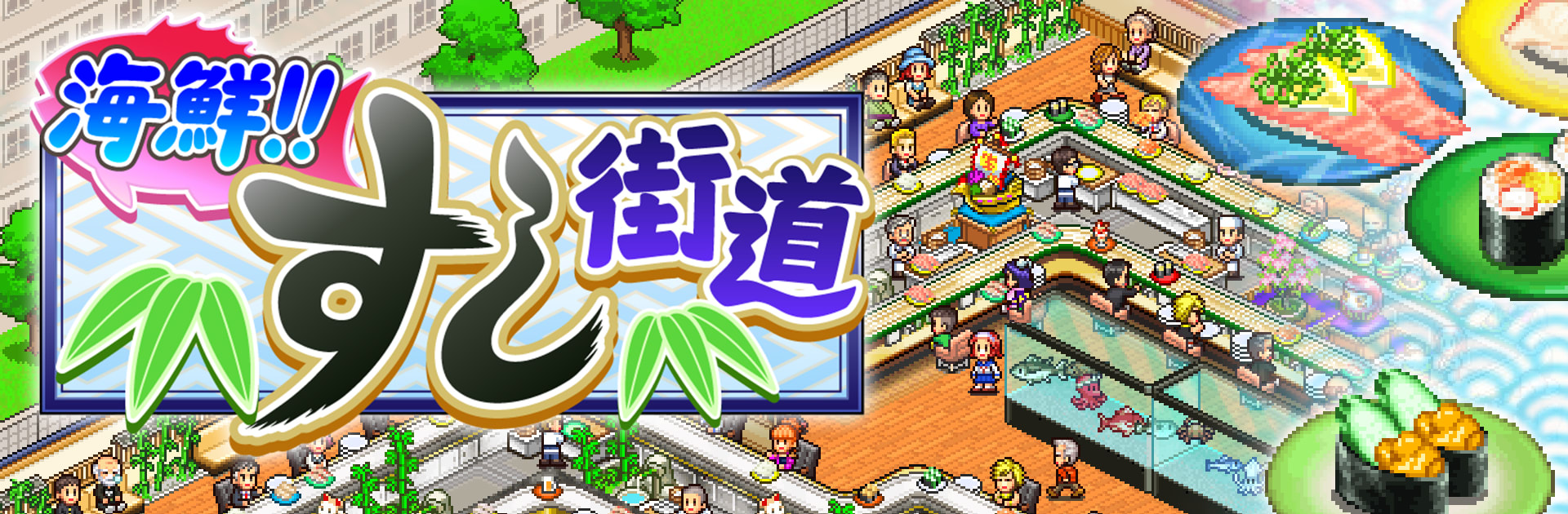
海鮮!すし街道 puts you in charge of a buzzing conveyor-belt sushi joint where timing, taste, and layout all matter. It’s a laid-back Casual management sim with a playful vibe, letting you grow a tiny eatery into the local favorite one plate at a time. Prefer a bigger screen? It also plays smoothly on PC with BlueStacks.

Game Features

  • Build and Expand: Stretch the conveyor lanes, add more seats, and fine-tune the flow so plates glide right where hungry guests are waiting.
  • Custom Sushi Creations: Mix classic and unexpected ingredients to craft original rolls—think squid with basil or eel with a crisp cucumber twist.
  • Discover Gear and Ingredients: Unlock new kitchen tools and fresh finds that shake up your menu and keep regulars curious.
  • Happy Guests, Growing Fans: Nail the taste, service, and speed to turn first-time visitors into loyal fans who spread the word.
  • Facilities That Pop: Add fun extras like a salad bar or a toy corner to keep families smiling and everyone lingering longer.
  • Local Contests and National Rank: Enter school and community sushi contests, rack up wins, and chase that coveted No. 1 nationwide ranking.
  • Tweak the Conveyor: Adjust belt routes and pace, place tables smartly, and keep the good stuff circulating without bottlenecks.
  • Retro Pixel Vibes: Enjoy charming 2D pixel art that makes your bustling shop feel cozy, colorful, and full of personality.

Start your journey now. Download the game on BlueStacks, invite your friends, and march on a new adventure.


Game Features

Enhancements

  • Macros
  • Multi Instance
  • Script
  • Repeated Tap
  • Enhancements
Macros

Macros

Automate the predictable in 海鮮!すし街道 and transform your gameplay with Macros. Get access to inventive Macros in the BlueStacks Macro Community
Multi Instance

Multi Instance

Play 海鮮!すし街道 on one window. And chat with your friend on the other. Press CTRL + Shift + 8 to open the Multi-Instance Manager. And start creating fresh instances or clone an existing one.
Script

Script

Script your way to gaming glory in 海鮮!すし街道 with BlueStacks Script. Write and run a set of commands to automate repeated tasks. Trigger the command by assigning it to any key.
Repeated Tap

Repeated Tap

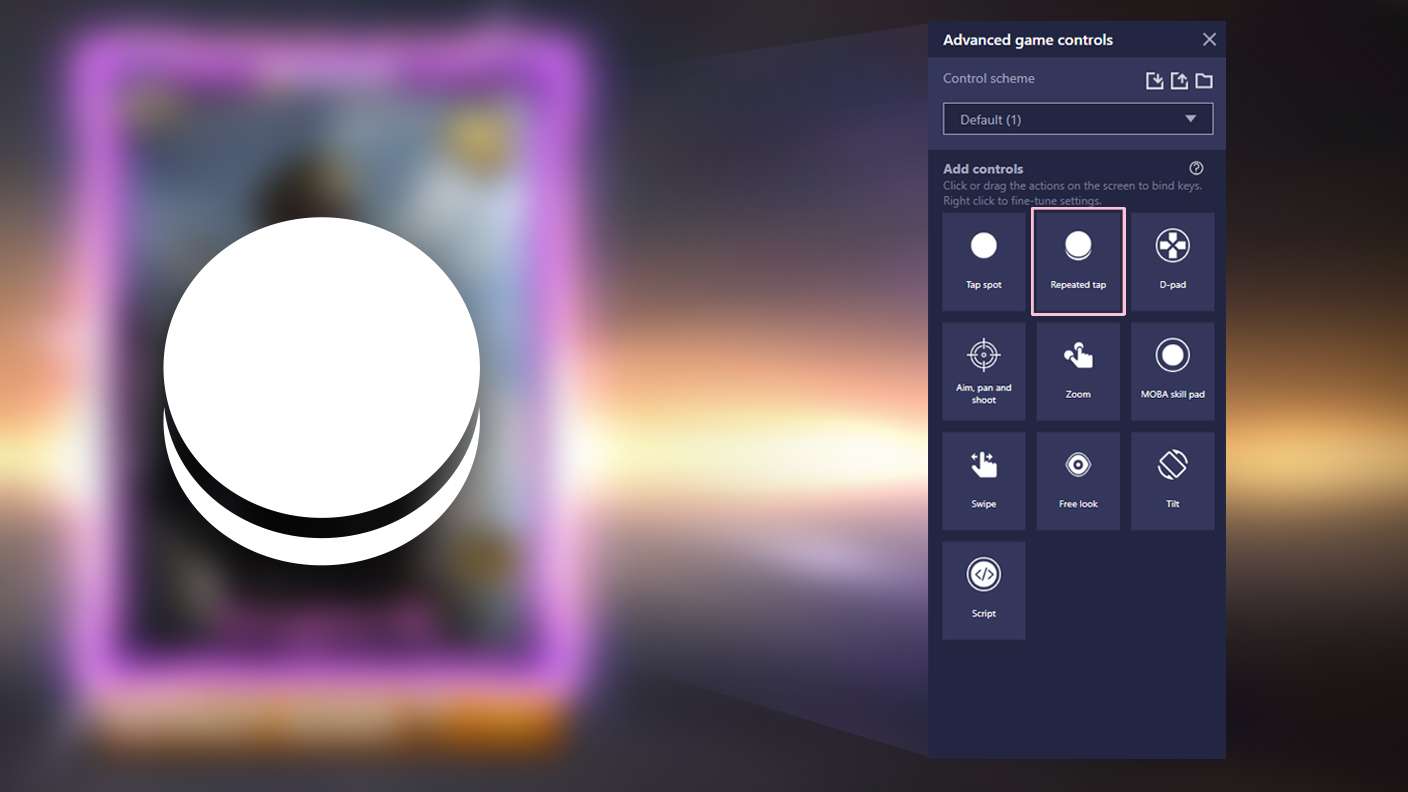
BlueStacks lets you master 海鮮!すし街道 with useful features like the Repeated Tap. Now you do not have to press the same key repeatedly to initiate an action. Just assign it to one key and you are good to go.
Read More

How to Download and Play 海鮮!すし街道 on PC or Mac

  • Download and install BlueStacks on your PC or Mac

  • Complete Google sign-in to access the Play Store, or do it later

  • Look for 海鮮!すし街道 in the search bar at the top right corner

  • Click to install 海鮮!すし街道 from the search results

  • Complete Google sign-in (if you skipped step 2) to install 海鮮!すし街道

  • Click the 海鮮!すし街道 icon on the home screen to start playing

video
Watch Video

Minimum System Requirements

With BlueStacks 5, you can get started on a PC that fulfills the following requirements.

  • Operating System

    Microsoft Windows 7 or above, macOS 11 (Big Sur) or above

  • Processor

    Intel, AMD or Apple Silicon Processor

  • RAM

    at least 4GB

  • HDD

    10GB Free Disk Space

Note:

* You must be an Administrator on your PC. Up to date graphics drivers from Microsoft or the chipset vendor.

海鮮!すし街道 - FAQs

  • How to play 海鮮!すし街道 on Windows PC & Mac?

    Play 海鮮!すし街道 on your PC or Mac by following these simple steps.

    • Click on 'Play 海鮮!すし街道 on PC’ to download BlueStacks
    • Install it and log-in to Google Play Store
    • Launch and play the game.
  • Why is BlueStacks the fastest and safest platform to play games on PC?

    BlueStacks respects your privacy and is always safe and secure to use. It does not carry any malware, spyware, or any sort of additional software that could harm your PC.

    It is engineered to optimize speed and performance for a seamless gaming experience.

  • What are 海鮮!すし街道 PC requirements?

    Minimum requirement to run 海鮮!すし街道 on your PC

    • OS: Microsoft Windows 7 or above MacOS 11 (Big Sur) or above
    • Processor: Intel, AMD or Apple Silicon Processor
    • RAM: Your PC must have at least 4GB of RAM. (Note that having 4GB or more disk space is not a substitute for RAM)
    • HDD: 10GB Free Disk Space.
    • You must be an Administrator on your PC.