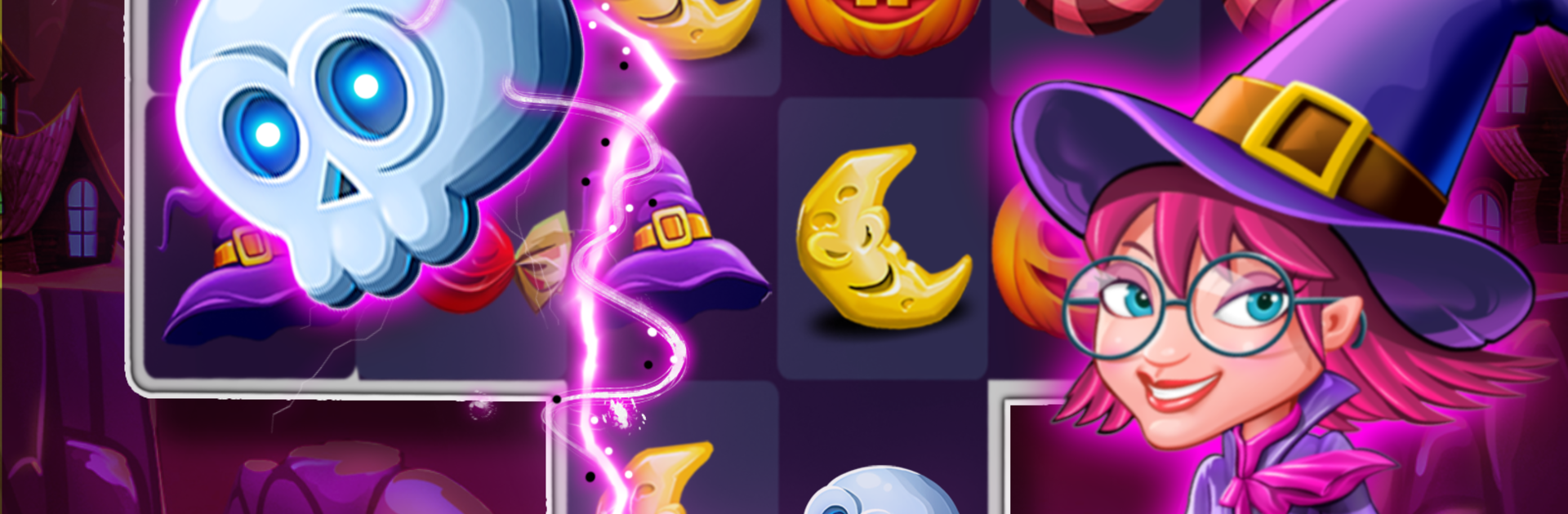
Witch Connect - Halloween game

Witch Connect - Halloween game

Casual

| Launchship Studios

Play on PC with BlueStacks or from our cloud

  • Overview
  • Game Features
  • How to Play

Page Modified On: October 13, 2025

Play Witch Connect - Halloween game on PC or Mac

Bring your A-game to Witch Connect – Halloween game, the Casual game sensation from Launchship Studios. Give your gameplay the much-needed boost with precise game controls, high FPS graphics, and top-tier features on your PC or Mac with BlueStacks.

About the Game

Witch Connect – Halloween game is a cozy-spooky Casual puzzler where you connect matching pieces to cast fun little “spells,” clear boards, and rack up satisfying combos. Built by Launchship Studios, it’s all about smart moves, smooth chain reactions, and that sweet feeling when the whole screen pops. Play on your phone, or kick back on a bigger display with BlueStacks when you want more room to plan your next link.

Game Features

  • Smart Connect Gameplay: Link three or more matching items to clear the board, trigger chain reactions, and set up clever combos in fewer moves.
  • 1,500+ Stages: Tackle a huge lineup of handcrafted levels, each with different goals and layouts that keep things fresh.
  • Spooky Power-Ups: Use playful witchy tools like the gas pot, magic skull, power broom, and monster hand to flip tough boards in your favor.
  • Lucky Wheel Treats: Give the wheel a spin for extra boosts and candies that nudge you past tricky moments.
  • Crisp Halloween Vibes: Bright, charming visuals and lively animations make every pop feel extra satisfying.
  • Goals Worth Chasing: Go for triple-pumpkin clears, beat your best scores, and unlock achievements as you improve.
  • Friendly Competition: Climb leaderboards and compare progress with friends for a little bragging rights.
  • Easy to Learn, Tough to Master: Simple to pick up, with enough strategy to keep you thinking a few moves ahead.
  • Free with Optional Extras: Play at no cost, with optional purchases if you want a few extra moves or power-ups.
  • PC-Friendly via BlueStacks: Prefer a keyboard and a larger screen? It plays smoothly on BlueStacks too.

Ready to top the leaderboard? We bet you do. Let precise controls and sharp visuals optimized on BlueStacks lead you to victory.


Game Features

Enhancements

  • Macros
  • Multi Instance
  • Script
  • Repeated Tap
  • Enhancements
Macros

Macros

Automate the predictable in Witch Connect - Halloween game and transform your gameplay with Macros. Get access to inventive Macros in the BlueStacks Macro Community
Multi Instance

Multi Instance

Play Witch Connect - Halloween game on one window. And chat with your friend on the other. Press CTRL + Shift + 8 to open the Multi-Instance Manager. And start creating fresh instances or clone an existing one.
Script

Script

Script your way to gaming glory in Witch Connect - Halloween game with BlueStacks Script. Write and run a set of commands to automate repeated tasks. Trigger the command by assigning it to any key.
Repeated Tap

Repeated Tap

BlueStacks lets you master Witch Connect - Halloween game with useful features like the Repeated Tap. Now you do not have to press the same key repeatedly to initiate an action. Just assign it to one key and you are good to go.
Read More

How to Download and Play Witch Connect - Halloween game on PC or Mac

  • Download and install BlueStacks on your PC or Mac

  • Complete Google sign-in to access the Play Store, or do it later

  • Look for Witch Connect - Halloween game in the search bar at the top right corner

  • Click to install Witch Connect - Halloween game from the search results

  • Complete Google sign-in (if you skipped step 2) to install Witch Connect - Halloween game

  • Click the Witch Connect - Halloween game icon on the home screen to start playing

video
Watch Video

Minimum System Requirements

With BlueStacks 5, you can get started on a PC that fulfills the following requirements.

  • Operating System

    Microsoft Windows 7 or above, macOS 11 (Big Sur) or above

  • Processor

    Intel, AMD or Apple Silicon Processor

  • RAM

    at least 4GB

  • HDD

    10GB Free Disk Space

Note:

* You must be an Administrator on your PC. Up to date graphics drivers from Microsoft or the chipset vendor.

Witch Connect - Halloween game - FAQs

  • How to play Witch Connect - Halloween game on Windows PC & Mac?

    Play Witch Connect - Halloween game on your PC or Mac by following these simple steps.

    • Click on 'Play Witch Connect - Halloween game on PC’ to download BlueStacks
    • Install it and log-in to Google Play Store
    • Launch and play the game.
  • Why is BlueStacks the fastest and safest platform to play games on PC?

    BlueStacks respects your privacy and is always safe and secure to use. It does not carry any malware, spyware, or any sort of additional software that could harm your PC.

    It is engineered to optimize speed and performance for a seamless gaming experience.

  • What are Witch Connect - Halloween game PC requirements?

    Minimum requirement to run Witch Connect - Halloween game on your PC

    • OS: Microsoft Windows 7 or above MacOS 11 (Big Sur) or above
    • Processor: Intel, AMD or Apple Silicon Processor
    • RAM: Your PC must have at least 4GB of RAM. (Note that having 4GB or more disk space is not a substitute for RAM)
    • HDD: 10GB Free Disk Space.
    • You must be an Administrator on your PC.