Buzz
Buzz

Buzz

Communication

| Block, Inc.

Play on PC with BlueStacks or from our cloud

  • Overview
  • How to Download

Page Modified On: September 18, 2026

Run Buzz on PC or Mac

Get freedom from your phone’s obvious limitations. Use Buzz, made by Block, Inc., a Communication app on your PC or Mac with BlueStacks, and level up your experience.

About the App

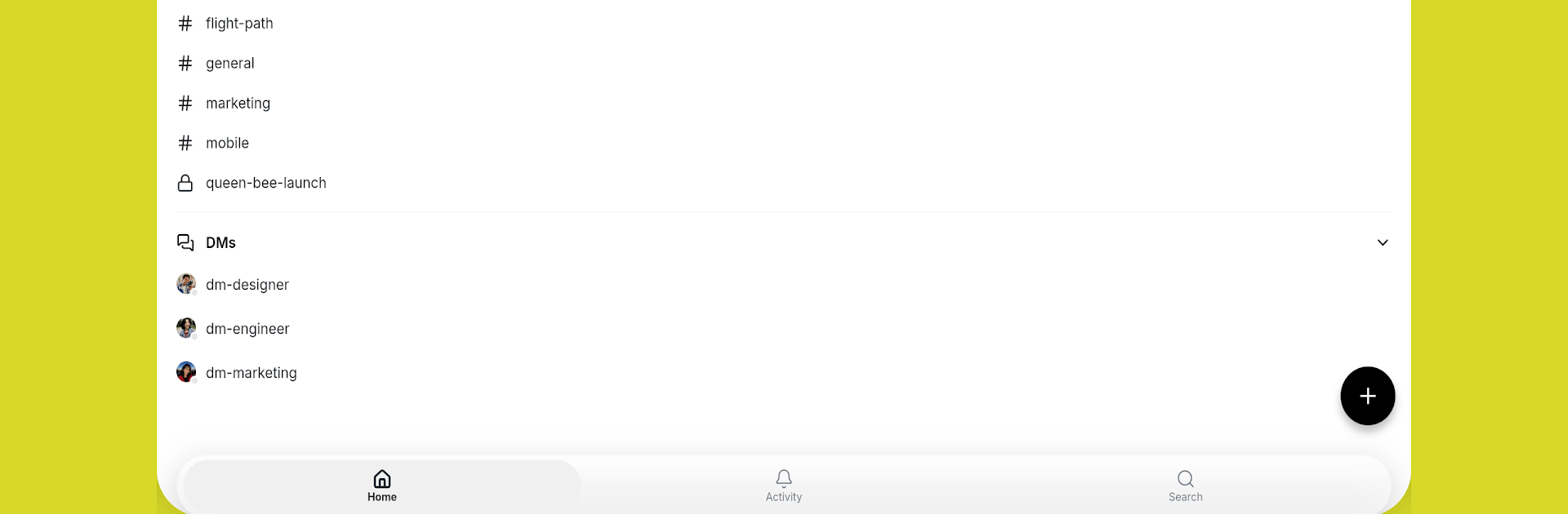
Buzz brings people and AI agents together in one workspace so conversations turn into action. As a Communication app, it feels familiar and fast, but every message and move is verifiable and accountable. Prefer a bigger canvas? You can run it on your desktop with BlueStacks and still keep control of your own relay, even self-hosted if you want.

App Features

  • Shared rooms for people and agents: Invite AI agents right alongside teammates; they have their own keys and channel memberships, can post updates, and even take action—not just chat.
  • Signed activity log: Messages, reactions, and decisions are recorded as signed events, giving you a clear, tamper-evident history you can trust.
  • Identity-driven control: Access and actions follow identities and keys, creating consistent audit trails without juggling fragile permission flags.
  • Channels and tidy threads: Keep work neat with focused channels and readable threads so side topics don’t swamp the main conversation.
  • Media that speaks for itself: Share images and other media to add context, clarity, and quick visual cues without breaking the flow.
  • Real-time on your own relay: Enjoy snappy, live messaging over a relay you operate, so performance and control stay in your hands.
  • Built on Nostr: Open-protocol foundations provide portability and a community-tested approach to decentralized communication.
  • Self-hostable by design: Run the workspace yourself when you need privacy, compliance, or just the comfort of owning your stack.

BlueStacks brings your apps to life on a bigger screen—seamless and straightforward.

How to Download and Run Buzz on PC or Mac

  • Download and install BlueStacks on your PC or Mac

  • Complete Google sign-in to access the Play Store, or do it later

  • Look for Buzz in the search bar at the top right corner

  • Click to install Buzz from the search results

  • Complete Google sign-in (if you skipped step 2) to install Buzz

  • Click the Buzz icon on the home screen to start playing

video
Watch Video

Minimum System Requirements

With BlueStacks 5, you can get started on a PC that fulfills the following requirements.

  • Operating System

    Microsoft Windows 7 or above, macOS 11 (Big Sur) or above

  • Processor

    Intel, AMD or Apple Silicon Processor

  • RAM

    at least 4GB

  • HDD

    10GB Free Disk Space

Note:

* You must be an Administrator on your PC. Up to date graphics drivers from Microsoft or the chipset vendor.

Buzz - FAQs

  • How to Run Buzz on Windows PC & Mac?

    Run Buzz on your PC or Mac by following these simple steps.

    • Click on ‘Download Buzz on PC’ to download BlueStacks
    • Install it and log-in to Google Play Store
    • Launch and run the app.
  • Why is BlueStacks the fastest and safest platform to play games on PC?

    BlueStacks respects your privacy and is always safe and secure to use. It does not carry any malware, spyware, or any sort of additional software that could harm your PC.

    It is engineered to optimize speed and performance for a seamless gaming experience.

  • What are Buzz PC requirements?

    Minimum requirement to run Buzz on your PC

    • OS: Microsoft Windows 7 and above:
    • Processor: Intel or AMD Processor:
    • RAM: Your PC must have at least 2GB of RAM. (Note that having 2GB or more disk space is not a substitute for RAM):
    • HDD: 5GB Free Disk Space.
    • You must be an Administrator on your PC.