BTTalk
BTTalk

BTTalk

Communication

| Midland Europe

Play on PC with BlueStacks or from our cloud

  • Overview
  • How to Download

Page Modified On: November 10, 2025

Run BTTalk on PC or Mac

Let BlueStacks turn your PC, Mac, or laptop into the perfect home for BTTalk, a fun Communication app from Midland Europe.

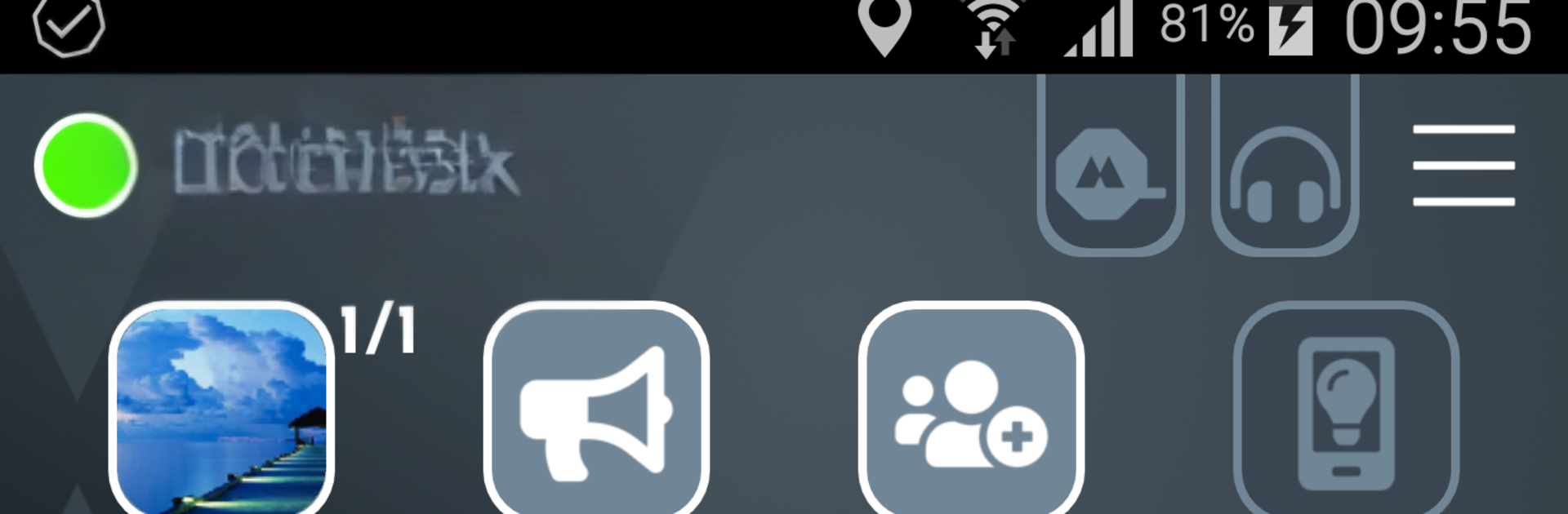
BTTalk feels like turning the phone into a simple push to talk radio for groups, built with motorbike riders in mind. It is not about fancy features or social feeds, it is about pressing a button and everyone hearing the message at once. There is no range limit because it rides on whatever data is available, whether that is 2G, 3G, 4G, or WiFi, so a group can stay in touch across town or across the whole trip. It behaves a lot like those old walkie talkies, only without the static and with way less hassle. Create a group, pick a channel name, hold to talk, done. The optional Midland BTT Button for the handlebar is a nice touch for anyone riding, since it keeps hands where they should be and still lets them speak up.

On a PC with BlueStacks it works like a little dispatch window. Someone can plug in a headset, leave the channel open while checking routes or weather, and chime in with a press. It suits long rides, tours, or just keeping a club connected when phones are in pockets and the road is noisy. The whole vibe is straightforward and practical. No distance caps, no limits on how many can join, just a clear way for a group to talk at the same time without fiddling with calls or complicated setups.

Eager to take your app experience to the next level? Start right away by downloading BlueStacks on your PC or Mac.


How to Download and Run BTTalk on PC or Mac

  • Download and install BlueStacks on your PC or Mac

  • Complete Google sign-in to access the Play Store, or do it later

  • Look for BTTalk in the search bar at the top right corner

  • Click to install BTTalk from the search results

  • Complete Google sign-in (if you skipped step 2) to install BTTalk

  • Click the BTTalk icon on the home screen to start playing

video
Watch Video

Minimum System Requirements

With BlueStacks 5, you can get started on a PC that fulfills the following requirements.

  • Operating System

    Microsoft Windows 7 or above, macOS 11 (Big Sur) or above

  • Processor

    Intel, AMD or Apple Silicon Processor

  • RAM

    at least 4GB

  • HDD

    10GB Free Disk Space

Note:

* You must be an Administrator on your PC. Up to date graphics drivers from Microsoft or the chipset vendor.

BTTalk - FAQs

  • How to Run BTTalk on Windows PC & Mac?

    Run BTTalk on your PC or Mac by following these simple steps.

    • Click on ‘Download BTTalk on PC’ to download BlueStacks
    • Install it and log-in to Google Play Store
    • Launch and run the app.
  • Why is BlueStacks the fastest and safest platform to play games on PC?

    BlueStacks respects your privacy and is always safe and secure to use. It does not carry any malware, spyware, or any sort of additional software that could harm your PC.

    It is engineered to optimize speed and performance for a seamless gaming experience.

  • What are BTTalk PC requirements?

    Minimum requirement to run BTTalk on your PC

    • OS: Microsoft Windows 7 and above:
    • Processor: Intel or AMD Processor:
    • RAM: Your PC must have at least 2GB of RAM. (Note that having 2GB or more disk space is not a substitute for RAM):
    • HDD: 5GB Free Disk Space.
    • You must be an Administrator on your PC.