freenet Mail - E-Mail Postfach

freenet Mail - E-Mail Postfach

Communication

| freenet.de GmbH

Play on PC with BlueStacks or from our cloud

  • Overview
  • How to Download

Page Modified On: December 08, 2025

Run freenet Mail - E-Mail Postfach on PC or Mac

Get freedom from your phone’s obvious limitations. Use freenet Mail – E-Mail Postfach, made by freenet.de GmbH, a Communication app on your PC or Mac with BlueStacks, and level up your experience.

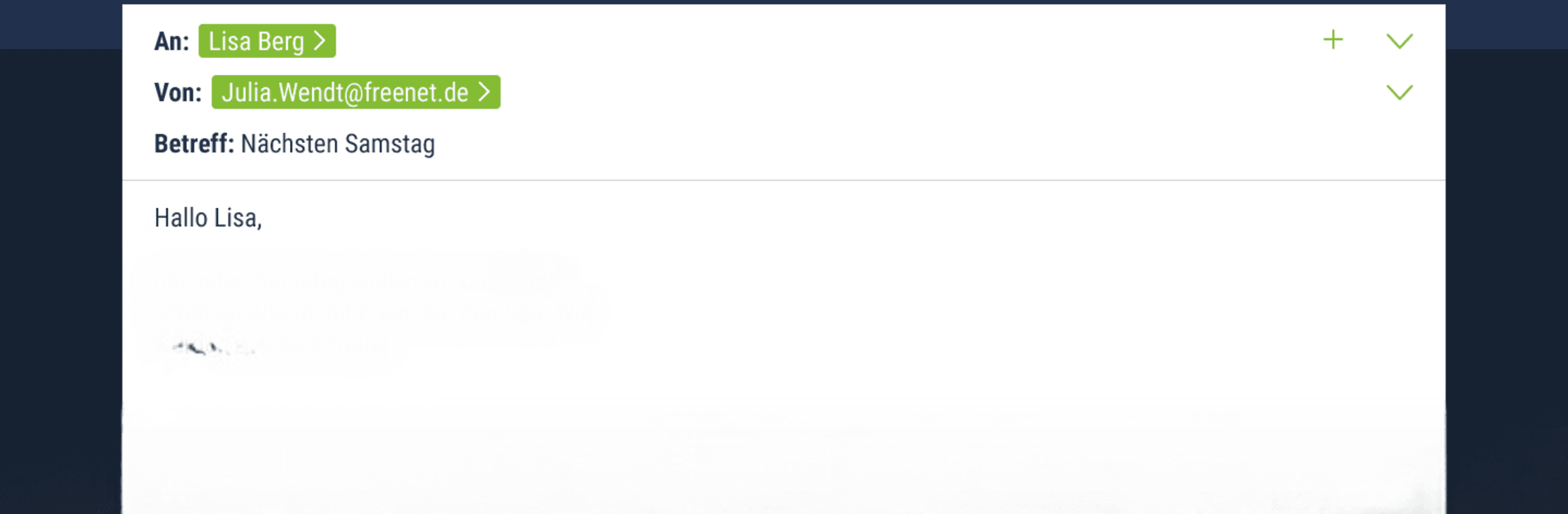
freenet Mail feels like a no-nonsense inbox that keeps everything tidy and easy to reach. It is built around the basics done right, so reading and writing emails is quick, switching folders is smooth, and nothing gets in the way. On a PC with BlueStacks it almost behaves like a lightweight desktop mail client, with comfy typing on a keyboard and a bigger view of long threads, attachments, and all the folders in one glance.

It supports multiple accounts, not just freenet, so adding addresses from GMX, WEB.de, Gmail and others is simple. Notifications arrive fast, and emails send through automatic SSL encryption, which is great for anyone who cares about privacy without needing to tweak settings. There is swipe-to-delete on mobile, and with a mouse it still feels quick to clear out clutter. Opening, forwarding, and saving attachments happens right inside the app, including photos and docs, and moving messages between folders is straightforward. Contacts sync with the mailbox, so names auto-complete and address picking is not a hassle.

The design is plain in a good way. It is not flashy, but everything lands where it should, loads fast, and stays stable. For someone who wants a clean, reliable inbox that plays well with several providers and works nicely on BlueStacks, it hits the mark without extra fuss.

Ready to experience freenet Mail – E-Mail Postfach on a bigger screen, in all its glory? Download BlueStacks now.


How to Download and Run freenet Mail - E-Mail Postfach on PC or Mac

  • Download and install BlueStacks on your PC or Mac

  • Complete Google sign-in to access the Play Store, or do it later

  • Look for freenet Mail - E-Mail Postfach in the search bar at the top right corner

  • Click to install freenet Mail - E-Mail Postfach from the search results

  • Complete Google sign-in (if you skipped step 2) to install freenet Mail - E-Mail Postfach

  • Click the freenet Mail - E-Mail Postfach icon on the home screen to start playing

video
Watch Video

Minimum System Requirements

With BlueStacks 5, you can get started on a PC that fulfills the following requirements.

  • Operating System

    Microsoft Windows 7 or above, macOS 11 (Big Sur) or above

  • Processor

    Intel, AMD or Apple Silicon Processor

  • RAM

    at least 4GB

  • HDD

    10GB Free Disk Space

Note:

* You must be an Administrator on your PC. Up to date graphics drivers from Microsoft or the chipset vendor.

freenet Mail - E-Mail Postfach - FAQs

  • How to Run freenet Mail - E-Mail Postfach on Windows PC & Mac?

    Run freenet Mail - E-Mail Postfach on your PC or Mac by following these simple steps.

    • Click on ‘Download freenet Mail - E-Mail Postfach on PC’ to download BlueStacks
    • Install it and log-in to Google Play Store
    • Launch and run the app.
  • Why is BlueStacks the fastest and safest platform to play games on PC?

    BlueStacks respects your privacy and is always safe and secure to use. It does not carry any malware, spyware, or any sort of additional software that could harm your PC.

    It is engineered to optimize speed and performance for a seamless gaming experience.

  • What are freenet Mail - E-Mail Postfach PC requirements?

    Minimum requirement to run freenet Mail - E-Mail Postfach on your PC

    • OS: Microsoft Windows 7 and above:
    • Processor: Intel or AMD Processor:
    • RAM: Your PC must have at least 2GB of RAM. (Note that having 2GB or more disk space is not a substitute for RAM):
    • HDD: 5GB Free Disk Space.
    • You must be an Administrator on your PC.