Hearlo
Hearlo

Hearlo

Communication

| Asteroid Technologies

Play on PC with BlueStacks or from our cloud

  • Overview
  • How to Download

Page Modified On: January 06, 2026

Run Hearlo on PC or Mac

Why limit yourself to your small screen on the phone? Run Hearlo, an app by Asteroid Technologies, best experienced on your PC or Mac with BlueStacks, the world’s #1 Android emulator.

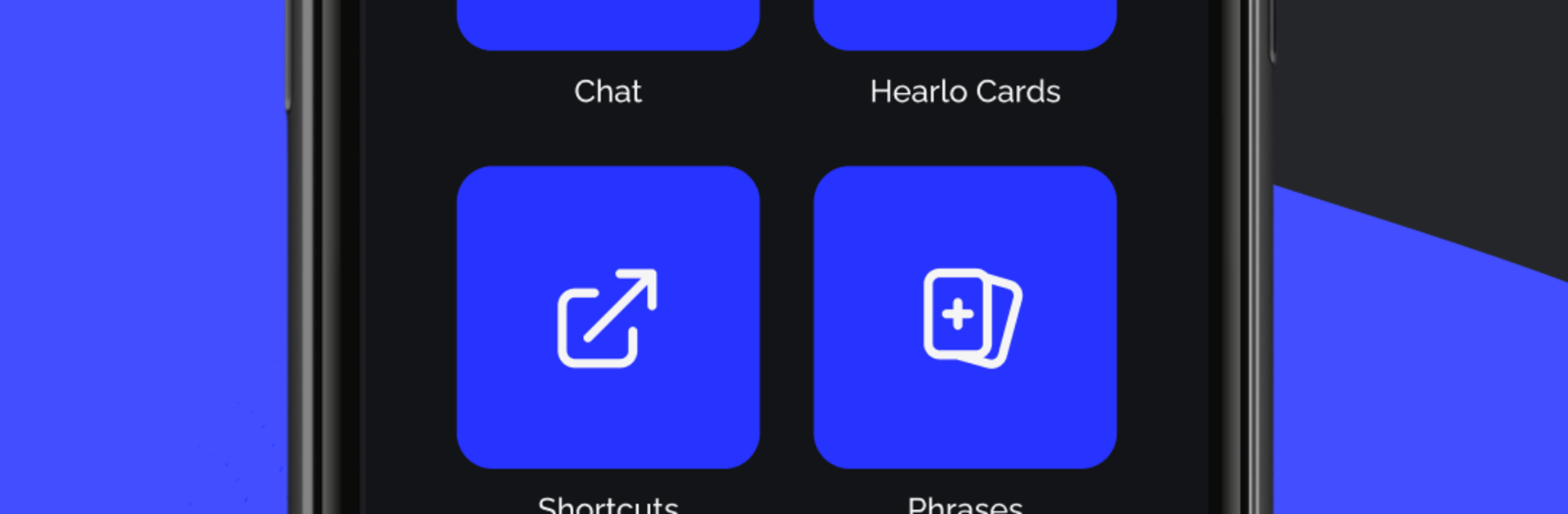
Hearlo feels like a pocket toolkit for real conversations when hearing or speech gets in the way. It listens and puts spoken words on screen fast, then it can read aloud anything that is typed back, so back and forth chats make more sense and do not stall out. There is live translation between several languages, and a good chunk works offline, which helps on a bad signal or in places where Wi‑Fi is flaky. The layout is clean, big buttons, readable text, nothing confusing. On a PC with BlueStacks, the bigger screen and a real keyboard make a noticeable difference, long transcripts are easier to follow and typing longer phrases does not feel cramped.

One standout is the pictogram board for Augmentative and Alternative Communication. Icons can be rearranged, new ones added, and quick needs like food, pain, directions, or feelings are a tap away. There is also a feature for places that support Hearlo in their buildings, so navigating a store or office is simpler when they use it. The app is free to use, and it handles mixed chats well, switching between voice to text and text to speech in the same conversation. Accuracy is solid in quiet rooms, decent in noisy spaces, and the language list covers the usual big ones and a few you would not expect. Offline packs take some storage and translations may lag a second here and there, but nothing that breaks the flow. For anyone who wants fewer barriers during daily tasks, school, or appointments, it just gets out of the way and helps.

Ready to experience Hearlo on a bigger screen, in all its glory? Download BlueStacks now.

How to Download and Run Hearlo on PC or Mac

  • Download and install BlueStacks on your PC or Mac

  • Complete Google sign-in to access the Play Store, or do it later

  • Look for Hearlo in the search bar at the top right corner

  • Click to install Hearlo from the search results

  • Complete Google sign-in (if you skipped step 2) to install Hearlo

  • Click the Hearlo icon on the home screen to start playing

video
Watch Video

Minimum System Requirements

With BlueStacks 5, you can get started on a PC that fulfills the following requirements.

  • Operating System

    Microsoft Windows 7 or above, macOS 11 (Big Sur) or above

  • Processor

    Intel, AMD or Apple Silicon Processor

  • RAM

    at least 4GB

  • HDD

    10GB Free Disk Space

Note:

* You must be an Administrator on your PC. Up to date graphics drivers from Microsoft or the chipset vendor.

Hearlo - FAQs

  • How to Run Hearlo on Windows PC & Mac?

    Run Hearlo on your PC or Mac by following these simple steps.

    • Click on ‘Download Hearlo on PC’ to download BlueStacks
    • Install it and log-in to Google Play Store
    • Launch and run the app.
  • Why is BlueStacks the fastest and safest platform to play games on PC?

    BlueStacks respects your privacy and is always safe and secure to use. It does not carry any malware, spyware, or any sort of additional software that could harm your PC.

    It is engineered to optimize speed and performance for a seamless gaming experience.

  • What are Hearlo PC requirements?

    Minimum requirement to run Hearlo on your PC

    • OS: Microsoft Windows 7 and above:
    • Processor: Intel or AMD Processor:
    • RAM: Your PC must have at least 2GB of RAM. (Note that having 2GB or more disk space is not a substitute for RAM):
    • HDD: 5GB Free Disk Space.
    • You must be an Administrator on your PC.