Speak Who is Calling

Speak Who is Calling

Communication

| kapron-ap

Play on PC with BlueStacks or from our cloud

  • Overview
  • How to Download

Page Modified On: December 09, 2025

Run Speak Who is Calling on PC or Mac

Why limit yourself to your small screen on the phone? Run Speak Who is Calling, an app by kapron-ap, best experienced on your PC or Mac with BlueStacks, the world’s #1 Android emulator.

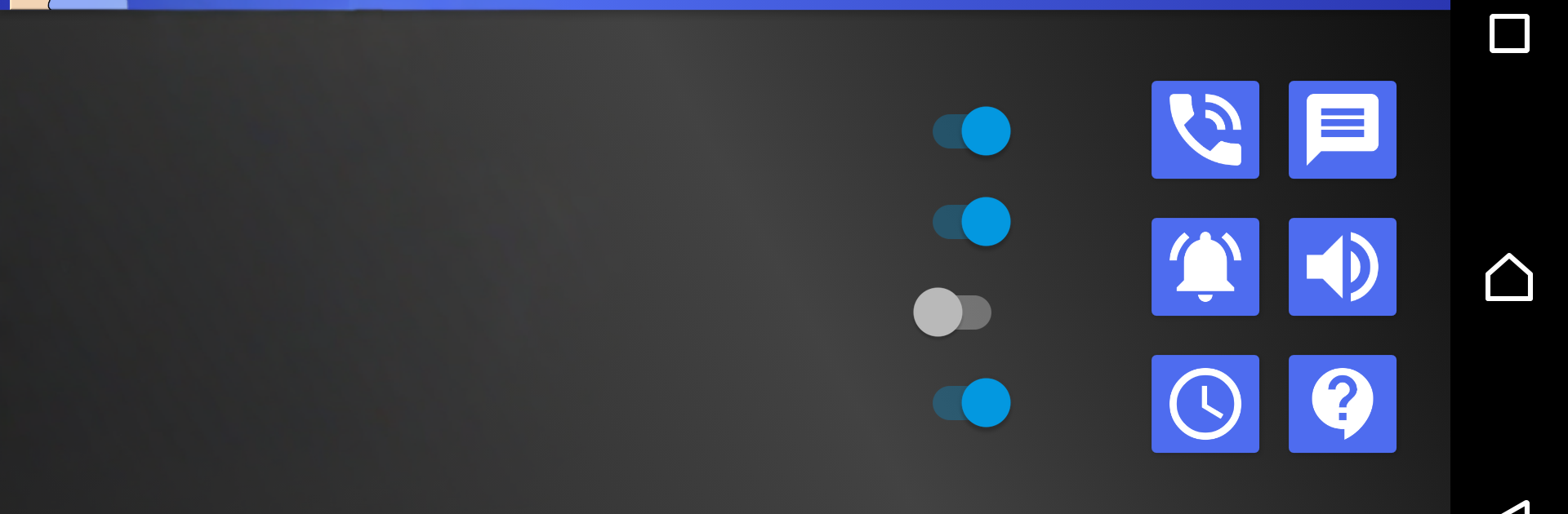
Speak Who is Calling is a handy little helper that talks out loud when the phone rings or a notification lands. It says who is calling, and it can read messages or alerts from the apps someone picks, whether that is a messenger, email, calendar, alarm, or news. It feels practical because eyes can stay off the screen and there is still a clear idea of what just came in. The standout bit is the talking ringtone feature. A short intro or outro can be added around the caller or sender name, so it becomes something like, New message from Alex, please check, or something more playful if that fits the mood.

The settings give good control. Choose which apps it speaks from, tell it to talk only when headphones are connected, set quiet hours, and tune voice speed and pitch. It works offline, and it uses Google TTS, so getting natural male or female voices in many languages is easy. On PC with BlueStacks, it behaves the same, and setting it up with a mouse on a bigger screen is faster. The menus are simple, so creating app filters or tweaking speech speed feels less fiddly at a desk.

It suits people who want hands free alerts or need extra accessibility. Just worth setting those quiet times so it does not talk over music, meetings, or sleep. Simple, useful, and a little fun once the custom lines are in place, even if the setup takes a minute or two the first time.

Big screen. Bigger performance. Use BlueStacks on your PC or Mac to run your favorite apps.

How to Download and Run Speak Who is Calling on PC or Mac

  • Download and install BlueStacks on your PC or Mac

  • Complete Google sign-in to access the Play Store, or do it later

  • Look for Speak Who is Calling in the search bar at the top right corner

  • Click to install Speak Who is Calling from the search results

  • Complete Google sign-in (if you skipped step 2) to install Speak Who is Calling

  • Click the Speak Who is Calling icon on the home screen to start playing

video
Watch Video

Minimum System Requirements

With BlueStacks 5, you can get started on a PC that fulfills the following requirements.

  • Operating System

    Microsoft Windows 7 or above, macOS 11 (Big Sur) or above

  • Processor

    Intel, AMD or Apple Silicon Processor

  • RAM

    at least 4GB

  • HDD

    10GB Free Disk Space

Note:

* You must be an Administrator on your PC. Up to date graphics drivers from Microsoft or the chipset vendor.

Speak Who is Calling - FAQs

  • How to Run Speak Who is Calling on Windows PC & Mac?

    Run Speak Who is Calling on your PC or Mac by following these simple steps.

    • Click on ‘Download Speak Who is Calling on PC’ to download BlueStacks
    • Install it and log-in to Google Play Store
    • Launch and run the app.
  • Why is BlueStacks the fastest and safest platform to play games on PC?

    BlueStacks respects your privacy and is always safe and secure to use. It does not carry any malware, spyware, or any sort of additional software that could harm your PC.

    It is engineered to optimize speed and performance for a seamless gaming experience.

  • What are Speak Who is Calling PC requirements?

    Minimum requirement to run Speak Who is Calling on your PC

    • OS: Microsoft Windows 7 and above:
    • Processor: Intel or AMD Processor:
    • RAM: Your PC must have at least 2GB of RAM. (Note that having 2GB or more disk space is not a substitute for RAM):
    • HDD: 5GB Free Disk Space.
    • You must be an Administrator on your PC.