
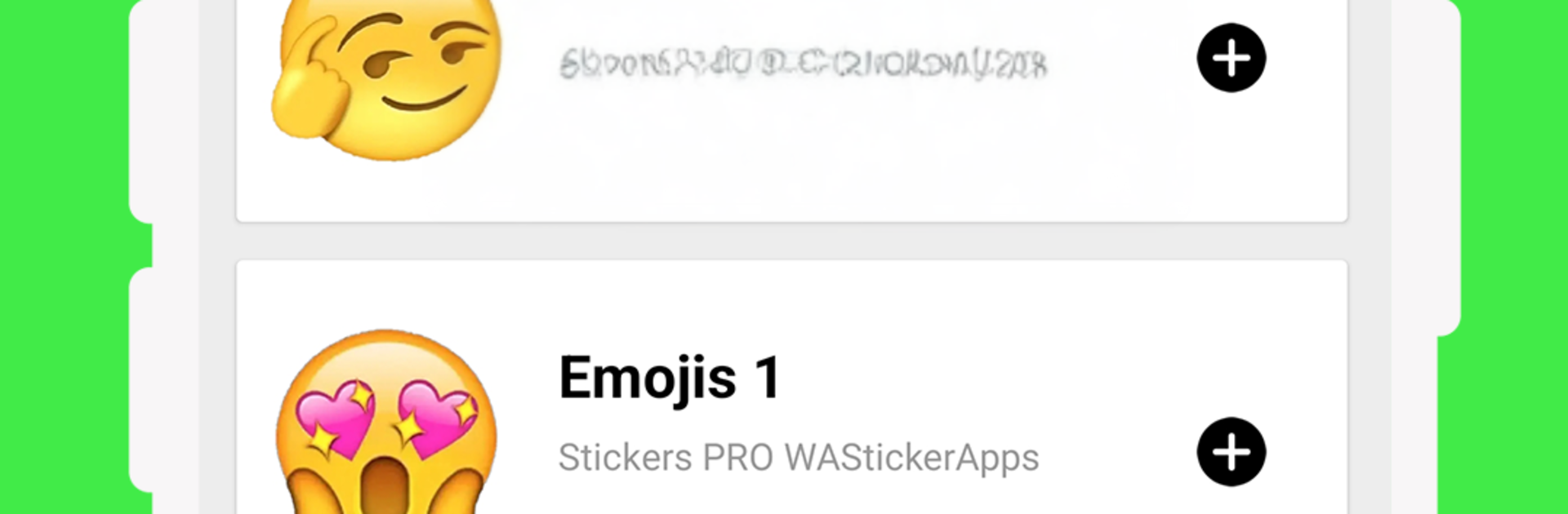
Stickers Emojis WAStickerApps

Stickers Emojis WAStickerApps

Communication

| Stickers Pro WAStickerapps

Play on PC with BlueStacks or from our cloud

  • Overview
  • How to Download

Page Modified On: September 19, 2025

Run Stickers Emojis WAStickerApps on PC or Mac

What’s better than using Stickers Emojis WAStickerApps by Stickers Pro WAStickerapps? Well, try it on a big screen, on your PC or Mac, with BlueStacks to see the difference.

About the App

Stickers Emojis WAStickerApps from Stickers Pro WAStickerapps makes your chats way more expressive without any hassle. This Communication app packs a big, playful library of emoji-style stickers you can drop into WhatsApp in seconds. Want a quick comeback, a friendly hello, or something silly? Pick a pack, tap to add, and start sending.

App Features

  • Massive emoji library: Browse tons of expressive emoji stickers covering moods, reactions, greetings, and more.
  • Fun styles you’ll recognize: Find 3D looks, memoji-inspired faces, cute animal expressions, and classic oversized emojis.
  • Romance-ready sets: Share love-themed stickers for sweet messages, flirty replies, or just because.
  • Animated options: Spice up conversations with animated emoji-style stickers where supported in WhatsApp.
  • One-tap adding: Add complete packs to WhatsApp with a single tap—no complicated setup.
  • Favorites to organize: Save the packs you like so you can add or revisit them whenever you want.
  • Always getting new packs: Fresh stickers arrive regularly, so there’s always something new to try.
  • Simple, friendly design: An intuitive layout makes it easy to preview packs and start using them right away.
  • Free with no surprises: Enjoy the content without paywalls or hidden fees.
  • Works great on desktop too: Prefer chatting from your computer? You can run the app with BlueStacks and keep the stickers flowing.

Switch to BlueStacks and make the most of your apps on your PC or Mac.

How to Download and Run Stickers Emojis WAStickerApps on PC or Mac

  • Download and install BlueStacks on your PC or Mac

  • Complete Google sign-in to access the Play Store, or do it later

  • Look for Stickers Emojis WAStickerApps in the search bar at the top right corner

  • Click to install Stickers Emojis WAStickerApps from the search results

  • Complete Google sign-in (if you skipped step 2) to install Stickers Emojis WAStickerApps

  • Click the Stickers Emojis WAStickerApps icon on the home screen to start playing

video
Watch Video

Minimum System Requirements

With BlueStacks 5, you can get started on a PC that fulfills the following requirements.

  • Operating System

    Microsoft Windows 7 or above, macOS 11 (Big Sur) or above

  • Processor

    Intel, AMD or Apple Silicon Processor

  • RAM

    at least 4GB

  • HDD

    10GB Free Disk Space

Note:

* You must be an Administrator on your PC. Up to date graphics drivers from Microsoft or the chipset vendor.

Stickers Emojis WAStickerApps - FAQs

  • How to Run Stickers Emojis WAStickerApps on Windows PC & Mac?

    Run Stickers Emojis WAStickerApps on your PC or Mac by following these simple steps.

    • Click on ‘Download Stickers Emojis WAStickerApps on PC’ to download BlueStacks
    • Install it and log-in to Google Play Store
    • Launch and run the app.
  • Why is BlueStacks the fastest and safest platform to play games on PC?

    BlueStacks respects your privacy and is always safe and secure to use. It does not carry any malware, spyware, or any sort of additional software that could harm your PC.

    It is engineered to optimize speed and performance for a seamless gaming experience.

  • What are Stickers Emojis WAStickerApps PC requirements?

    Minimum requirement to run Stickers Emojis WAStickerApps on your PC

    • OS: Microsoft Windows 7 and above:
    • Processor: Intel or AMD Processor:
    • RAM: Your PC must have at least 2GB of RAM. (Note that having 2GB or more disk space is not a substitute for RAM):
    • HDD: 5GB Free Disk Space.
    • You must be an Administrator on your PC.




