
Super Call Recorder
Super Call Recorder

Super Call Recorder

Communication

| MeiHillMan

Play on PC with BlueStacks or from our cloud

  • Overview
  • How to Download

Page Modified On: August 22, 2025

Run Super Call Recorder on PC or Mac

Why limit yourself to your small screen on the phone? Run Super Call Recorder, an app by MeiHillMan, best experienced on your PC or Mac with BlueStacks, the world’s #1 Android emulator.

About the App

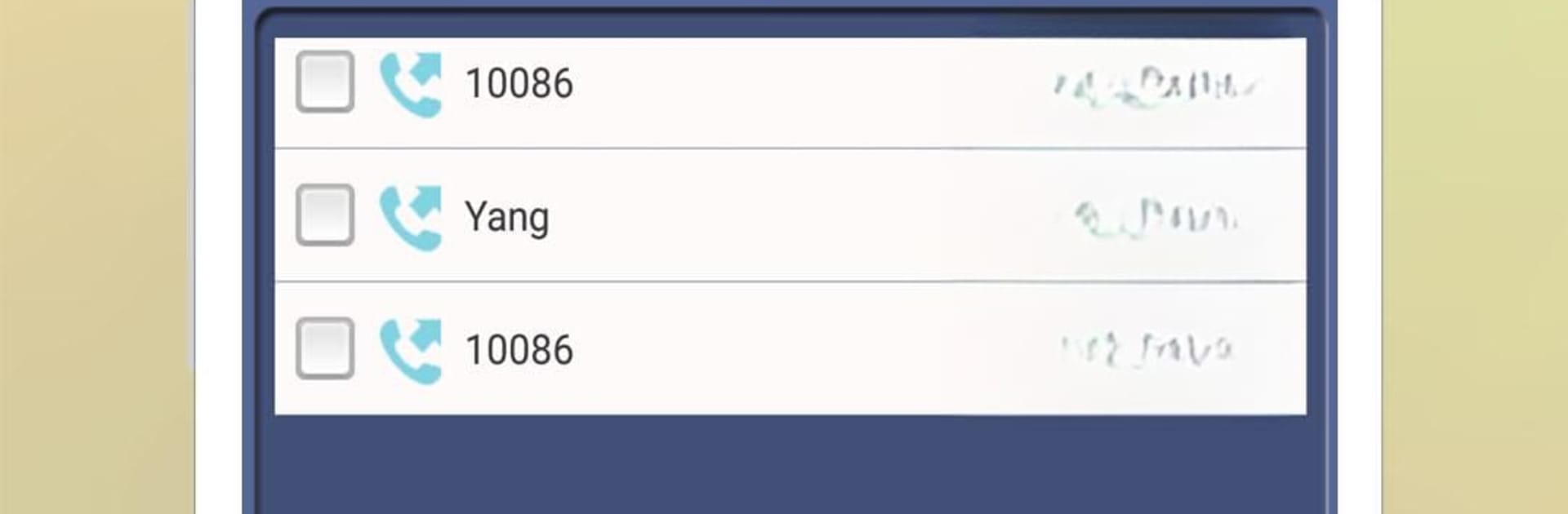
Ever wish you could remember every detail from an important phone conversation? Super Call Recorder by MeiHillMan makes it easy to keep track of your calls without any hassle. This Communication app is built for people who want crystal-clear recordings of both sides of their calls, whether you’re chatting with family, making business deals, or just need a reminder of what was said.

App Features

  • Records Both Sides of the Call
    Super Call Recorder captures everything—your voice and the person on the other end—so you won’t miss a word, whether it’s an incoming or outgoing call.

  • Works on Most Phones
    If you’re using an Android device (version 5.0 to 9.0), you’re in luck—the app is designed to support most popular models out there.

  • Totally Free
    You get all the features without any hidden charges. No need to worry about paywalls or surprise subscriptions.

  • Crystal-Clear Audio
    The recordings come through with impressive quality, making it easy to understand every conversation. Handy when you need to double-check details or just want a good playback experience.

  • Instant Playback and Export
    After a call, listen right away within the app or export recordings straight to your SD card. You can also share them through email, WhatsApp, and more.

  • Automatic MP3 Files
    Calls are saved automatically in MP3 format, so managing or playing them on different devices is a breeze.

And if you prefer handling your calls from a bigger screen, Super Call Recorder works seamlessly with BlueStacks, bringing this smooth call-recording experience to desktop.

BlueStacks gives you the much-needed freedom to experience your favorite apps on a bigger screen. Get it now.


How to Download and Run Super Call Recorder on PC or Mac

  • Download and install BlueStacks on your PC or Mac

  • Complete Google sign-in to access the Play Store, or do it later

  • Look for Super Call Recorder in the search bar at the top right corner

  • Click to install Super Call Recorder from the search results

  • Complete Google sign-in (if you skipped step 2) to install Super Call Recorder

  • Click the Super Call Recorder icon on the home screen to start playing

video
Watch Video

Minimum System Requirements

With BlueStacks 5, you can get started on a PC that fulfills the following requirements.

  • Operating System

    Microsoft Windows 7 or above, macOS 11 (Big Sur) or above

  • Processor

    Intel, AMD or Apple Silicon Processor

  • RAM

    at least 4GB

  • HDD

    10GB Free Disk Space

Note:

* You must be an Administrator on your PC. Up to date graphics drivers from Microsoft or the chipset vendor.

Super Call Recorder - FAQs

  • How to Run Super Call Recorder on Windows PC & Mac?

    Run Super Call Recorder on your PC or Mac by following these simple steps.

    • Click on ‘Download Super Call Recorder on PC’ to download BlueStacks
    • Install it and log-in to Google Play Store
    • Launch and run the app.
  • Why is BlueStacks the fastest and safest platform to play games on PC?

    BlueStacks respects your privacy and is always safe and secure to use. It does not carry any malware, spyware, or any sort of additional software that could harm your PC.

    It is engineered to optimize speed and performance for a seamless gaming experience.

  • What are Super Call Recorder PC requirements?

    Minimum requirement to run Super Call Recorder on your PC

    • OS: Microsoft Windows 7 and above:
    • Processor: Intel or AMD Processor:
    • RAM: Your PC must have at least 2GB of RAM. (Note that having 2GB or more disk space is not a substitute for RAM):
    • HDD: 5GB Free Disk Space.
    • You must be an Administrator on your PC.

