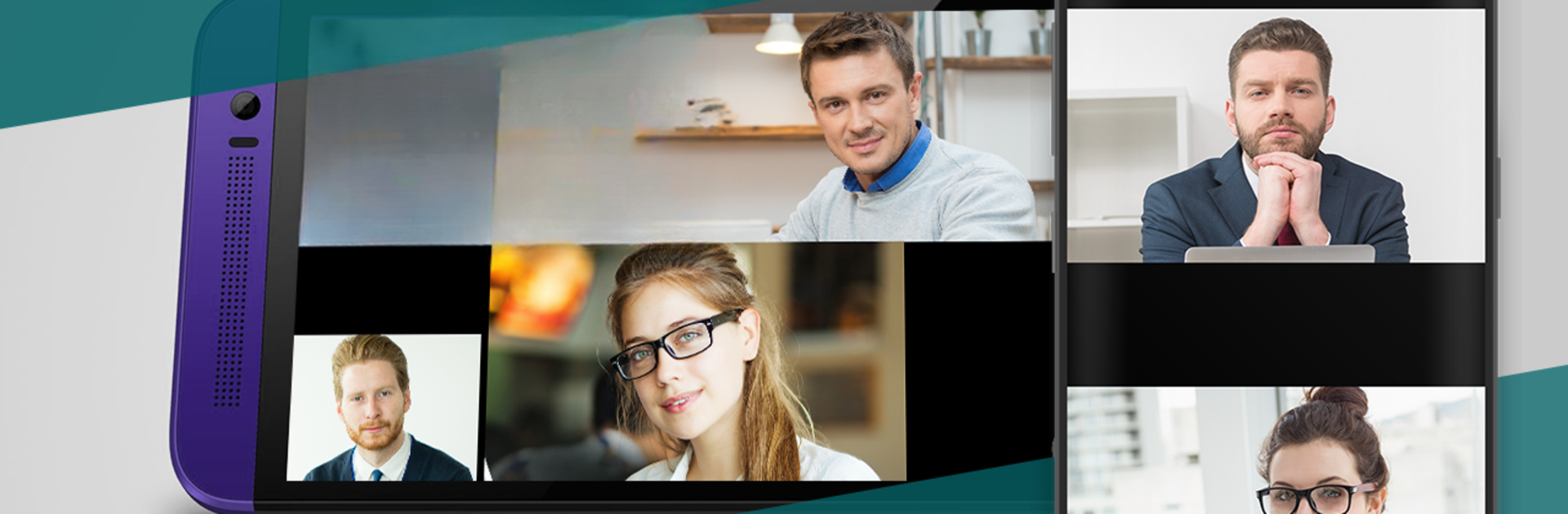


Upgrade your experience. Try TrueConf Free 4K Video Calls, the fantastic Communication app from TrueConf, from the comfort of your laptop, PC, or Mac, only on BlueStacks.
About the App
Looking for a smooth way to catch up face-to-face or get your team together when you’re on the move? TrueConf Free 4K Video Calls lets you hop into crisp video calls or large group meetings right from your Android device—no messy setup needed. Whether you want to chat with family, check in with a friend on another platform, or join a serious conference, this app covers it. Expect a simple, distraction-free experience, whether you’re messaging quietly or connecting on a call.
App Features
-
Quick Social Sign-In
Get started fast—sign up with your favorite social accounts like Facebook, Twitter, or Google in a tap. No need to fuss with long forms. -
Clean and Ad-Free
Stay focused on the conversation. The app doesn’t bother you with ads or popups, so you can talk or text without interruption. -
4K Video and Big Group Meetings
Jump into crystal clear video calls, solo or with friends, or even join group conferences with up to 120 people (with the PRO plan). Calls work across Android, iOS, Windows, macOS, and Linux. -
Built-In Chat During Calls
Fire off quick group messages or one-on-one chats right in the middle of any call or conference, so nothing gets missed. -
Easy Invitations
Bring friends onboard seamlessly by inviting them via SMS, email, or through your social networks. -
Auto Contact Sync
Connect with people faster—the address book pulls in your Facebook contacts so you don’t have to search around. -
Works on Any Network
Chat where you want—TrueConf handles 3G, 4G, or Wi-Fi with ease. Lost connection? Unsent messages are delivered once you’re back online. -
Low-Light Video Calling
Backlighting from your phone’s rear camera helps you stay visible, even in darker rooms. -
Slide Sharing
Need to share your screen? You can run slideshows right in your meeting, so everyone stays on the same page. -
Cool 3D and VR Options
Into new tech? The app works with Google Cardboard for 3D video chats if your buddy’s got a stereo camera. -
Flexible for Different Setups
Adjust bandwidth in the app for a better connection. Using Wi-Fi? Picking the right channel on your router boosts video quality. -
Use Across Your Devices
Switch between your phone, tablet, or even PCs through BlueStacks if you want that bigger screen feel. -
For Power Users and Pros
Make calls to SIP or H.323 endpoints through TrueConf Server if you’re managing secure company meetings or private networks. -
Smart Camera Tools
Anti-flickering filters help you look your best on camera, and if your connection slows down, just turn off video and carry on by voice.
BlueStacks brings your apps to life on a bigger screen—seamless and straightforward.