
600 Câu Hỏi Ôn Thi Giấy Phép Lái Xe

600 Câu Hỏi Ôn Thi Giấy Phép Lái Xe

Education

| KL Studio

Play on PC with BlueStacks or from our cloud

  • Overview
  • How to Download

Page Modified On: September 02, 2025

Run 600 Câu Hỏi Ôn Thi Giấy Phép Lái Xe on PC or Mac

Let BlueStacks turn your PC, Mac, or laptop into the perfect home for 600 Câu Hỏi Ôn Thi Giấy Phép Lái Xe, a fun Education app from KL Studio.

600 Câu Hỏi Ôn Thi Giấy Phép Lái Xe feels like a focused study tool for the Vietnamese driving theory test. It uses a 600 question bank that was built to avoid pure memorizing, every question has only one correct choice so there is no weird double answers. The stand out part is the set of critical fail questions, serious safety scenarios that drivers must know cold. Each mock test includes one of these, miss it and the whole test is marked failed, which sounds harsh but it matches how strict the real exam is.

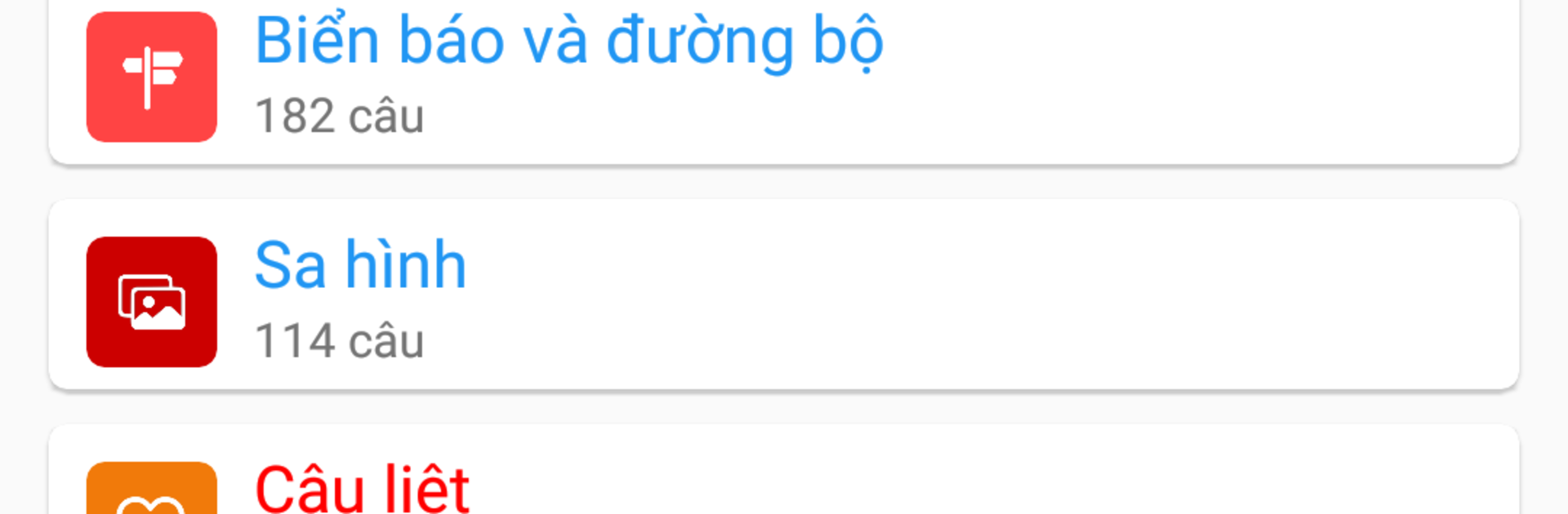
The content is up to date with current rules, including new traffic signs, allowed speeds, and alcohol limits from Decree 100. It sticks to national road sign standards and pushes more real life situations. Expect questions about going down long steep hills, passing blind curves, handling railway crossings, entering and exiting highways, and getting through busy intersections when visibility is low. The app also covers the different license categories, A1 to A4 and B1, B11, B2, C, D, plus F, with more questions per category than before.

On BlueStacks it is easy to sit with a keyboard and click through a bunch of items, diagrams look clear on a monitor and the Vietnamese labels are easier to read. It is not flashy, it just drills the exact rules and behaviors the exam expects, which is what most learners really need.

Big screen. Bigger performance. Use BlueStacks on your PC or Mac to run your favorite apps.

How to Download and Run 600 Câu Hỏi Ôn Thi Giấy Phép Lái Xe on PC or Mac

  • Download and install BlueStacks on your PC or Mac

  • Complete Google sign-in to access the Play Store, or do it later

  • Look for 600 Câu Hỏi Ôn Thi Giấy Phép Lái Xe in the search bar at the top right corner

  • Click to install 600 Câu Hỏi Ôn Thi Giấy Phép Lái Xe from the search results

  • Complete Google sign-in (if you skipped step 2) to install 600 Câu Hỏi Ôn Thi Giấy Phép Lái Xe

  • Click the 600 Câu Hỏi Ôn Thi Giấy Phép Lái Xe icon on the home screen to start playing

video
Watch Video

Minimum System Requirements

With BlueStacks 5, you can get started on a PC that fulfills the following requirements.

  • Operating System

    Microsoft Windows 7 or above, macOS 11 (Big Sur) or above

  • Processor

    Intel, AMD or Apple Silicon Processor

  • RAM

    at least 4GB

  • HDD

    10GB Free Disk Space

Note:

* You must be an Administrator on your PC. Up to date graphics drivers from Microsoft or the chipset vendor.

600 Câu Hỏi Ôn Thi Giấy Phép Lái Xe - FAQs

  • How to Run 600 Câu Hỏi Ôn Thi Giấy Phép Lái Xe on Windows PC & Mac?

    Run 600 Câu Hỏi Ôn Thi Giấy Phép Lái Xe on your PC or Mac by following these simple steps.

    • Click on ‘Download 600 Câu Hỏi Ôn Thi Giấy Phép Lái Xe on PC’ to download BlueStacks
    • Install it and log-in to Google Play Store
    • Launch and run the app.
  • Why is BlueStacks the fastest and safest platform to play games on PC?

    BlueStacks respects your privacy and is always safe and secure to use. It does not carry any malware, spyware, or any sort of additional software that could harm your PC.

    It is engineered to optimize speed and performance for a seamless gaming experience.

  • What are 600 Câu Hỏi Ôn Thi Giấy Phép Lái Xe PC requirements?

    Minimum requirement to run 600 Câu Hỏi Ôn Thi Giấy Phép Lái Xe on your PC

    • OS: Microsoft Windows 7 and above:
    • Processor: Intel or AMD Processor:
    • RAM: Your PC must have at least 2GB of RAM. (Note that having 2GB or more disk space is not a substitute for RAM):
    • HDD: 5GB Free Disk Space.
    • You must be an Administrator on your PC.




