



What’s better than using AÖF Çıkmış Sorular & Ders Notları 2021 – AÖF Pro by Emin TÜRK? Well, try it on a big screen, on your PC or Mac, with BlueStacks to see the difference.
About the App
AÖF Çıkmış Sorular & Ders Notları 2021 – AÖF Pro is your all-in-one study buddy for Anadolu University’s Open Education programs. It brings together past exam questions, course summaries, and handy tools that make prepping for midterms and finals feel way more manageable. Whether you’re catching up after work or squeezing in a quick review, it’s designed to keep you on track without the stress.
App Features
- Massive Question Bank: Practice with an ever-growing pool of 800,000+ questions spanning Economics, Business, and Open Education associate and bachelor’s programs.
- Smart Practice Exams: Build personalized tests from the questions you got wrong or marked as favorites so you can focus on exactly where you need improvement.
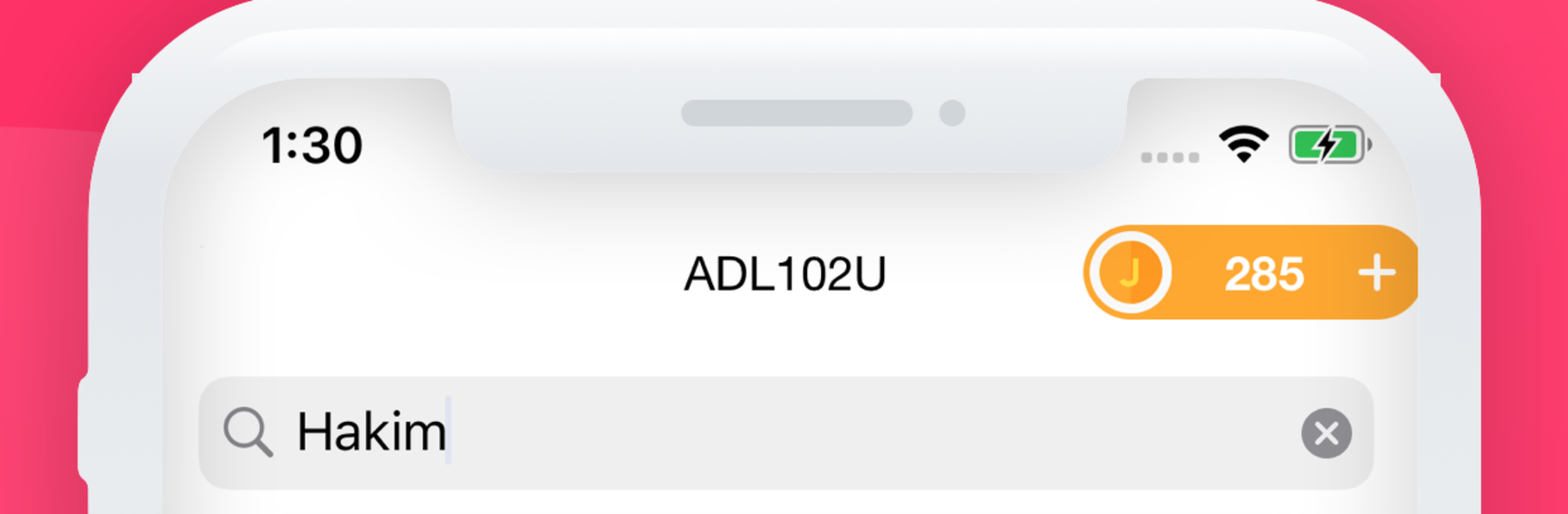
- Quick Question Search: Type a course name or keyword and instantly pull up relevant questions to study what matters right now.
- Ad-Free Mock Tests: Use a few extra tokens to take distraction-free mock exams—no ads, just you and the questions.
- Dark Mode: Study comfortably at night with a clean, eye-friendly theme that your eyes will thank you for.
- Continue Where You Left Off: Got interrupted mid-exam or while reading a summary? Jump back in at the exact spot with activity tracking.
- Clear Performance Stats: See how many questions you’ve solved, your correct/incorrect breakdown, and spot trends over time.
- AÖF Announcements: Stay in the loop with timely updates and notifications about important AÖF news.
- Course Code Lookup: Quickly find and check course codes without digging through documents.
- Handy Jokers: Use 50/50 to narrow options, view what other students picked, or get a second-chance tap if you misclick an answer.
- Broad Program Coverage: From associate degrees to 4-year majors, resources are organized by department so you can prep efficiently.
- Nice on Big Screens: Prefer studying on your PC? Run it through BlueStacks for a comfortable desktop setup.
BlueStacks gives you the much-needed freedom to experience your favorite apps on a bigger screen. Get it now.





