
Abacus Lesson
Abacus Lesson

Abacus Lesson

Education

| Hirokuma.App

Play on PC with BlueStacks or from our cloud

  • Overview
  • How to Download

Page Modified On: January 09, 2026

Run Abacus Lesson on PC or Mac

What’s better than using Abacus Lesson by Hirokuma.App? Well, try it on a big screen, on your PC or Mac, with BlueStacks to see the difference.

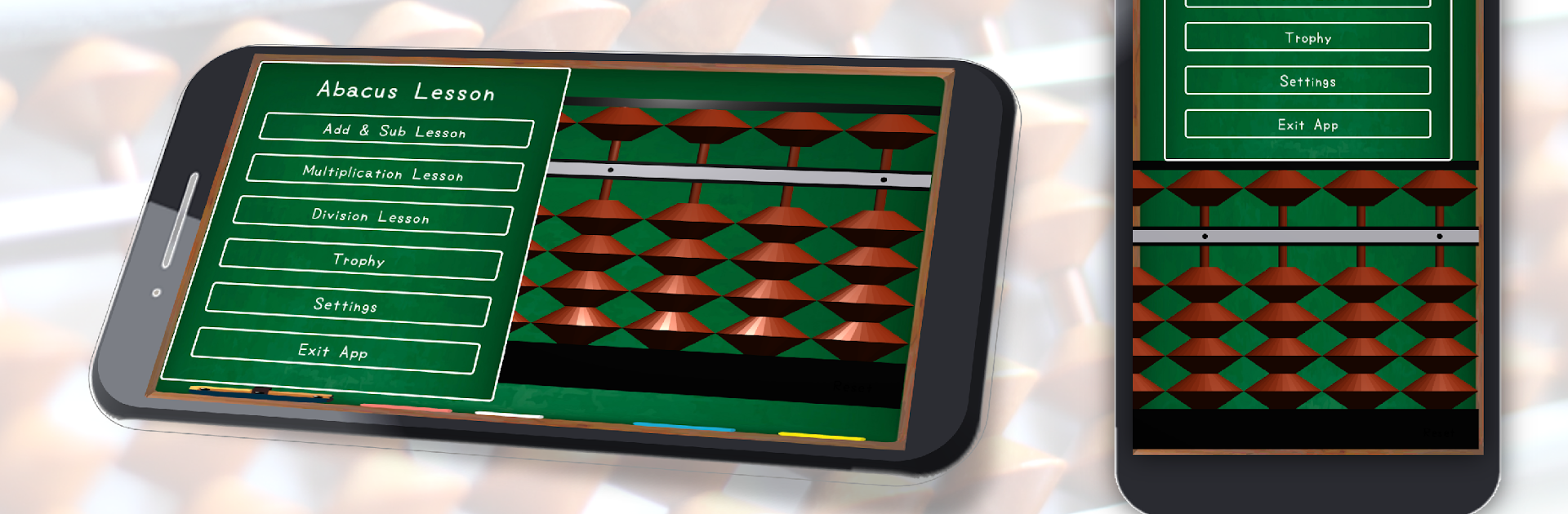
Abacus Lesson feels like a focused little studio for learning the abacus and sharpening mental math. It is set up around quick problems that expect an answer in about five seconds, so the pace stays lively without feeling stressful. Lessons are laid out in a clear, step by step way, and there is extra practice that targets finger movement and mental calculation. It is less game and more training tool, but it still feels satisfying, especially when a streak clicks and the beads start flying.

On PC with BlueStacks, the big screen actually helps. The app lets a person switch between vertical and horizontal layouts, move the abacus around, and resize windows until everything sits where it should. Mouse clicks for the beads feel precise, and the custom options are nice to have. There are different sound sets, detailed volume controls, and even color choices for the abacus, so the whole setup can match whatever mood. No ads popping up, just lessons and practice. Goals award trophies, which gives a small push to keep going, and the whole thing runs smooth.

It suits beginners who want a gentle, methodical path, and also anyone chasing speed on mental arithmetic. If someone enjoys measurable progress and a clean workspace, this is the kind of app that makes daily practice easy to keep.

BlueStacks brings your apps to life on a bigger screen—seamless and straightforward.

How to Download and Run Abacus Lesson on PC or Mac

  • Download and install BlueStacks on your PC or Mac

  • Complete Google sign-in to access the Play Store, or do it later

  • Look for Abacus Lesson in the search bar at the top right corner

  • Click to install Abacus Lesson from the search results

  • Complete Google sign-in (if you skipped step 2) to install Abacus Lesson

  • Click the Abacus Lesson icon on the home screen to start playing

video
Watch Video

Minimum System Requirements

With BlueStacks 5, you can get started on a PC that fulfills the following requirements.

  • Operating System

    Microsoft Windows 7 or above, macOS 11 (Big Sur) or above

  • Processor

    Intel, AMD or Apple Silicon Processor

  • RAM

    at least 4GB

  • HDD

    10GB Free Disk Space

Note:

* You must be an Administrator on your PC. Up to date graphics drivers from Microsoft or the chipset vendor.

Abacus Lesson - FAQs

  • How to Run Abacus Lesson on Windows PC & Mac?

    Run Abacus Lesson on your PC or Mac by following these simple steps.

    • Click on ‘Download Abacus Lesson on PC’ to download BlueStacks
    • Install it and log-in to Google Play Store
    • Launch and run the app.
  • Why is BlueStacks the fastest and safest platform to play games on PC?

    BlueStacks respects your privacy and is always safe and secure to use. It does not carry any malware, spyware, or any sort of additional software that could harm your PC.

    It is engineered to optimize speed and performance for a seamless gaming experience.

  • What are Abacus Lesson PC requirements?

    Minimum requirement to run Abacus Lesson on your PC

    • OS: Microsoft Windows 7 and above:
    • Processor: Intel or AMD Processor:
    • RAM: Your PC must have at least 2GB of RAM. (Note that having 2GB or more disk space is not a substitute for RAM):
    • HDD: 5GB Free Disk Space.
    • You must be an Administrator on your PC.




