
Adobe Captivate Prime

Adobe Captivate Prime

Education

| Adobe

Play on PC with BlueStacks or from our cloud

  • Overview
  • How to Download

Page Modified On: September 02, 2025

Run Adobe Captivate Prime on PC or Mac

Upgrade your experience. Try Adobe Captivate Prime, the fantastic Business app from Adobe, from the comfort of your laptop, PC, or Mac, only on BlueStacks.

Adobe Captivate Prime is a straight to the point learning app that does not get in the way. It is built for people who want to keep training going while commuting or between tasks. Courses open fast, and the player handles videos, PDFs, slides, and quizzes in one place so there is no bouncing between different viewers. The Fluidic Player is the bit that stands out. It is basically a single screen that plays almost any training format without fuss, and it keeps everything consistent so it feels calm rather than messy. There is an offline toggle that lets users download a course, take notes right inside it, and keep studying even with no signal. Progress saves locally and syncs as soon as the phone is back online, so pausing on mobile and picking up on a desktop later actually works.

Using it on a PC with BlueStacks makes the reading and timelines easier on the eyes, especially for long PDFs or video timelines. Mouse scrolling feels natural, and it is nice for typing notes quickly. Nothing flashy here, just a clean setup that gets the job done. Navigation is simple, sections are clearly marked, and the app does not nag. For someone who has mandatory trainings or a stack of short lessons to get through, it keeps focus on learning rather than on the app itself, which is the point really.

Switch to BlueStacks and make the most of your apps on your PC or Mac.

How to Download and Run Adobe Captivate Prime on PC or Mac

  • Download and install BlueStacks on your PC or Mac

  • Complete Google sign-in to access the Play Store, or do it later

  • Look for Adobe Captivate Prime in the search bar at the top right corner

  • Click to install Adobe Captivate Prime from the search results

  • Complete Google sign-in (if you skipped step 2) to install Adobe Captivate Prime

  • Click the Adobe Captivate Prime icon on the home screen to start playing

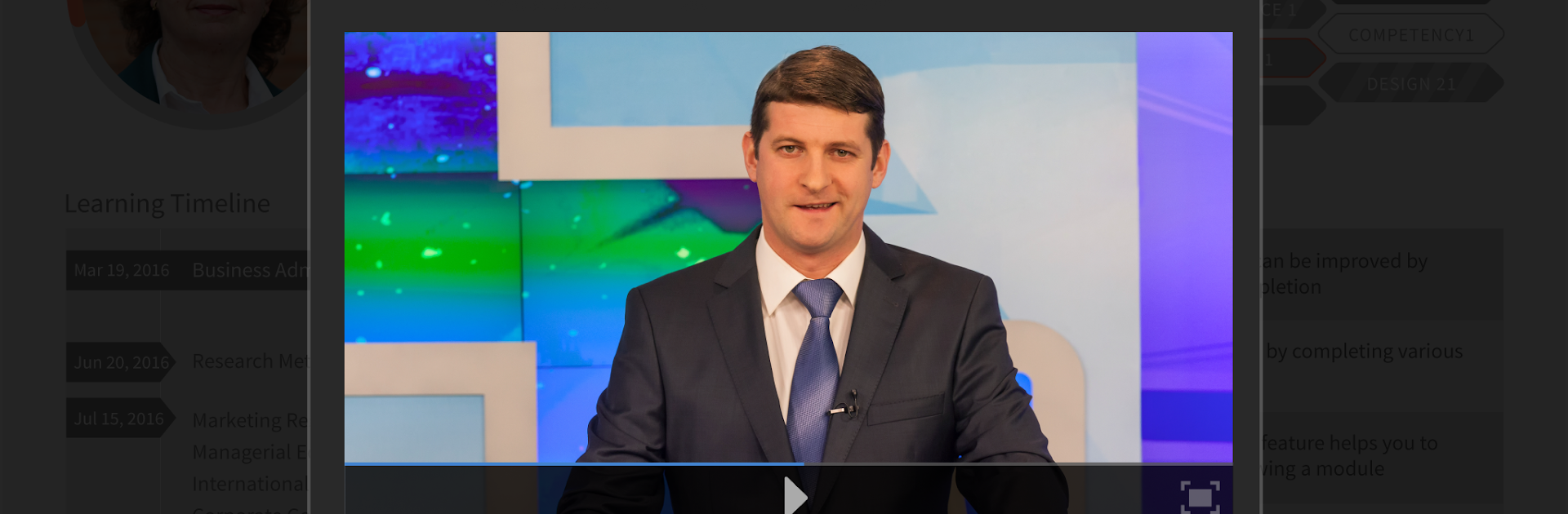
video
Watch Video

Minimum System Requirements

With BlueStacks 5, you can get started on a PC that fulfills the following requirements.

  • Operating System

    Microsoft Windows 7 or above, macOS 11 (Big Sur) or above

  • Processor

    Intel, AMD or Apple Silicon Processor

  • RAM

    at least 4GB

  • HDD

    10GB Free Disk Space

Note:

* You must be an Administrator on your PC. Up to date graphics drivers from Microsoft or the chipset vendor.

Adobe Captivate Prime - FAQs

  • How to Run Adobe Captivate Prime on Windows PC & Mac?

    Run Adobe Captivate Prime on your PC or Mac by following these simple steps.

    • Click on ‘Download Adobe Captivate Prime on PC’ to download BlueStacks
    • Install it and log-in to Google Play Store
    • Launch and run the app.
  • Why is BlueStacks the fastest and safest platform to play games on PC?

    BlueStacks respects your privacy and is always safe and secure to use. It does not carry any malware, spyware, or any sort of additional software that could harm your PC.

    It is engineered to optimize speed and performance for a seamless gaming experience.

  • What are Adobe Captivate Prime PC requirements?

    Minimum requirement to run Adobe Captivate Prime on your PC

    • OS: Microsoft Windows 7 and above:
    • Processor: Intel or AMD Processor:
    • RAM: Your PC must have at least 2GB of RAM. (Note that having 2GB or more disk space is not a substitute for RAM):
    • HDD: 5GB Free Disk Space.
    • You must be an Administrator on your PC.




