
Amateur Radio Toolkit

Amateur Radio Toolkit

Education

| Electronial

Play on PC with BlueStacks or from our cloud

  • Overview
  • How to Download

Page Modified On: November 03, 2025

Run Amateur Radio Toolkit on PC or Mac

Multitask effortlessly on your PC or Mac as you try out Amateur Radio Toolkit, a Education app by Electronial on BlueStacks.

About the App

Amateur Radio Toolkit is your all-in-one pocket helper for building, tuning, and learning the ins and outs of ham radio. Whether you’re mapping grid squares for a contact or cutting wire for a new antenna, it keeps the math and reference info right where you need it. Built by Electronial in the Education genre, it’s handy for newcomers and seasoned operators alike.

App Features

  • Quick Code Lookups: Fast access to Q codes, 92 codes, RST, common CW abbreviations, and the NATO phonetic alphabet when your memory blanks mid-QSO.
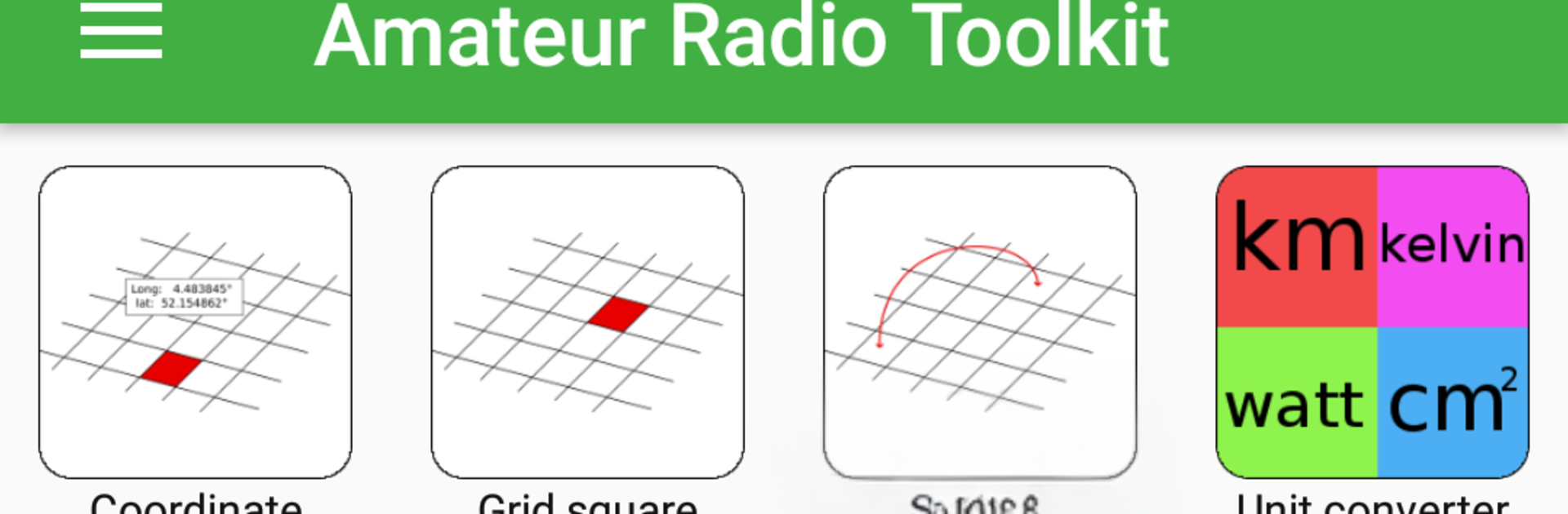
  • Location & Grid Tools: Convert between latitude/longitude and Maidenhead locators, find your current position, and calculate the distance between two grid squares.
  • Antenna Calculators: Get suggested dimensions by frequency for dipole, vertical, inverted vee, ground-plane, J-Pole, cubical quad, and Yagi designs (three- and seven-element) to speed up your builds.
  • VSWR & RF Basics: Convert between VSWR, reflection coefficient, return loss, and mismatch loss, plus switch between wavelength and frequency in a tap.
  • Circuit Essentials: Ohm’s law, reactance for caps/inductors, voltage divider math, resistor color codes, and series/parallel calculators for resistors and capacitors keep bench work moving.
  • Filter & Inductor Helpers: Size RC/RL low-pass and high-pass filters, estimate air-core inductors, and check coaxial cable characteristics before you commit.
  • Morse & CW Aids: Quick references for Morse code and common shorthand so you can keep your rhythm on the key.
  • Pro Extras: Remove ads and unlock tools like half-wave coax and narrowband baluns, small magnetic loop and full-wave loop calculators, ERP/EIRP and RMS voltage, Pi and T attenuators, inductors in series/parallel, and Doppler shift.
  • Big-Screen Option: Prefer more room while planning? Run Amateur Radio Toolkit on your computer with BlueStacks for extra breathing space.

BlueStacks brings your apps to life on a bigger screen—seamless and straightforward.

How to Download and Run Amateur Radio Toolkit on PC or Mac

  • Download and install BlueStacks on your PC or Mac

  • Complete Google sign-in to access the Play Store, or do it later

  • Look for Amateur Radio Toolkit in the search bar at the top right corner

  • Click to install Amateur Radio Toolkit from the search results

  • Complete Google sign-in (if you skipped step 2) to install Amateur Radio Toolkit

  • Click the Amateur Radio Toolkit icon on the home screen to start playing

video
Watch Video

Minimum System Requirements

With BlueStacks 5, you can get started on a PC that fulfills the following requirements.

  • Operating System

    Microsoft Windows 7 or above, macOS 11 (Big Sur) or above

  • Processor

    Intel, AMD or Apple Silicon Processor

  • RAM

    at least 4GB

  • HDD

    10GB Free Disk Space

Note:

* You must be an Administrator on your PC. Up to date graphics drivers from Microsoft or the chipset vendor.

Amateur Radio Toolkit - FAQs

  • How to Run Amateur Radio Toolkit on Windows PC & Mac?

    Run Amateur Radio Toolkit on your PC or Mac by following these simple steps.

    • Click on ‘Download Amateur Radio Toolkit on PC’ to download BlueStacks
    • Install it and log-in to Google Play Store
    • Launch and run the app.
  • Why is BlueStacks the fastest and safest platform to play games on PC?

    BlueStacks respects your privacy and is always safe and secure to use. It does not carry any malware, spyware, or any sort of additional software that could harm your PC.

    It is engineered to optimize speed and performance for a seamless gaming experience.

  • What are Amateur Radio Toolkit PC requirements?

    Minimum requirement to run Amateur Radio Toolkit on your PC

    • OS: Microsoft Windows 7 and above:
    • Processor: Intel or AMD Processor:
    • RAM: Your PC must have at least 2GB of RAM. (Note that having 2GB or more disk space is not a substitute for RAM):
    • HDD: 5GB Free Disk Space.
    • You must be an Administrator on your PC.




