
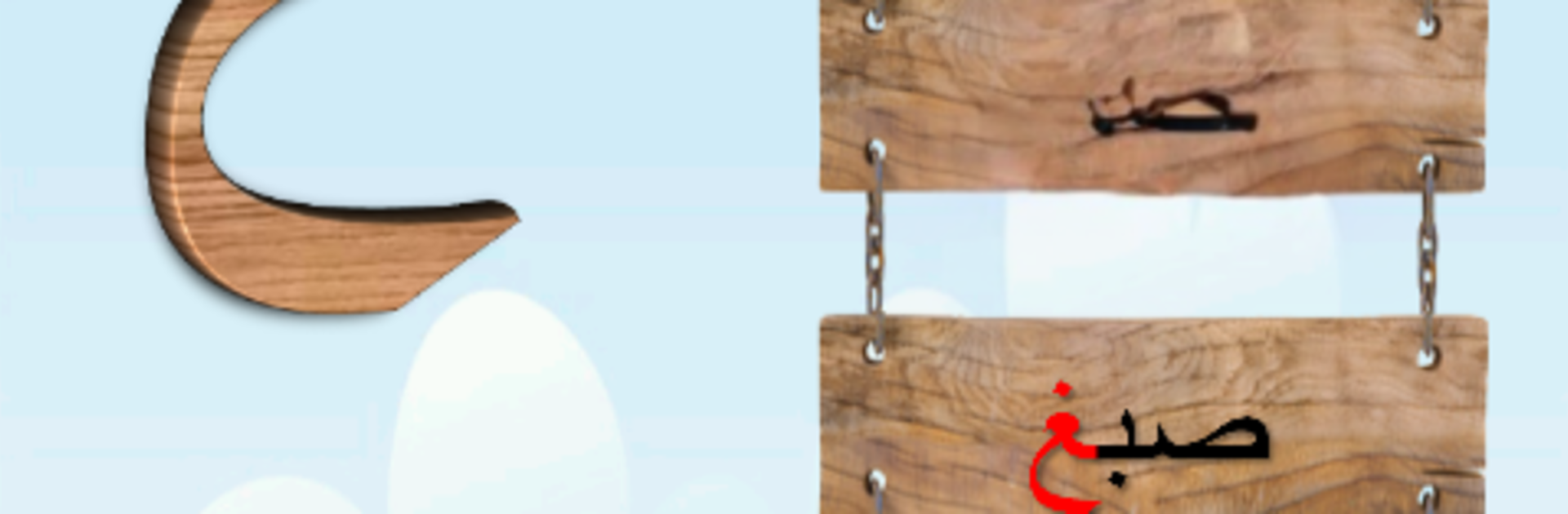
Arabic Alphabets - letters

Arabic Alphabets - letters

Education

| Katkuti-AppInMob

Play on PC with BlueStacks or from our cloud

  • Overview
  • How to Download

Page Modified On: October 03, 2025

Run Arabic Alphabets - letters on PC or Mac

Upgrade your experience. Try Arabic Alphabets – letters, the fantastic Education app from Katkuti-AppInMob, from the comfort of your laptop, PC, or Mac, only on BlueStacks.

About the App

Arabic Alphabets – letters makes learning the Arabic alphabet feel simple and friendly for kids. It walks learners through each huruf—from Alef to Yaa—with clear sounds and easy examples, so recognition and pronunciation come naturally. Created by Katkuti-AppInMob in the Education genre, it’s designed for young learners and the grown-ups guiding them.

App Features

  • All 28 letters covered: Every Arabic letter is introduced with its name and sound, helping kids connect what they see to what they hear right away.
  • Letter positions made simple: See how each letter looks at the beginning, middle, and end of a word, so those “shape changes” stop being confusing.
  • Three examples per letter: Each letter comes with three example words to reinforce understanding and build early vocabulary.
  • Clear audio pronunciation: Hear each letter and word spoken clearly, encouraging kids to repeat and practice proper sounds.
  • Kid-friendly for ages 1–12: Gentle visuals and straightforward navigation keep little learners focused without overwhelming them.
  • Optional ad-free learning: Prefer a quieter space? Use the “Remove ads” option in the app menu to study without interruptions.
  • Loved by families: With more than two million downloads and strong parent feedback, it’s a trusted way to start reading Arabic.
  • Great on a bigger screen: If you’d rather practice on a computer, you can run Arabic Alphabets – letters on your PC or Mac using BlueStacks for a roomier view.

Ready to experience Arabic Alphabets – letters on a bigger screen, in all its glory? Download BlueStacks now.


How to Download and Run Arabic Alphabets - letters on PC or Mac

  • Download and install BlueStacks on your PC or Mac

  • Complete Google sign-in to access the Play Store, or do it later

  • Look for Arabic Alphabets - letters in the search bar at the top right corner

  • Click to install Arabic Alphabets - letters from the search results

  • Complete Google sign-in (if you skipped step 2) to install Arabic Alphabets - letters

  • Click the Arabic Alphabets - letters icon on the home screen to start playing

video
Watch Video

Minimum System Requirements

With BlueStacks 5, you can get started on a PC that fulfills the following requirements.

  • Operating System

    Microsoft Windows 7 or above, macOS 11 (Big Sur) or above

  • Processor

    Intel, AMD or Apple Silicon Processor

  • RAM

    at least 4GB

  • HDD

    10GB Free Disk Space

Note:

* You must be an Administrator on your PC. Up to date graphics drivers from Microsoft or the chipset vendor.

Arabic Alphabets - letters - FAQs

  • How to Run Arabic Alphabets - letters on Windows PC & Mac?

    Run Arabic Alphabets - letters on your PC or Mac by following these simple steps.

    • Click on ‘Download Arabic Alphabets - letters on PC’ to download BlueStacks
    • Install it and log-in to Google Play Store
    • Launch and run the app.
  • Why is BlueStacks the fastest and safest platform to play games on PC?

    BlueStacks respects your privacy and is always safe and secure to use. It does not carry any malware, spyware, or any sort of additional software that could harm your PC.

    It is engineered to optimize speed and performance for a seamless gaming experience.

  • What are Arabic Alphabets - letters PC requirements?

    Minimum requirement to run Arabic Alphabets - letters on your PC

    • OS: Microsoft Windows 7 and above:
    • Processor: Intel or AMD Processor:
    • RAM: Your PC must have at least 2GB of RAM. (Note that having 2GB or more disk space is not a substitute for RAM):
    • HDD: 5GB Free Disk Space.
    • You must be an Administrator on your PC.



