



Why limit yourself to your small screen on the phone? Run Assistant – testing and exams, an app by AssistDev, best experienced on your PC or Mac with BlueStacks, the world’s #1 Android emulator.
About the App
Ever wish you could bring all your practice tests and quizzes together in one spot? Assistant – testing and exams from AssistDev is designed just for that. This Education app lets you build your own quizzes, run practice exams, and even check your memory skills—no matter if you’re prepping for school, work, or just want to test yourself for fun. Whether you’re studying solo or getting a group ready for hiring assessments, it’s all covered. You can stay organized and focused while having your exam materials always a tap away.
App Features
-
Flexible File Support
Open and create tests using both qst and qsz formats, so you’re never stuck with the wrong file type. -
Test Creation & Editing
Craft your own practice quizzes from scratch or tweak existing ones to better fit your needs. Want to practice one topic more? Just add more questions. -
Easy File Sharing
Got a quiz that’s too good to keep to yourself? Share it with classmates or colleagues using messengers, social apps, or email. -
Web Import
Pull in new tests straight from the web using a link—no more hunting for files across your device. -
Preview Modes
Review every possible answer to a question, or switch to seeing only the correct ones if you’re in a hurry. -
Practice & Exam Modes
Not sure you’re ready for the final exam? Try a practice mode or simulate the real deal with a timed exam. -
Randomized Questions
Don’t want to memorize the order? Mix things up by tackling a random set of questions each time. -
Detailed Progress Tracking
Check exactly how many questions you nailed compared to the total, and watch your progress improve. -
Varied Question Types
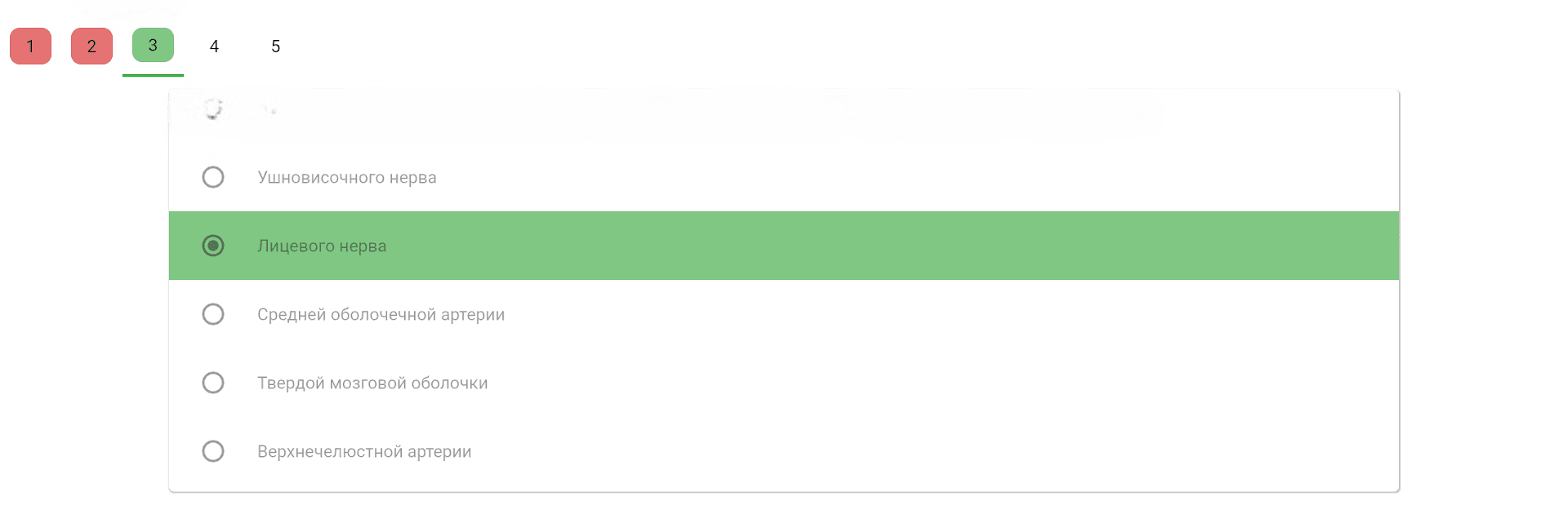
Use single answer, multiple-choice, sequence sorting, or even fill-in-the-blank with text or numbers—the app’s got it all. -
Attach Images & Hints
Add one or more images to questions, or even attach a picture to an answer. Too tricky? Set up hints that pop up once you’ve submitted your response. -
Unlimited Everything
There’s no cap on how many questions you add, or how many answers a question has. Move items around until it’s just right. -
Cross-device Potential
Planning to work from a desktop? While a computer version is on the horizon, you can already enjoy using BlueStacks for a larger-screen experience.
No matter your study style, Assistant – testing and exams is packed with options to help you test smarter—not harder.
Eager to take your app experience to the next level? Start right away by downloading BlueStacks on your PC or Mac.





