




Why limit yourself to your small screen on the phone? Run Bluefruit Connect, an app by Adafruit Industries, best experienced on your PC or Mac with BlueStacks, the world’s #1 Android emulator.
About the App
Bluefruit Connect makes it easy to talk to your Adafruit Bluefruit LE projects from your phone or tablet. It’s a simple, hands-on way to test ideas, send data, and control hardware without writing a bunch of code first. Built by Adafruit Industries, it’s great for classrooms, labs, or weekend tinkering. Prefer a bigger screen while prototyping? You can also run it on your computer using BlueStacks.
App Features
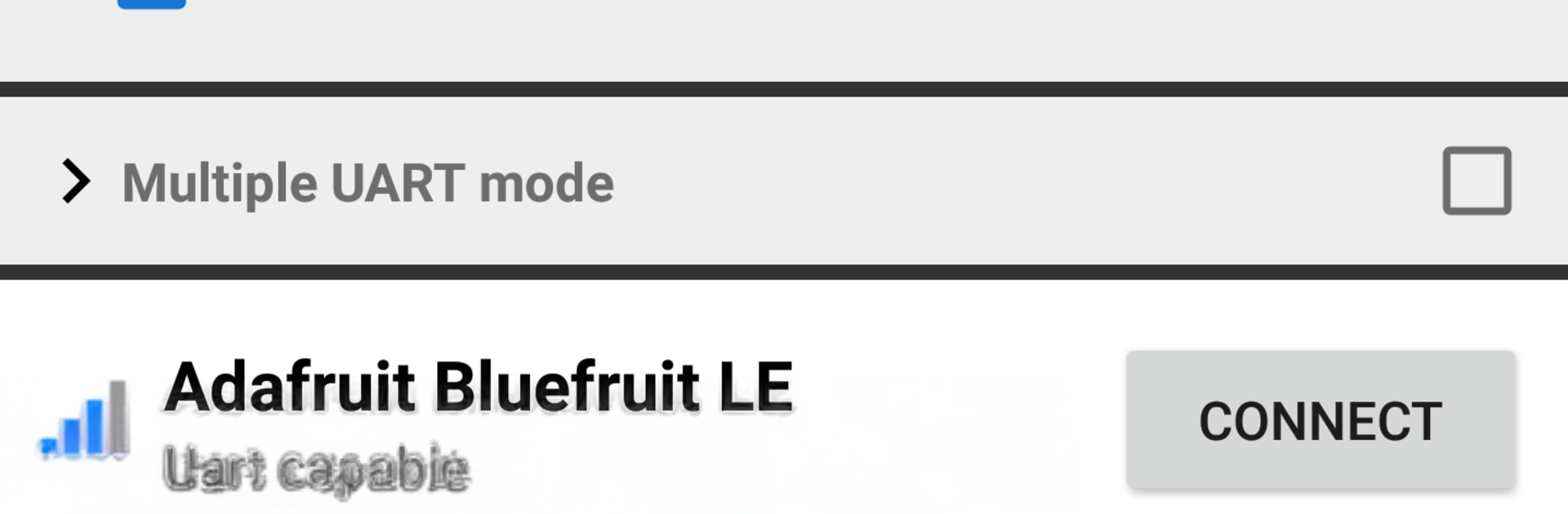
- Quick BLE scanning: Find nearby Bluetooth Low Energy boards, view signal strength, and check advertisement details before you connect.
- Sensor and GPS streaming: Send your Android device’s motion and location data to your project in real time. Heads up—background GPS can use extra battery.
- Control Pad: Drive robots, navigate menus, or trigger actions with a straightforward directional pad and buttons.
- Arduino pin control: Read analog inputs, toggle digital pins, and adjust PWM outputs right from your phone.
- UART console: Send and receive messages in ASCII or Hex, monitor serial data, and debug on the go.
- NeoPixel color tools: Pick colors with a smooth, interactive selector and address individual LEDs for quick lighting tests.
- GATT info browser: Explore services and characteristics on a connected peripheral to understand what’s available.
- Serial Plotter: Graph numeric data live for easy sensor checks, tuning, and demos.
- Multi-connection support: Open more than one link at once for UART and the Serial Plotter when you need it.
- Image over UART: Push small images through UART for creative experiments and displays.
- Firmware updates: Keep your Bluefruit device current with in-app firmware updates.
BlueStacks brings your apps to life on a bigger screen—seamless and straightforward.





