
Brailliac: Braille Tutor

Brailliac: Braille Tutor

Education

| Brailliac

Play on PC with BlueStacks or from our cloud

  • Overview
  • How to Download

Page Modified On: September 12, 2025

Run Brailliac: Braille Tutor on PC or Mac

Upgrade your experience. Try Brailliac: Braille Tutor, the fantastic Education app from Brailliac, from the comfort of your laptop, PC, or Mac, only on BlueStacks.

Brailliac: Braille Tutor feels like a small study game that actually gets someone learning, not just looking things up. On PC with BlueStacks it is easy on the eyes, since the dot patterns are clearer on a bigger screen and clicks feel quick. The app keeps sessions short and focused, and it notices which symbols trip a person up, then brings those back more often so the practice stays useful. There is a timed Challenge mode too, so anyone who likes a little pressure or friendly score chasing can race through sets and compare with friends.

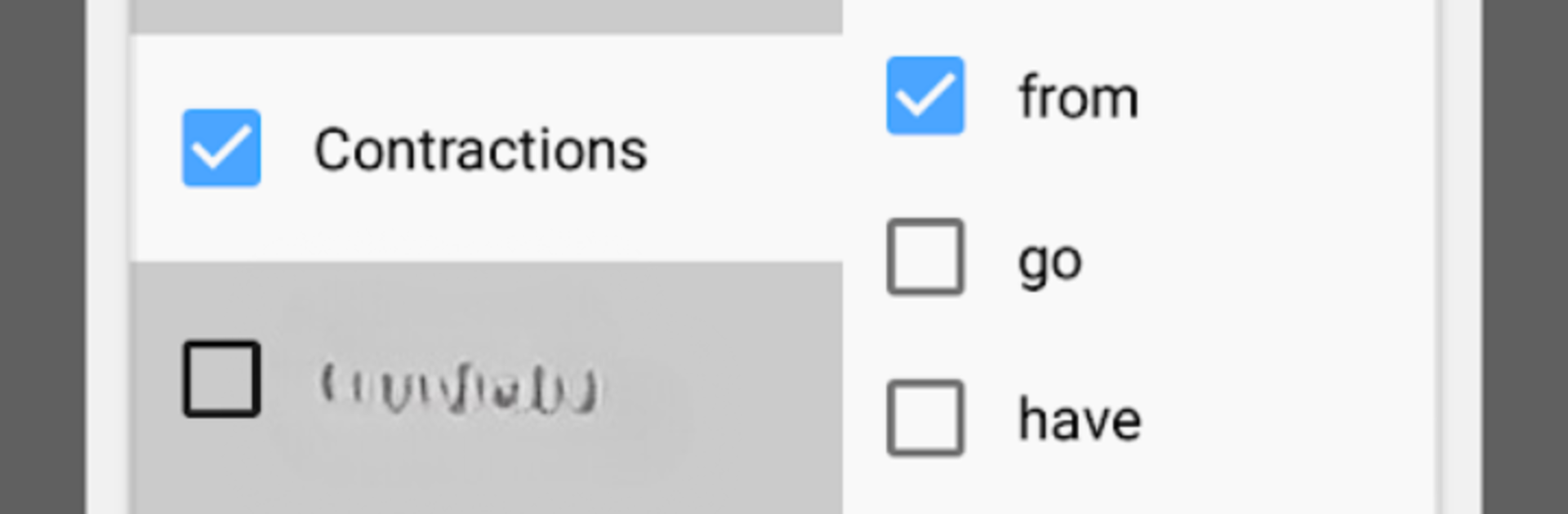
What stands out is how flexible it is. The options let someone pick exactly what to work on, whether that is certain letters, numbers, or whole groups, so it never feels like being dragged through a fixed course. The translation part is fun as well. It throws silly sentences at the user to convert to and from braille, which breaks up the usual drill feeling. There is a light progression system where points unlock themes and extras, so there is a small nudge to keep going without turning it into a grind.

It also supports multiple codes, not just English. Unified English Braille is there, along with Swedish, Czech, Slovak, Tamil, and Spanish, so a learner can switch codes in the same place. Overall it plays smooth and stays friendly, whether someone starts from zero or just wants to sharpen memory.

Big screen. Bigger performance. Use BlueStacks on your PC or Mac to run your favorite apps.

How to Download and Run Brailliac: Braille Tutor on PC or Mac

  • Download and install BlueStacks on your PC or Mac

  • Complete Google sign-in to access the Play Store, or do it later

  • Look for Brailliac: Braille Tutor in the search bar at the top right corner

  • Click to install Brailliac: Braille Tutor from the search results

  • Complete Google sign-in (if you skipped step 2) to install Brailliac: Braille Tutor

  • Click the Brailliac: Braille Tutor icon on the home screen to start playing

video
Watch Video

Minimum System Requirements

With BlueStacks 5, you can get started on a PC that fulfills the following requirements.

  • Operating System

    Microsoft Windows 7 or above, macOS 11 (Big Sur) or above

  • Processor

    Intel, AMD or Apple Silicon Processor

  • RAM

    at least 4GB

  • HDD

    10GB Free Disk Space

Note:

* You must be an Administrator on your PC. Up to date graphics drivers from Microsoft or the chipset vendor.

Brailliac: Braille Tutor - FAQs

  • How to Run Brailliac: Braille Tutor on Windows PC & Mac?

    Run Brailliac: Braille Tutor on your PC or Mac by following these simple steps.

    • Click on ‘Download Brailliac: Braille Tutor on PC’ to download BlueStacks
    • Install it and log-in to Google Play Store
    • Launch and run the app.
  • Why is BlueStacks the fastest and safest platform to play games on PC?

    BlueStacks respects your privacy and is always safe and secure to use. It does not carry any malware, spyware, or any sort of additional software that could harm your PC.

    It is engineered to optimize speed and performance for a seamless gaming experience.

  • What are Brailliac: Braille Tutor PC requirements?

    Minimum requirement to run Brailliac: Braille Tutor on your PC

    • OS: Microsoft Windows 7 and above:
    • Processor: Intel or AMD Processor:
    • RAM: Your PC must have at least 2GB of RAM. (Note that having 2GB or more disk space is not a substitute for RAM):
    • HDD: 5GB Free Disk Space.
    • You must be an Administrator on your PC.




