
Common German Verbs
Common German Verbs

Common German Verbs

Education

| Titan Software Ltd.

Play on PC with BlueStacks or from our cloud

  • Overview
  • How to Download

Page Modified On: September 22, 2025

Run Common German Verbs on PC or Mac

What’s better than using Common German Verbs by Titan Software Ltd.? Well, try it on a big screen, on your PC or Mac, with BlueStacks to see the difference.

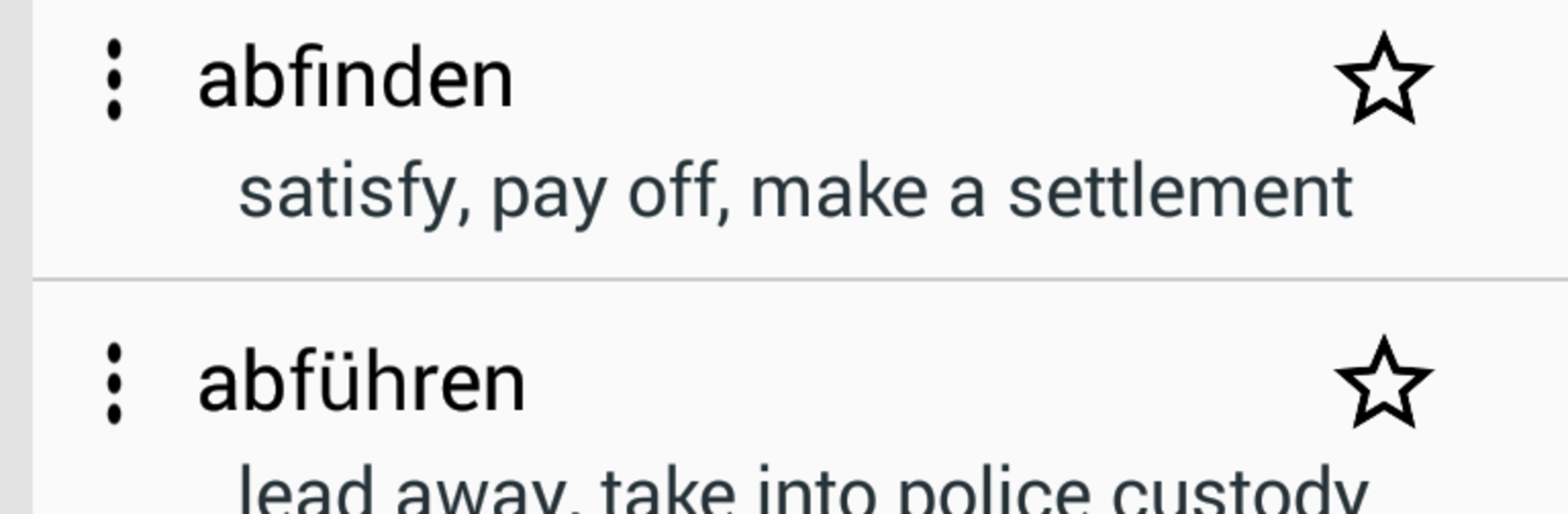
Common German Verbs feels like a straight-up verb buddy rather than a full lesson app. Open it and it is all about conjugations, clean and quick. A person can search a verb by name or even by translation, then flip through all the forms across a pile of tenses without digging through menus. The list is huge, well over two thousand verbs, and it shows the tricky stuff clearly so there is less guessing. There is a wildcard search for those moments when someone only remembers part of a verb, and a simple favorites list to pin the ones that keep coming up in class or conversation. It works fully offline, so no wifi panic during study breaks or on the train, and the app is tiny so it does not eat storage.

Running it on a PC with BlueStacks actually makes it nicer to use, because typing into the search bar with a keyboard is faster and the bigger screen lays out the tenses in a way that is easier on the eyes. It is not flashy, there are no mini games or daily streaks, just a solid, reliable reference that helps lock in patterns by letting someone check forms again and again. Beginners can browse common verbs and peek at how the tenses change, and more advanced learners get a quick check for Konjunktiv or future forms when writing. It is the kind of tool that sits open while studying, does not nag, and gets out of the way so the language sticks. And yes, it is free, which makes it easy to recommend to anyone who needs a verb checker handy.

Ready to experience Common German Verbs on a bigger screen, in all its glory? Download BlueStacks now.


How to Download and Run Common German Verbs on PC or Mac

  • Download and install BlueStacks on your PC or Mac

  • Complete Google sign-in to access the Play Store, or do it later

  • Look for Common German Verbs in the search bar at the top right corner

  • Click to install Common German Verbs from the search results

  • Complete Google sign-in (if you skipped step 2) to install Common German Verbs

  • Click the Common German Verbs icon on the home screen to start playing

video
Watch Video

Minimum System Requirements

With BlueStacks 5, you can get started on a PC that fulfills the following requirements.

  • Operating System

    Microsoft Windows 7 or above, macOS 11 (Big Sur) or above

  • Processor

    Intel, AMD or Apple Silicon Processor

  • RAM

    at least 4GB

  • HDD

    10GB Free Disk Space

Note:

* You must be an Administrator on your PC. Up to date graphics drivers from Microsoft or the chipset vendor.

Common German Verbs - FAQs

  • How to Run Common German Verbs on Windows PC & Mac?

    Run Common German Verbs on your PC or Mac by following these simple steps.

    • Click on ‘Download Common German Verbs on PC’ to download BlueStacks
    • Install it and log-in to Google Play Store
    • Launch and run the app.
  • Why is BlueStacks the fastest and safest platform to play games on PC?

    BlueStacks respects your privacy and is always safe and secure to use. It does not carry any malware, spyware, or any sort of additional software that could harm your PC.

    It is engineered to optimize speed and performance for a seamless gaming experience.

  • What are Common German Verbs PC requirements?

    Minimum requirement to run Common German Verbs on your PC

    • OS: Microsoft Windows 7 and above:
    • Processor: Intel or AMD Processor:
    • RAM: Your PC must have at least 2GB of RAM. (Note that having 2GB or more disk space is not a substitute for RAM):
    • HDD: 5GB Free Disk Space.
    • You must be an Administrator on your PC.



