
Concordance
Concordance

Concordance

Education

| Matthew S.

Play on PC with BlueStacks or from our cloud

  • Overview
  • How to Download

Page Modified On: October 03, 2025

Run Concordance on PC or Mac

Get freedom from your phone’s obvious limitations. Use Concordance, made by Matthew S., a Education app on your PC or Mac with BlueStacks, and level up your experience.

About the App

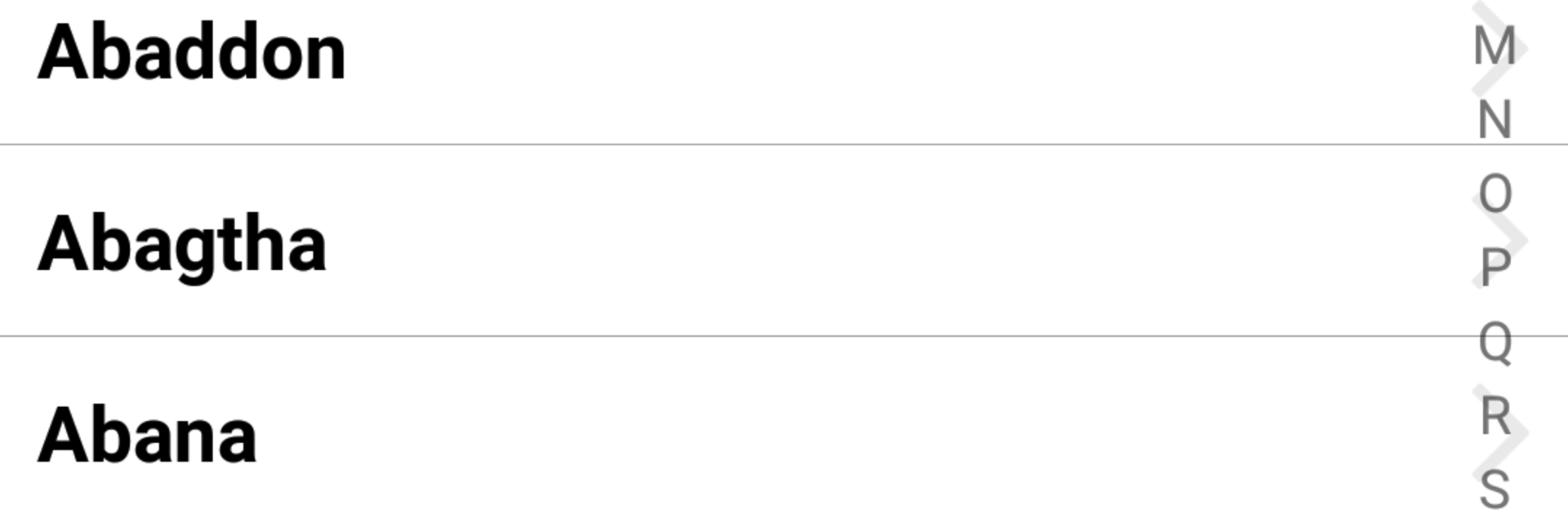
Concordance is a simple, focused way to explore Bible topics and verses. Created by Matthew S., this Education app organizes Scripture by subject so you can find what you need fast and read it in context. Prefer listening? You can even play passages as audio while you go about your day.

App Features

  • Topic-first lookup: Browse a classic, public‑domain topical index to jump from a subject to key Scripture references in seconds.
  • Lightning-fast search: Look up words or exact phrases across the Bible when you know what you’re after but not where it is.
  • Offline by design: All data lives on your device, so your study time isn’t tied to a signal or Wi‑Fi.
  • Read it your way: Open a single verse or view it inside its chapter for context; rotate to landscape when you want a wider layout.
  • Hear the Word: Enjoy audio playback for supported translations, great for hands-free listening during commutes or chores.
  • Plays in the background: Start a topic or search result and keep listening while your screen is off or you switch apps.
  • Your own study sets: Create custom topics and grouped passages to organize lessons, memorize, or queue up audio.
  • Smart cross-references: Use ESV-based cross‑refs to quickly compare related passages and see how themes connect.
  • Comfortable on any screen: Study on your phone or, if you like a bigger view, run Concordance on your PC or Mac with BlueStacks.

Switch to BlueStacks and make the most of your apps on your PC or Mac.

How to Download and Run Concordance on PC or Mac

  • Download and install BlueStacks on your PC or Mac

  • Complete Google sign-in to access the Play Store, or do it later

  • Look for Concordance in the search bar at the top right corner

  • Click to install Concordance from the search results

  • Complete Google sign-in (if you skipped step 2) to install Concordance

  • Click the Concordance icon on the home screen to start playing

video
Watch Video

Minimum System Requirements

With BlueStacks 5, you can get started on a PC that fulfills the following requirements.

  • Operating System

    Microsoft Windows 7 or above, macOS 11 (Big Sur) or above

  • Processor

    Intel, AMD or Apple Silicon Processor

  • RAM

    at least 4GB

  • HDD

    10GB Free Disk Space

Note:

* You must be an Administrator on your PC. Up to date graphics drivers from Microsoft or the chipset vendor.

Concordance - FAQs

  • How to Run Concordance on Windows PC & Mac?

    Run Concordance on your PC or Mac by following these simple steps.

    • Click on ‘Download Concordance on PC’ to download BlueStacks
    • Install it and log-in to Google Play Store
    • Launch and run the app.
  • Why is BlueStacks the fastest and safest platform to play games on PC?

    BlueStacks respects your privacy and is always safe and secure to use. It does not carry any malware, spyware, or any sort of additional software that could harm your PC.

    It is engineered to optimize speed and performance for a seamless gaming experience.

  • What are Concordance PC requirements?

    Minimum requirement to run Concordance on your PC

    • OS: Microsoft Windows 7 and above:
    • Processor: Intel or AMD Processor:
    • RAM: Your PC must have at least 2GB of RAM. (Note that having 2GB or more disk space is not a substitute for RAM):
    • HDD: 5GB Free Disk Space.
    • You must be an Administrator on your PC.




