Daily duas for kids Muslim dua

Daily duas for kids Muslim dua

Education

| Osratouna

Play on PC with BlueStacks or from our cloud

  • Overview
  • How to Download

Page Modified On: September 12, 2025

Run Daily duas for kids Muslim dua on PC or Mac

Get freedom from your phone’s obvious limitations. Use Daily duas for kids Muslim dua, made by Osratouna, a Education app on your PC or Mac with BlueStacks, and level up your experience.

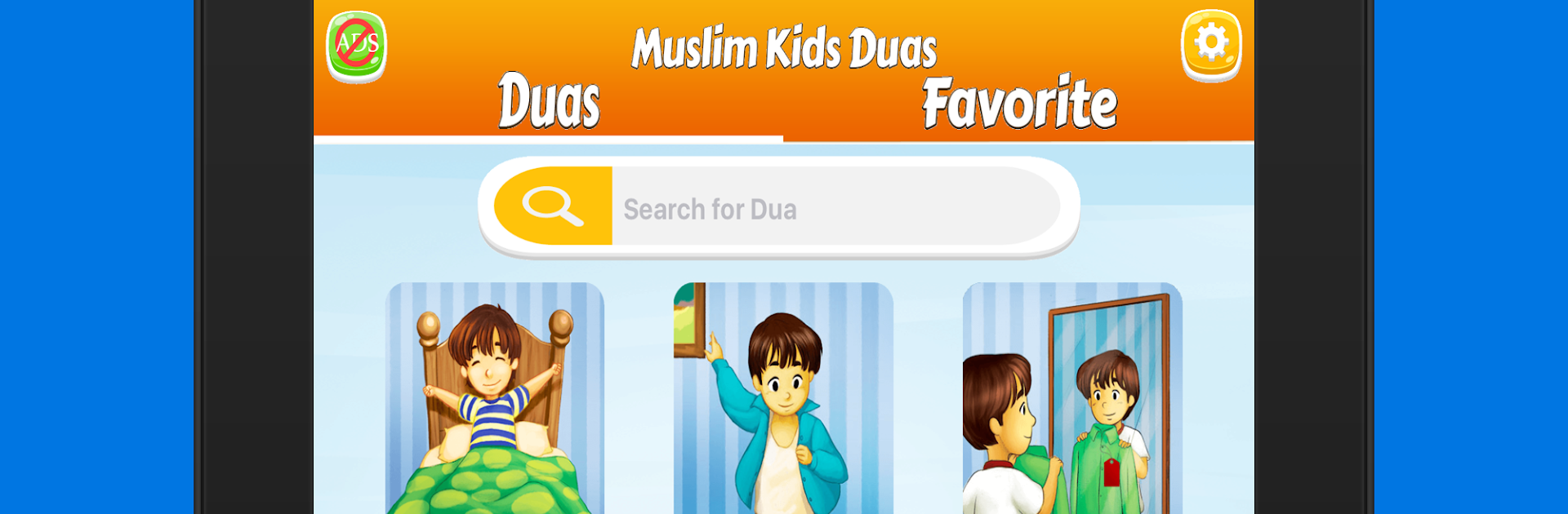
Daily Duas for Kids feels like a small, tidy library of short prayers for real moments in a kid’s day. It pulls from a well known collection and sorts everything into clear sections like waking up and sleeping, eating and finishing a meal, getting dressed, going to the masjid, traveling, even rain, sickness, and times when someone feels upset. Each entry shows the Arabic, a transliteration, and a simple translation, so it is easy to read along and practice. The native Arabic recitation is calm and clear, which helps with pronounciation. There is a quick search if someone only remembers a word or two, plus a favorites tab to keep the most used duas one tap away.

On PC with BlueStacks, the bigger screen makes the Arabic script and the transliteration much easier to follow, and clicking through the categories with a mouse feels smooth. The layout is plain and not distracting, mostly text with a play button for audio, so kids are not getting lost in menus. It lists about 80 duas and zikr, enough to cover everyday routines and some special cases like hearing the adhan, visiting the sick, entering or leaving the restroom, or starting a journey. The language support is wide too, so the explanations can be switched to English, French, Indonesian, German, Spanish, Turkish, Urdu, Russian, Chinese, Japanese, or Farsi. Nothing is gamified, no points or streaks. It is just a focused guide that works on phone or tablet, and honestly it reads nicely on a laptop screen when someone wants to sit with a child and repeat after the reciter.

BlueStacks gives you the much-needed freedom to experience your favorite apps on a bigger screen. Get it now.


How to Download and Run Daily duas for kids Muslim dua on PC or Mac

  • Download and install BlueStacks on your PC or Mac

  • Complete Google sign-in to access the Play Store, or do it later

  • Look for Daily duas for kids Muslim dua in the search bar at the top right corner

  • Click to install Daily duas for kids Muslim dua from the search results

  • Complete Google sign-in (if you skipped step 2) to install Daily duas for kids Muslim dua

  • Click the Daily duas for kids Muslim dua icon on the home screen to start playing

video
Watch Video

Minimum System Requirements

With BlueStacks 5, you can get started on a PC that fulfills the following requirements.

  • Operating System

    Microsoft Windows 7 or above, macOS 11 (Big Sur) or above

  • Processor

    Intel, AMD or Apple Silicon Processor

  • RAM

    at least 4GB

  • HDD

    10GB Free Disk Space

Note:

* You must be an Administrator on your PC. Up to date graphics drivers from Microsoft or the chipset vendor.

Daily duas for kids Muslim dua - FAQs

  • How to Run Daily duas for kids Muslim dua on Windows PC & Mac?

    Run Daily duas for kids Muslim dua on your PC or Mac by following these simple steps.

    • Click on ‘Download Daily duas for kids Muslim dua on PC’ to download BlueStacks
    • Install it and log-in to Google Play Store
    • Launch and run the app.
  • Why is BlueStacks the fastest and safest platform to play games on PC?

    BlueStacks respects your privacy and is always safe and secure to use. It does not carry any malware, spyware, or any sort of additional software that could harm your PC.

    It is engineered to optimize speed and performance for a seamless gaming experience.

  • What are Daily duas for kids Muslim dua PC requirements?

    Minimum requirement to run Daily duas for kids Muslim dua on your PC

    • OS: Microsoft Windows 7 and above:
    • Processor: Intel or AMD Processor:
    • RAM: Your PC must have at least 2GB of RAM. (Note that having 2GB or more disk space is not a substitute for RAM):
    • HDD: 5GB Free Disk Space.
    • You must be an Administrator on your PC.