



Why limit yourself to your small screen on the phone? Run Deflection Pro, an app by Blue Ketchep, best experienced on your PC or Mac with BlueStacks, the world’s #1 Android emulator.
About the App
Deflection Pro is a clean, no-nonsense toolbox for structural analysis, built for the Education crowd by Blue Ketchep. Whether you’re sketching concepts in class or checking real-world members on the job, it helps you analyze beams, trusses, and frames without getting lost in menus. Set up your loads, choose your design approach, and get code-aware results with clear visuals. Prefer working on a bigger screen? You can also use it comfortably on desktop with BlueStacks.
App Features
- Beams, Trusses, and Frames: Analyze common structural systems with an interface that keeps the workflow simple and focused.
- Automatic Load Combos: Generate standard load combinations from American and European design methods; assign categories to each load and see combined results in the same clean charts you already use.
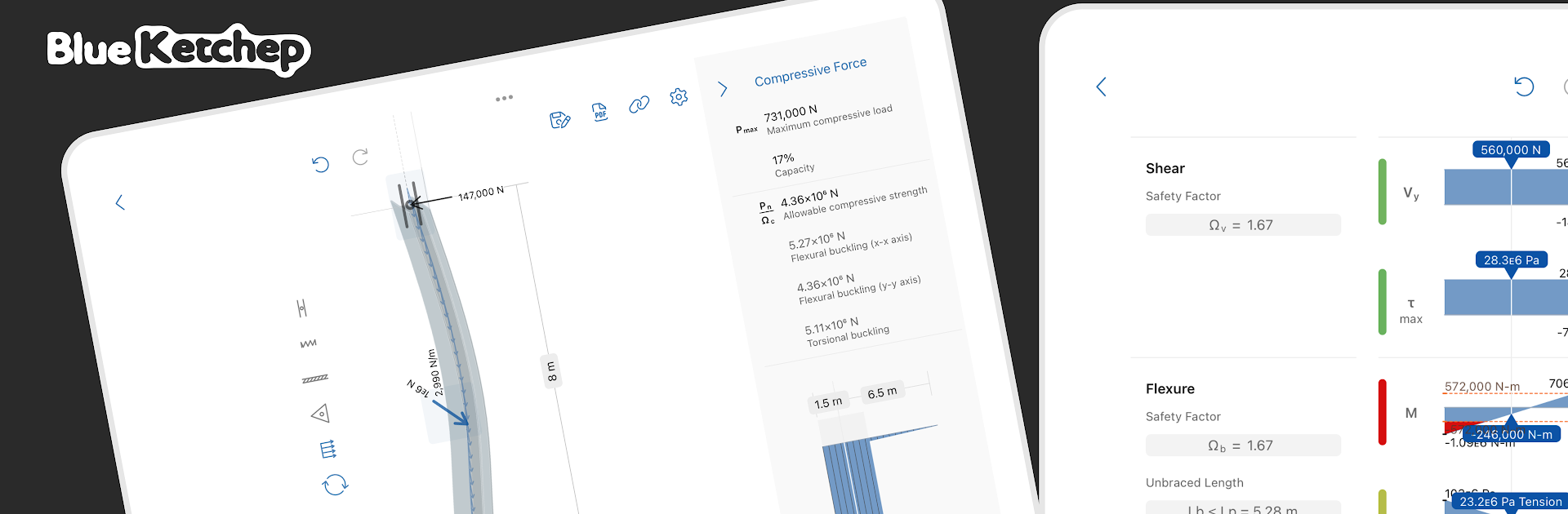
- AISC Steel Checks: Evaluate member strength in flexure, shear, tension, and compression using AISC provisions, with results that track closely with steel manual tables.
- Flexure Limit States: Accounts for yielding, lateral–torsional buckling, and local buckling, including flange and web-specific cases.
- Shear and Tension: Checks web shear capacity—plus effects of frame action—and verifies tensile yielding and rupture.
- Compression Stability: Reviews flexural and torsional buckling so you can identify the governing mode quickly.
- Clear Charts and Results: View organized outputs and smooth plots that make it easy to compare simple cases and combination cases side by side.
- PDF Export & Backups: Send polished PDFs or save external project files for sharing and archiving without hassle.
- Actively Improved: This is Blue Ketchep’s newest structural tool, and it receives frequent updates with refinements and added capabilities.
- Cross-Device Friendly: Use it on your phone or tablet on site, then keep working on a desktop through BlueStacks when you’re back at your desk.
BlueStacks gives you the much-needed freedom to experience your favorite apps on a bigger screen. Get it now.





