
Führerschein multilingual GOLD

Führerschein multilingual GOLD

Education

| theorie24.de

Play on PC with BlueStacks or from our cloud

  • Overview
  • How to Download

Page Modified On: August 29, 2025

Run Führerschein multilingual GOLD on PC or Mac

Multitask effortlessly on your PC or Mac as you try out Führerschein multilingual GOLD, a Education app by theorie24.de on BlueStacks.

About the App

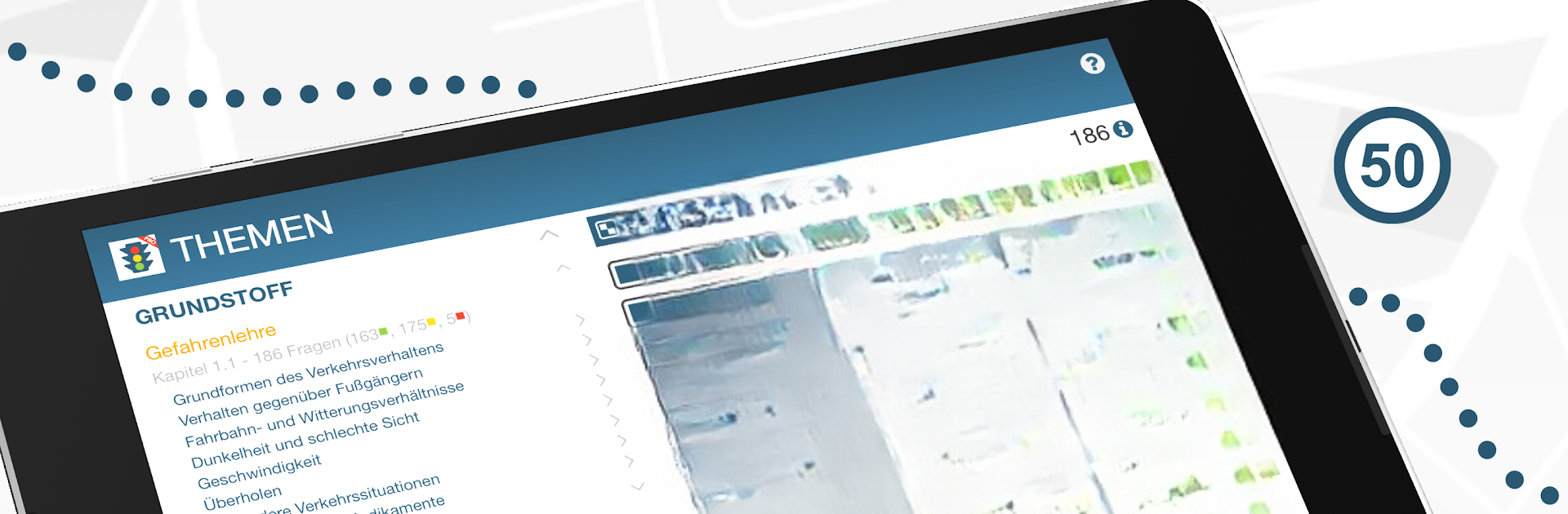
Führerschein multilingual GOLD is your no-stress companion for prepping the German theory test. Built by theorie24.de in the Education genre, it brings the official catalog of questions, images, and videos to your phone in a clean, test-like layout. Want to study on a bigger screen? It also works nicely with BlueStacks.

App Features

  • Official content: Practice with the complete, up-to-date question set used in the German theory exam, including images and video questions. theorie24.de is a licensed partner of TÜV | DEKRA arge tp 21.

  • All license classes: Whether you’re going for car, motorcycle, truck, or bus, you’ll find what you need in one place.

  • Multilingual learning: Study in your preferred language—Arabic, English, French, Greek, Italian, Croatian, Polish, Portuguese, Romanian, Russian, Spanish, or Turkish.

  • Real exam feel: Use the test mode that mirrors the interface at TÜV and DEKRA so the environment feels familiar on exam day.

  • Sample tests galore: Try 66 sample questionnaires per class to get comfortable with timing and question variety.

  • Smart study tools: Add tricky items to a watch list and focus on questions you previously missed to close gaps fast.

  • Clear readiness check: A simple “traffic light” overview helps you see when you’re on track for the exam.

  • Detailed progress stats: Get instant insights into your learning status, plus a backup option for your statistics so nothing gets lost.

  • Fits driving school learning: Use it alongside your theory lessons to reinforce what you’re covering in class.

Big screen. Bigger performance. Use BlueStacks on your PC or Mac to run your favorite apps.

How to Download and Run Führerschein multilingual GOLD on PC or Mac

  • Download and install BlueStacks on your PC or Mac

  • Complete Google sign-in to access the Play Store, or do it later

  • Look for Führerschein multilingual GOLD in the search bar at the top right corner

  • Click to install Führerschein multilingual GOLD from the search results

  • Complete Google sign-in (if you skipped step 2) to install Führerschein multilingual GOLD

  • Click the Führerschein multilingual GOLD icon on the home screen to start playing

video
Watch Video

Minimum System Requirements

With BlueStacks 5, you can get started on a PC that fulfills the following requirements.

  • Operating System

    Microsoft Windows 7 or above, macOS 11 (Big Sur) or above

  • Processor

    Intel, AMD or Apple Silicon Processor

  • RAM

    at least 4GB

  • HDD

    10GB Free Disk Space

Note:

* You must be an Administrator on your PC. Up to date graphics drivers from Microsoft or the chipset vendor.

Führerschein multilingual GOLD - FAQs

  • How to Run Führerschein multilingual GOLD on Windows PC & Mac?

    Run Führerschein multilingual GOLD on your PC or Mac by following these simple steps.

    • Click on ‘Download Führerschein multilingual GOLD on PC’ to download BlueStacks
    • Install it and log-in to Google Play Store
    • Launch and run the app.
  • Why is BlueStacks the fastest and safest platform to play games on PC?

    BlueStacks respects your privacy and is always safe and secure to use. It does not carry any malware, spyware, or any sort of additional software that could harm your PC.

    It is engineered to optimize speed and performance for a seamless gaming experience.

  • What are Führerschein multilingual GOLD PC requirements?

    Minimum requirement to run Führerschein multilingual GOLD on your PC

    • OS: Microsoft Windows 7 and above:
    • Processor: Intel or AMD Processor:
    • RAM: Your PC must have at least 2GB of RAM. (Note that having 2GB or more disk space is not a substitute for RAM):
    • HDD: 5GB Free Disk Space.
    • You must be an Administrator on your PC.




