
EBSCO Mobile
EBSCO Mobile

EBSCO Mobile

Education

| EBSCO Information Services

Play on PC with BlueStacks or from our cloud

  • Overview
  • How to Download

Page Modified On: September 12, 2025

Run EBSCO Mobile on PC or Mac

Multitask effortlessly on your PC or Mac as you try out EBSCO Mobile, a Education app by EBSCO Information Services on BlueStacks.

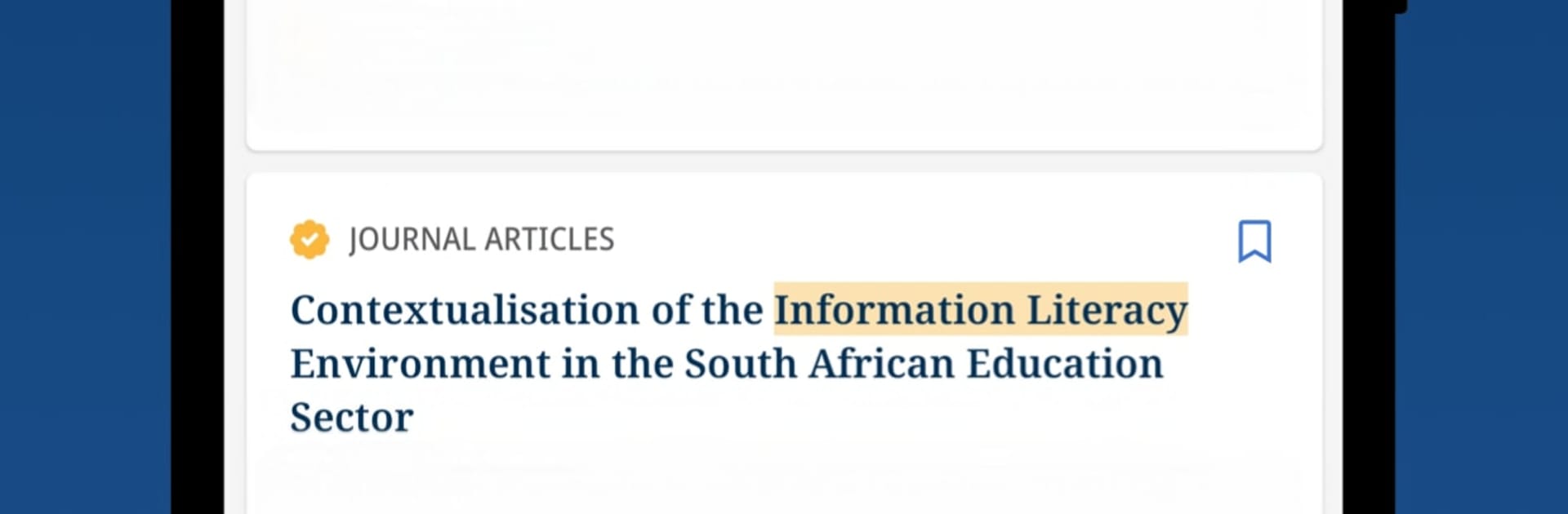
EBSCO Mobile feels like a straightforward research buddy rather than a flashy app. A person connects it to a school or public library, types a topic into a clean search box, and it pulls up journals, magazines, and eBooks without drama. Results are tidy, filters make sense, and saving items for later is easy. It keeps things in sync with the desktop, so saved articles, searches, and notes follow them around, which is great when a project lives across devices. Running it on PC with BlueStacks is surprisingly nice, since long searches and citation copying feel better with a keyboard, and PDFs are easier to read in a larger window.

The reading view is simple and focused on text. No clutter, just quick jumps between abstract, full text, and PDF. eBooks can be downloaded and read inside the app, offline on the go or just to avoid bad Wi Fi. If someone cannot find their library in the list, there is an EBSCO Essentials option that lets them start browsing right away, which is a handy safety net. The app is best for students, teachers, and anyone who wants real sources instead of random blogs. It loads fast, filters like date range and peer reviewed are clear, and the sign in is usually painless, though occasionally a session expires and needs a quick re login. Nothing fancy, just solid research tools that do what they should.

BlueStacks gives you the much-needed freedom to experience your favorite apps on a bigger screen. Get it now.


How to Download and Run EBSCO Mobile on PC or Mac

  • Download and install BlueStacks on your PC or Mac

  • Complete Google sign-in to access the Play Store, or do it later

  • Look for EBSCO Mobile in the search bar at the top right corner

  • Click to install EBSCO Mobile from the search results

  • Complete Google sign-in (if you skipped step 2) to install EBSCO Mobile

  • Click the EBSCO Mobile icon on the home screen to start playing

video
Watch Video

Minimum System Requirements

With BlueStacks 5, you can get started on a PC that fulfills the following requirements.

  • Operating System

    Microsoft Windows 7 or above, macOS 11 (Big Sur) or above

  • Processor

    Intel, AMD or Apple Silicon Processor

  • RAM

    at least 4GB

  • HDD

    10GB Free Disk Space

Note:

* You must be an Administrator on your PC. Up to date graphics drivers from Microsoft or the chipset vendor.

EBSCO Mobile - FAQs

  • How to Run EBSCO Mobile on Windows PC & Mac?

    Run EBSCO Mobile on your PC or Mac by following these simple steps.

    • Click on ‘Download EBSCO Mobile on PC’ to download BlueStacks
    • Install it and log-in to Google Play Store
    • Launch and run the app.
  • Why is BlueStacks the fastest and safest platform to play games on PC?

    BlueStacks respects your privacy and is always safe and secure to use. It does not carry any malware, spyware, or any sort of additional software that could harm your PC.

    It is engineered to optimize speed and performance for a seamless gaming experience.

  • What are EBSCO Mobile PC requirements?

    Minimum requirement to run EBSCO Mobile on your PC

    • OS: Microsoft Windows 7 and above:
    • Processor: Intel or AMD Processor:
    • RAM: Your PC must have at least 2GB of RAM. (Note that having 2GB or more disk space is not a substitute for RAM):
    • HDD: 5GB Free Disk Space.
    • You must be an Administrator on your PC.



