
English Irregular Verbs. Learn English Words

English Irregular Verbs. Learn English Words

Education

| Smart learning solutions

Play on PC with BlueStacks or from our cloud

  • Overview
  • How to Download

Page Modified On: July 15, 2025

Run English Irregular Verbs. Learn English Words on PC or Mac

Get freedom from your phone’s obvious limitations. Use English Irregular Verbs. Learn English Words, made by Smart learning solutions, a Education app on your PC or Mac with BlueStacks, and level up your experience.

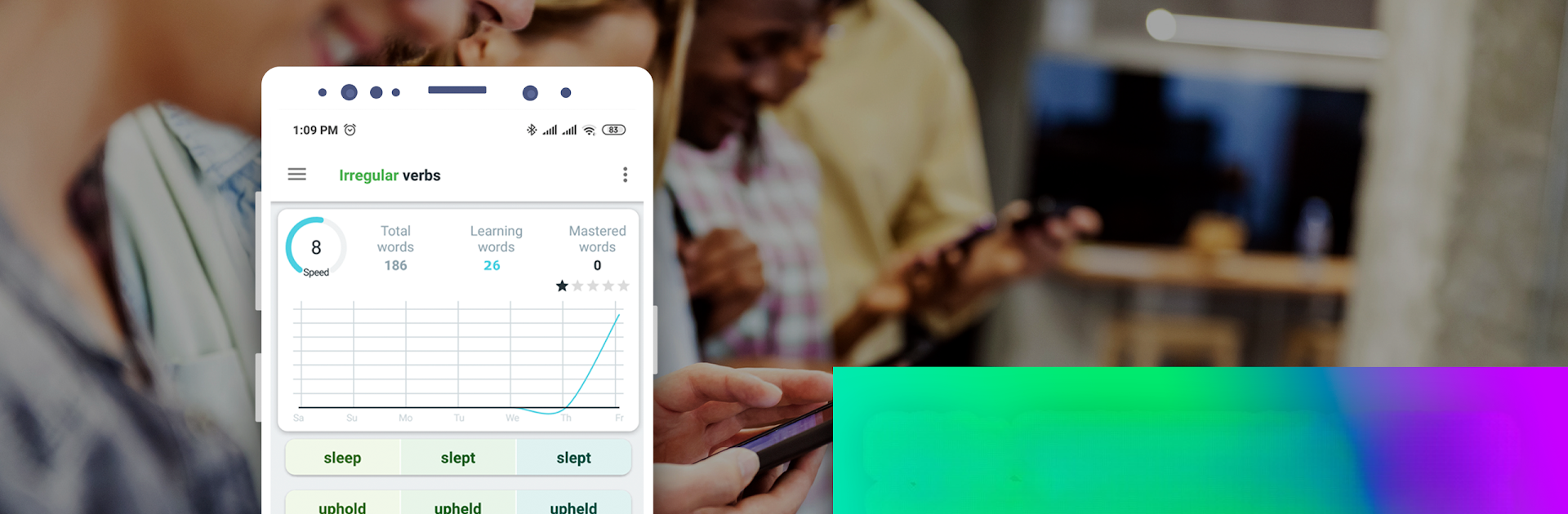
So, this app is basically focused on helping people really get the hang of English irregular verbs—the ones that always throw everyone off, no matter how long you’ve been learning. It’s not just lists either. There are loads of examples, so you actually see how these verbs are used in different situations, kind of like hearing them in real conversation. It’s packed with flashcards, and each one isn’t just the word, but all the forms, pronunciation in a few different accents, translations, little usage examples… It’s a lot more thorough than most apps that just make you repeat words.

There are practice exercises and tests built-in at different levels, so whether someone’s just starting or already a bit advanced, there’s stuff to do. Spaced repetition pops up—a fancy way of saying the app reminds you when it’s time to review so things really stick. What’s nice about using it on PC with BlueStacks is everything feels bigger—reading is easier, typing out the answers isn’t cramped, and going through lessons moves a bit quicker. If someone wants to work towards big exams like IELTS or TOEFL, or just feel more confident chatting or writing, this app actually covers a lot, from grammar to the real trick of picking the right verb for the right moment. Plus there’s a progress thing that keeps track of what’s been mastered and what needs more practice. It does get into the details, but it’s still easy to use, and you can go at your own pace.

BlueStacks gives you the much-needed freedom to experience your favorite apps on a bigger screen. Get it now.


How to Download and Run English Irregular Verbs. Learn English Words on PC or Mac

  • Download and install BlueStacks on your PC or Mac

  • Complete Google sign-in to access the Play Store, or do it later

  • Look for English Irregular Verbs. Learn English Words in the search bar at the top right corner

  • Click to install English Irregular Verbs. Learn English Words from the search results

  • Complete Google sign-in (if you skipped step 2) to install English Irregular Verbs. Learn English Words

  • Click the English Irregular Verbs. Learn English Words icon on the home screen to start playing

video
Watch Video

Minimum System Requirements

With BlueStacks 5, you can get started on a PC that fulfills the following requirements.

  • Operating System

    Microsoft Windows 7 or above, macOS 11 (Big Sur) or above

  • Processor

    Intel, AMD or Apple Silicon Processor

  • RAM

    at least 4GB

  • HDD

    10GB Free Disk Space

Note:

* You must be an Administrator on your PC. Up to date graphics drivers from Microsoft or the chipset vendor.

English Irregular Verbs. Learn English Words - FAQs

  • How to Run English Irregular Verbs. Learn English Words on Windows PC & Mac?

    Run English Irregular Verbs. Learn English Words on your PC or Mac by following these simple steps.

    • Click on ‘Download English Irregular Verbs. Learn English Words on PC’ to download BlueStacks
    • Install it and log-in to Google Play Store
    • Launch and run the app.
  • Why is BlueStacks the fastest and safest platform to play games on PC?

    BlueStacks respects your privacy and is always safe and secure to use. It does not carry any malware, spyware, or any sort of additional software that could harm your PC.

    It is engineered to optimize speed and performance for a seamless gaming experience.

  • What are English Irregular Verbs. Learn English Words PC requirements?

    Minimum requirement to run English Irregular Verbs. Learn English Words on your PC

    • OS: Microsoft Windows 7 and above:
    • Processor: Intel or AMD Processor:
    • RAM: Your PC must have at least 2GB of RAM. (Note that having 2GB or more disk space is not a substitute for RAM):
    • HDD: 5GB Free Disk Space.
    • You must be an Administrator on your PC.



