
English vocabulary by picture & Speak English

English vocabulary by picture & Speak English

Education

| Awabe

Play on PC with BlueStacks or from our cloud

  • Overview
  • How to Download

Page Modified On: August 22, 2025

Run English vocabulary by picture & Speak English on PC or Mac

Why limit yourself to your small screen on the phone? Run English vocabulary by picture & Speak English, an app by Awabe, best experienced on your PC or Mac with BlueStacks, the world’s #1 Android emulator.

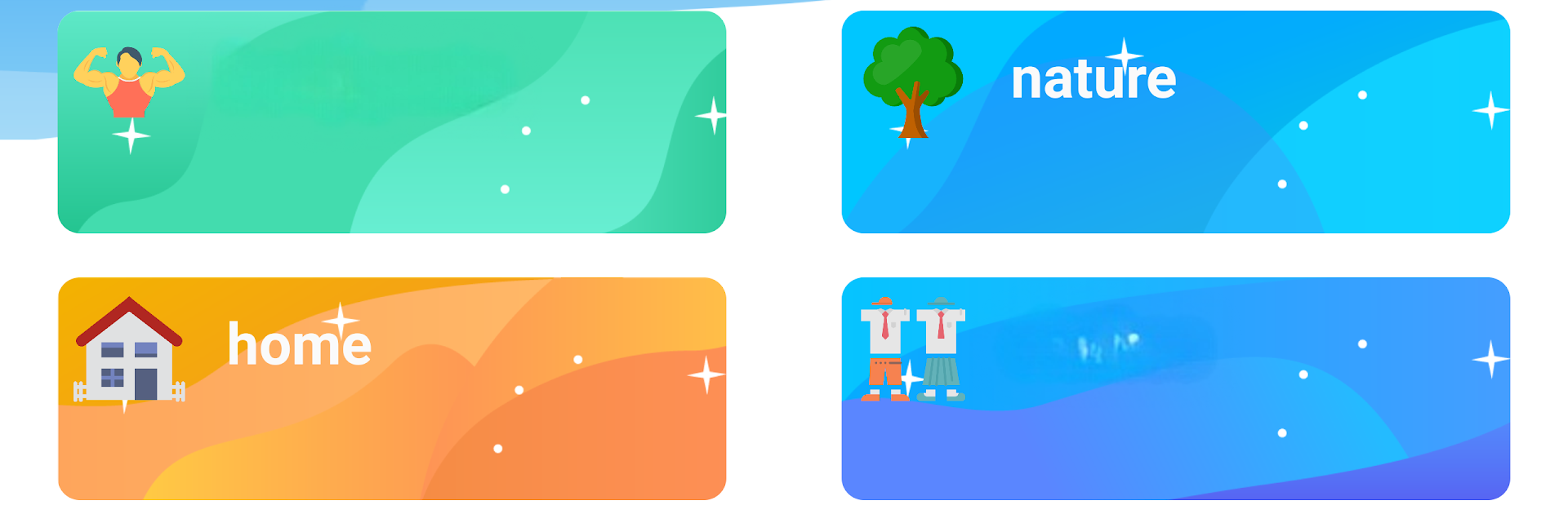
So this English vocabulary by picture & Speak English app is actually kind of fun to play with, especially on PC through BlueStacks since it feels a bit like using a learning game instead of a strict language tool. Right away, it stands out with all these bright pictures and simple quizzes – like, pick the word that matches the image, or listen to something and click what you think it is. The app covers tons of topics; there’s stuff like fruits, vegetables, animals, clothes, even things like musical instruments and numbers, so it never feels like you’re going through endless flashcards with no variety.

One cool thing is it lets users pick between British and American English voices, which helps if you’re curious about the differences or just want to get used to how either sounds. Everything’s pretty straightforward — nothing fancy or hard to figure out. It’s nice for beginners, and honestly, it kind of works for anybody who wants to pick up new words without wading through grammar rules or long explanations. Parents could definitely use it for younger kids, but adults looking for chill vocab practice might find it useful too. The images really help words stick, and having both sound and picture makes it a lot easier to remember what things mean. It just breaks things up into small bits, gives you quick practice, and you can bounce between topics whenever you want. Definitely feels more like playing a casual game than sitting in a classroom.

Big screen. Bigger performance. Use BlueStacks on your PC or Mac to run your favorite apps.

How to Download and Run English vocabulary by picture & Speak English on PC or Mac

  • Download and install BlueStacks on your PC or Mac

  • Complete Google sign-in to access the Play Store, or do it later

  • Look for English vocabulary by picture & Speak English in the search bar at the top right corner

  • Click to install English vocabulary by picture & Speak English from the search results

  • Complete Google sign-in (if you skipped step 2) to install English vocabulary by picture & Speak English

  • Click the English vocabulary by picture & Speak English icon on the home screen to start playing

video
Watch Video

Minimum System Requirements

With BlueStacks 5, you can get started on a PC that fulfills the following requirements.

  • Operating System

    Microsoft Windows 7 or above, macOS 11 (Big Sur) or above

  • Processor

    Intel, AMD or Apple Silicon Processor

  • RAM

    at least 4GB

  • HDD

    10GB Free Disk Space

Note:

* You must be an Administrator on your PC. Up to date graphics drivers from Microsoft or the chipset vendor.

English vocabulary by picture & Speak English - FAQs

  • How to Run English vocabulary by picture & Speak English on Windows PC & Mac?

    Run English vocabulary by picture & Speak English on your PC or Mac by following these simple steps.

    • Click on ‘Download English vocabulary by picture & Speak English on PC’ to download BlueStacks
    • Install it and log-in to Google Play Store
    • Launch and run the app.
  • Why is BlueStacks the fastest and safest platform to play games on PC?

    BlueStacks respects your privacy and is always safe and secure to use. It does not carry any malware, spyware, or any sort of additional software that could harm your PC.

    It is engineered to optimize speed and performance for a seamless gaming experience.

  • What are English vocabulary by picture & Speak English PC requirements?

    Minimum requirement to run English vocabulary by picture & Speak English on your PC

    • OS: Microsoft Windows 7 and above:
    • Processor: Intel or AMD Processor:
    • RAM: Your PC must have at least 2GB of RAM. (Note that having 2GB or more disk space is not a substitute for RAM):
    • HDD: 5GB Free Disk Space.
    • You must be an Administrator on your PC.




