

What’s better than using حقيبة عين by Tatweer for educational services? Well, try it on a big screen, on your PC or Mac, with BlueStacks to see the difference.
About the App
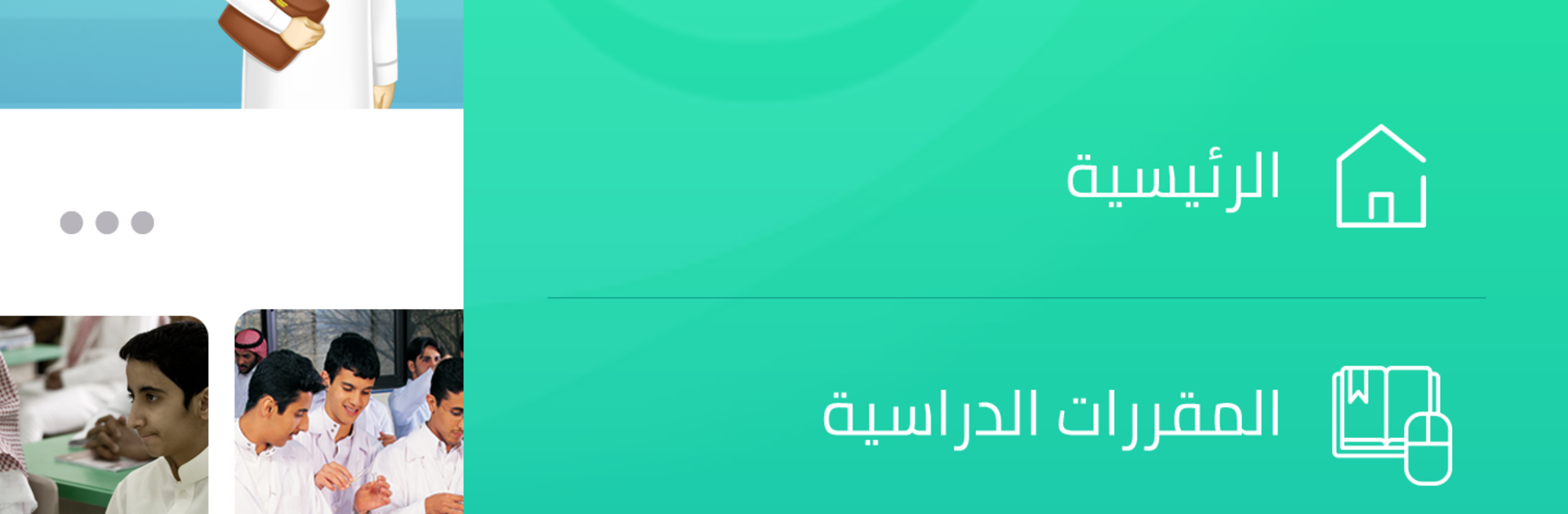
If you’re looking for a one-stop spot for Saudi K12 textbooks and everything that goes with them, حقيبة عين from Tatweer for educational services has you covered. This handy education app puts your study materials right where you need them—on your phone or tablet. Whether you’re a student or a teacher, you’ll find resources tailored specifically for the Saudi curriculum, all wrapped up in an interface that’s easy to get around.
App Features
-
All Your Textbooks, Anywhere
Instantly access every Saudi K12 textbook—no more carrying around heavy bags. Download what you need and start reading or referencing with just a tap. -
Extra Help, When You Want It
Beyond the main textbooks, you’ll find extra learning content and resources to help things click. Interactive materials and digital goodies pop up throughout your study journey. -
Custom for Your Grade
Materials and lessons are matched to your specific grade and interests. The app makes it simple to find content that’s actually useful for your level. -
Intuitive, Student-Friendly Design
The layout’s designed with students in mind, so it’s bright, easy to use, and never confusing. -
Digital Content Library
Don’t just stop at textbooks—explore related digital content that reinforces what you’re learning, from supplementary videos to interactive exercises. -
Check Yourself With Smart Quizzes
Time to see what you’ve learned? Self-assessment tools let you quiz yourself using a wide pool of questions pulled straight from the iEN platform. -
Fast Support From Real Teachers
Stuck on a tricky topic? There’s instant access to support from qualified educators whenever you need help. -
Get Hands-On With Interactive Features
Flip through, highlight, or interact directly with your textbooks—it’s not just reading, it’s engaging with your course material in a whole new way.
You can even explore حقيبة عين on BlueStacks for a bigger-screen experience.
BlueStacks brings your apps to life on a bigger screen—seamless and straightforward.