




Let BlueStacks turn your PC, Mac, or laptop into the perfect home for Flashcards: Learn Languages, a fun Education app from Lexilize.
About the App
Looking to pick up a new language or just remember those tricky vocabulary words? Flashcards: Learn Languages by Lexilize is here to help, whether you’re a total beginner, brushing up before a test, or just want to keep your memory sharp. The app uses a tried-and-true flashcard system but adds plenty of modern twists, making it easy (and actually kind of fun) to study anywhere—even if you’re offline. And if you want to tackle other stuff, like your anatomy quiz or those confusing math formulas, it’s totally up for that too.
App Features
-
Flexible Flashcard Creation
Build your own decks from scratch, with options to add pictures, examples, or even dial in the right accent. There’s room for everything from language study to science terms—or dinosaurs, if that’s your thing. -
Instant Translation Made Simple
Stuck on a word? The app’s auto-translation pulls in quick results using DeepL, so you can fill in your flashcards with vocabulary in a bunch of languages like Spanish, Korean, or French easily. -
Study On the Go—No Wi-Fi Required
Can’t get online? Not a problem. Everything works offline, so you can sneak in a study session on the bus, in class, or wherever. -
Smart Spaced Repetition
The app keeps track of what you’re struggling with and serves it up just often enough to help you actually remember, not just cram and forget. You can even set the repetition timing to match your learning style. -
Interactive Learning Games
Studying shouldn’t be a snooze. There’s a handful of games built in—good for both kids and adults—that make reviewing a little more entertaining. -
Control How You Hear & Speak
Adjust the playback speed when listening to pronunciation, so you can go slow with trickier words or speed up if you’re in a groove. -
Wide Language Support
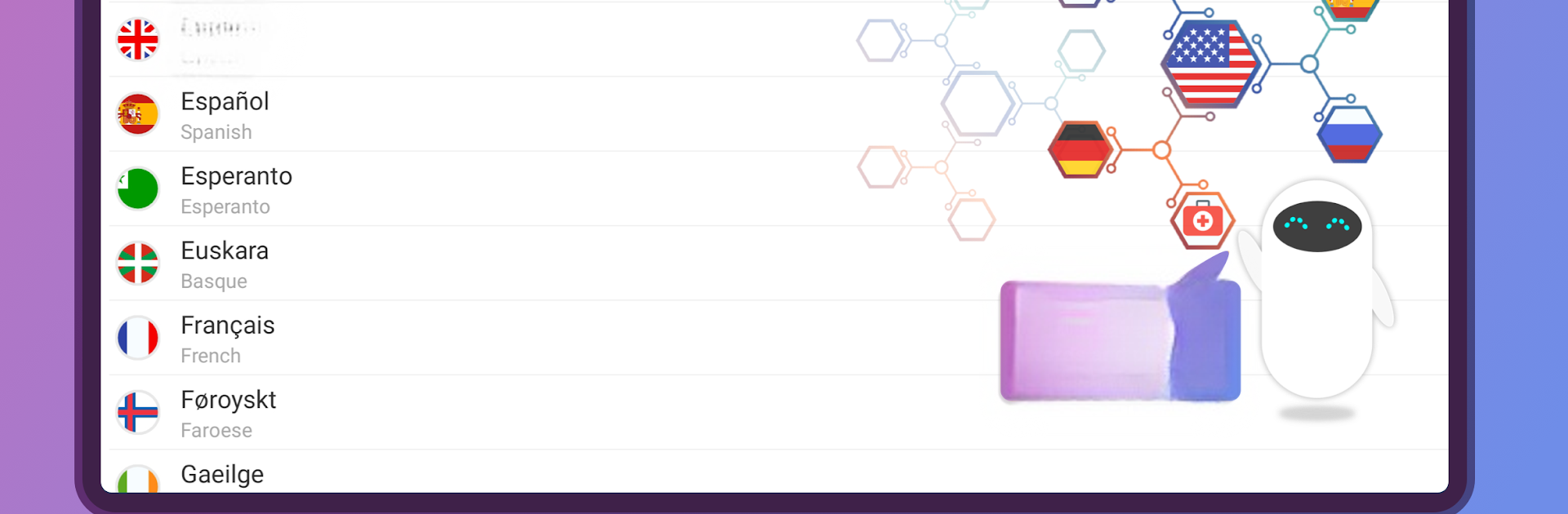
With over 100 languages and a bunch of dialects covered, this is handy whether you need to study Greek for school, prep some basic Japanese for a trip, or just want to impress your friends. -
Personal or Group-Friendly
Teachers can make and share word lists in a snap, and students can import vocab lists straight from Excel. Group study or solo, it just works. -
Minimal Ads, Simple Layout
The interface is straightforward and beginner-friendly, with very few interruptions—so you can focus on learning, not closing pop-ups.
You can use Flashcards: Learn Languages on a bunch of devices, and it works smoothly on BlueStacks if you’d rather study from your laptop.
Switch to BlueStacks and make the most of your apps on your PC or Mac.





