
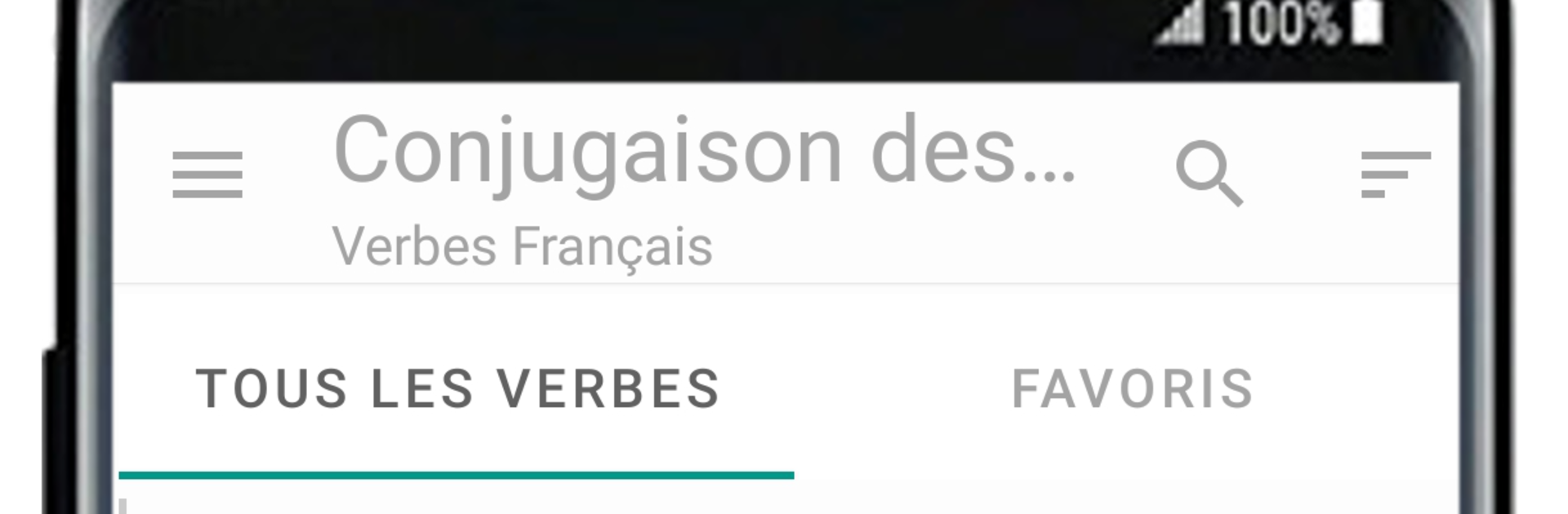
French Verbs - Conjugation

French Verbs - Conjugation

Education

| Ela

Play on PC with BlueStacks or from our cloud

  • Overview
  • How to Download

Page Modified On: October 24, 2025

Run French Verbs - Conjugation on PC or Mac

What’s better than using French Verbs – Conjugation by Ela? Well, try it on a big screen, on your PC or Mac, with BlueStacks to see the difference.

About the App

French Verbs – Conjugation from Ela is an Education app built to make French verbs less scary and way more practical. It’s a fast reference when you need answers and a focused trainer when you want to practice. Expect clear conjugation tables and simple drills that actually help the forms stick.

App Features

  • Massive coverage: Explore 660 of the most common French verbs across 22 tenses—over 63,800 forms at your fingertips.
  • Quick lookup: Search a verb and instantly see its full conjugation, organized by tense and person for easy scanning.
  • Two practice modes: Test yourself by choosing the correct form or switch to typing mode to spell the answer for real recall.
  • Irregulars made manageable: Get repeated exposure to those tricky, frequently used third‑group verbs so they become familiar, not frustrating.
  • Study-friendly design: Jump straight to the tense you’re working on and review forms as often as you need.
  • Results you can see: Track how you’re doing after each session to spot strengths and what needs another round.
  • Handy reference on the go: Keep a reliable conjugation companion with you for class, homework, or a quick check before speaking.
  • Comfortable typing option: Prefer a full keyboard? Practice on your desktop with BlueStacks for smooth, focused sessions.

Big screen. Bigger performance. Use BlueStacks on your PC or Mac to run your favorite apps.

How to Download and Run French Verbs - Conjugation on PC or Mac

  • Download and install BlueStacks on your PC or Mac

  • Complete Google sign-in to access the Play Store, or do it later

  • Look for French Verbs - Conjugation in the search bar at the top right corner

  • Click to install French Verbs - Conjugation from the search results

  • Complete Google sign-in (if you skipped step 2) to install French Verbs - Conjugation

  • Click the French Verbs - Conjugation icon on the home screen to start playing

video
Watch Video

Minimum System Requirements

With BlueStacks 5, you can get started on a PC that fulfills the following requirements.

  • Operating System

    Microsoft Windows 7 or above, macOS 11 (Big Sur) or above

  • Processor

    Intel, AMD or Apple Silicon Processor

  • RAM

    at least 4GB

  • HDD

    10GB Free Disk Space

Note:

* You must be an Administrator on your PC. Up to date graphics drivers from Microsoft or the chipset vendor.

French Verbs - Conjugation - FAQs

  • How to Run French Verbs - Conjugation on Windows PC & Mac?

    Run French Verbs - Conjugation on your PC or Mac by following these simple steps.

    • Click on ‘Download French Verbs - Conjugation on PC’ to download BlueStacks
    • Install it and log-in to Google Play Store
    • Launch and run the app.
  • Why is BlueStacks the fastest and safest platform to play games on PC?

    BlueStacks respects your privacy and is always safe and secure to use. It does not carry any malware, spyware, or any sort of additional software that could harm your PC.

    It is engineered to optimize speed and performance for a seamless gaming experience.

  • What are French Verbs - Conjugation PC requirements?

    Minimum requirement to run French Verbs - Conjugation on your PC

    • OS: Microsoft Windows 7 and above:
    • Processor: Intel or AMD Processor:
    • RAM: Your PC must have at least 2GB of RAM. (Note that having 2GB or more disk space is not a substitute for RAM):
    • HDD: 5GB Free Disk Space.
    • You must be an Administrator on your PC.




