



Multitask effortlessly on your PC or Mac as you try out Fret Zealot, a Education app by Edge Tech Labs, LLC on BlueStacks.
Fret Zealot is one of those apps that takes all the guesswork out of learning the guitar, especially if you’ve got the actual Fret Zealot LED strip on your instrument. When running it on PC through BlueStacks, it’s a lot more comfortable to see everything right there on a bigger screen, and the app itself is full of stuff for learning guitar without feeling overwhelmed. Instead of messing with paper chord sheets or pausing videos to stare at finger positions, the app sends finger locations to the LEDs on your fretboard and lights up exactly where you need to press. For people who get distracted trying to keep up with traditional tabs or video lessons, this is a way to just focus on actually playing.
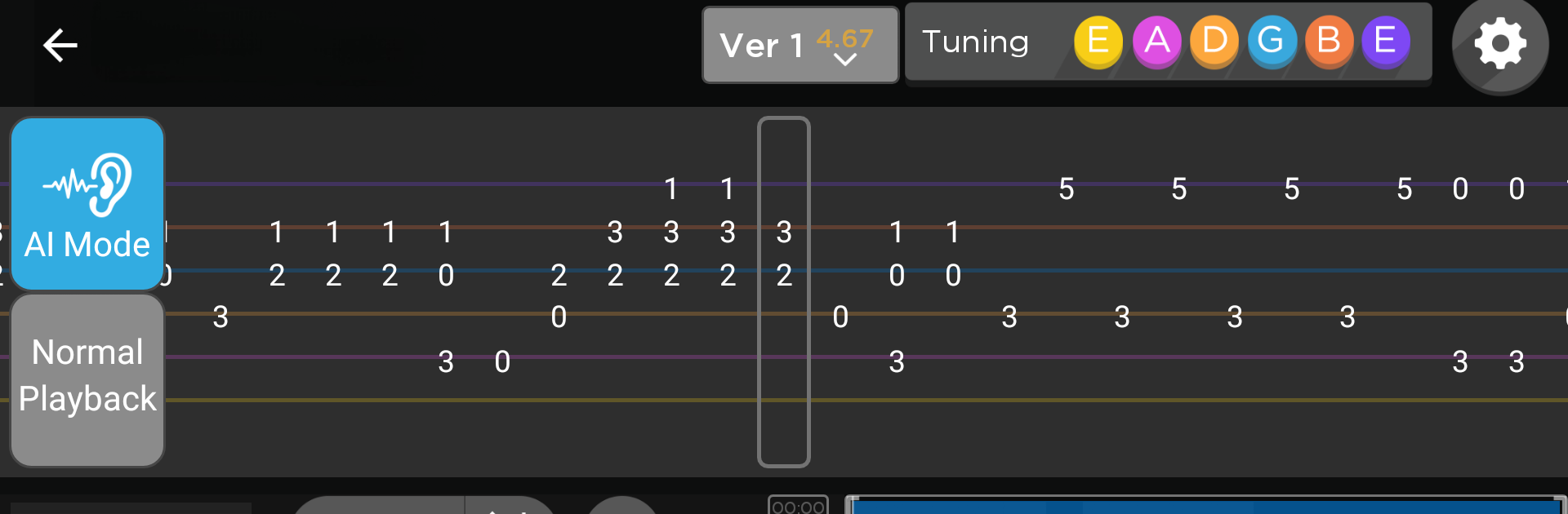
There’s a huge range of lessons, plus actual courses from well-known instructors, so you can find things at a level that fits. Chord diagrams, all kinds of scales, and an absolute pile of songs show up both in the app and on the lights, which is pretty cool when you’re trying out new stuff. There’s even a tuner and metronome built in, and a bunch of settings for things like left-handed players, different capos, and custom tunings. The “AI Mode” stands out — it actually pauses and waits for you to hit the right note before carrying on, which helps if you’re stuck on something and don’t want to just watch the lesson run past. Makes practicing new material a lot less frustrating. For anyone using their PC as a main hub for learning guitar, especially through BlueStacks, Fret Zealot keeps everything organized and just makes the process of picking up new songs or techniques a lot more direct.
Big screen. Bigger performance. Use BlueStacks on your PC or Mac to run your favorite apps.





