
German Declension Trainer Pro

German Declension Trainer Pro

Education

| Appicenter LLC

Play on PC with BlueStacks or from our cloud

  • Overview
  • How to Download

Page Modified On: September 19, 2025

Run German Declension Trainer Pro on PC or Mac

Upgrade your experience. Try German Declension Trainer Pro, the fantastic Education app from Appicenter LLC, from the comfort of your laptop, PC, or Mac, only on BlueStacks.

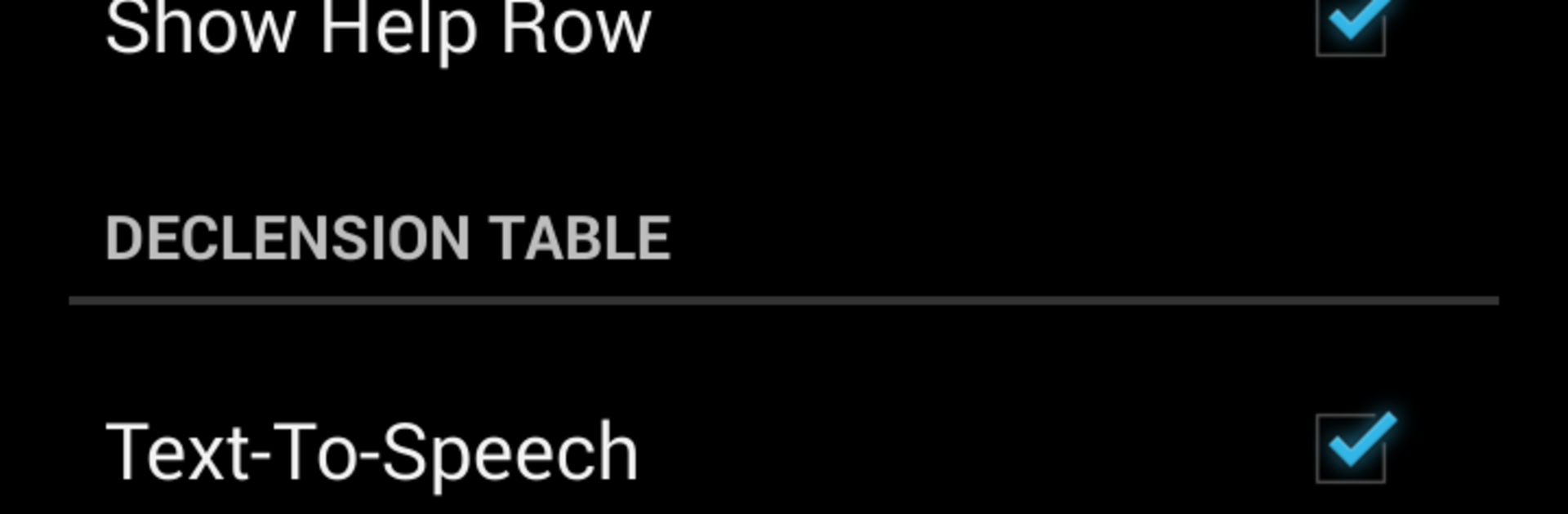
German Declension Trainer Pro feels like a focused drill buddy for those stubborn German endings. It throws nouns, articles, and adjectives at the screen and asks for the right case and form, so der, die, das and ein, eine stop feeling like a guessing game. The flow is simple, no fluff, and it works offline, which is great when someone wants to squeeze in a few rounds on a commute or plane. The spaced practice is the standout here. Miss something and it comes back later, so the tricky bits get ironed out without spending all day on them. There are lots of toggles to shape a session, like picking which cases to study, switching between definite and indefinite articles, and focusing on adjectives if that is what needs help. There is optional voice output too, helpful to get the sound of the form in the head, not just the letters.

On PC with BlueStacks it actually feels faster, because typing answers on a keyboard and moving through prompts is smoother than pecking at a phone. The app loads quick, does not hog storage, and even has the old school practicality of moving to SD card if needed. It is not flashy, but it is steady and effective. The Pro version packs a larger pool of nouns, articles, and adjective patterns, so sessions do not repeat too fast. If someone is also brushing up verbs, there is a companion conjugation trainer that pairs well, but the declension app stands on its own and keeps the focus tight.

BlueStacks brings your apps to life on a bigger screen—seamless and straightforward.

How to Download and Run German Declension Trainer Pro on PC or Mac

  • Download and install BlueStacks on your PC or Mac

  • Complete Google sign-in to access the Play Store, or do it later

  • Look for German Declension Trainer Pro in the search bar at the top right corner

  • Click to install German Declension Trainer Pro from the search results

  • Complete Google sign-in (if you skipped step 2) to install German Declension Trainer Pro

  • Click the German Declension Trainer Pro icon on the home screen to start playing

video
Watch Video

Minimum System Requirements

With BlueStacks 5, you can get started on a PC that fulfills the following requirements.

  • Operating System

    Microsoft Windows 7 or above, macOS 11 (Big Sur) or above

  • Processor

    Intel, AMD or Apple Silicon Processor

  • RAM

    at least 4GB

  • HDD

    10GB Free Disk Space

Note:

* You must be an Administrator on your PC. Up to date graphics drivers from Microsoft or the chipset vendor.

German Declension Trainer Pro - FAQs

  • How to Run German Declension Trainer Pro on Windows PC & Mac?

    Run German Declension Trainer Pro on your PC or Mac by following these simple steps.

    • Click on ‘Download German Declension Trainer Pro on PC’ to download BlueStacks
    • Install it and log-in to Google Play Store
    • Launch and run the app.
  • Why is BlueStacks the fastest and safest platform to play games on PC?

    BlueStacks respects your privacy and is always safe and secure to use. It does not carry any malware, spyware, or any sort of additional software that could harm your PC.

    It is engineered to optimize speed and performance for a seamless gaming experience.

  • What are German Declension Trainer Pro PC requirements?

    Minimum requirement to run German Declension Trainer Pro on your PC

    • OS: Microsoft Windows 7 and above:
    • Processor: Intel or AMD Processor:
    • RAM: Your PC must have at least 2GB of RAM. (Note that having 2GB or more disk space is not a substitute for RAM):
    • HDD: 5GB Free Disk Space.
    • You must be an Administrator on your PC.




