

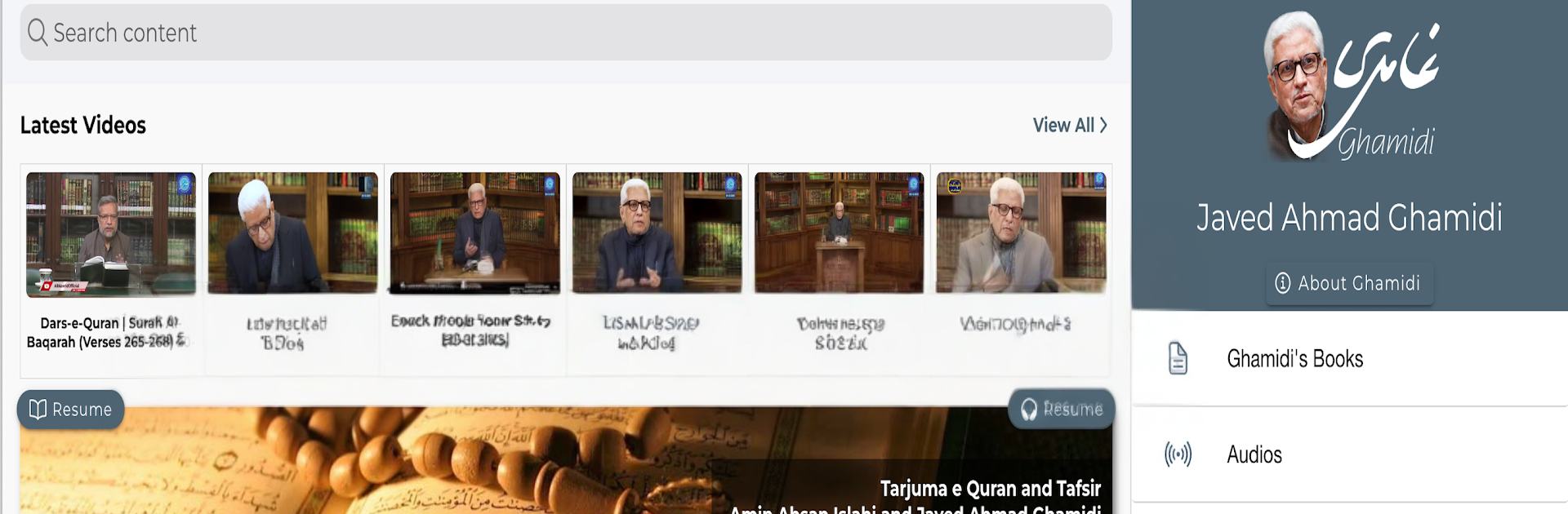


What’s better than using Ghamidi by IT Admin – www.javedahmadghamidi.com? Well, try it on a big screen, on your PC or Mac, with BlueStacks to see the difference.
Ghamidi is basically the website in app form, all of Javed Ahmed Ghamidi’s talks and writings pulled into one place so it is easy to browse without fuss. It feels simple and direct, no flashy stuff, just open it and pick a lecture or an article. Everything streams from the internet, so it is best on Wi‑Fi and not great if someone is counting mobile data. There is no offline mode here, so expect to keep it connected while reading or watching.
On a PC with BlueStacks it actually works nicely, the bigger screen makes long videos and dense text easier on the eyes, and scrolling with a mouse feels smooth. The layout is straightforward, menus do what they say, and it gets out of the way so the content stays front and center. It is more like a learning hub than an app with features piled on, so if someone wants lots of extra tools and fancy customization, there is not much of that. If the goal is to follow his material on religion and society in a clean space, this does the job.
It is lightweight and seems fine on older Android style setups, so it runs without drama. The only real thing to watch is data usage, since every video, audio, and page loads online each time.
Eager to take your app experience to the next level? Start right away by downloading BlueStacks on your PC or Mac.





