

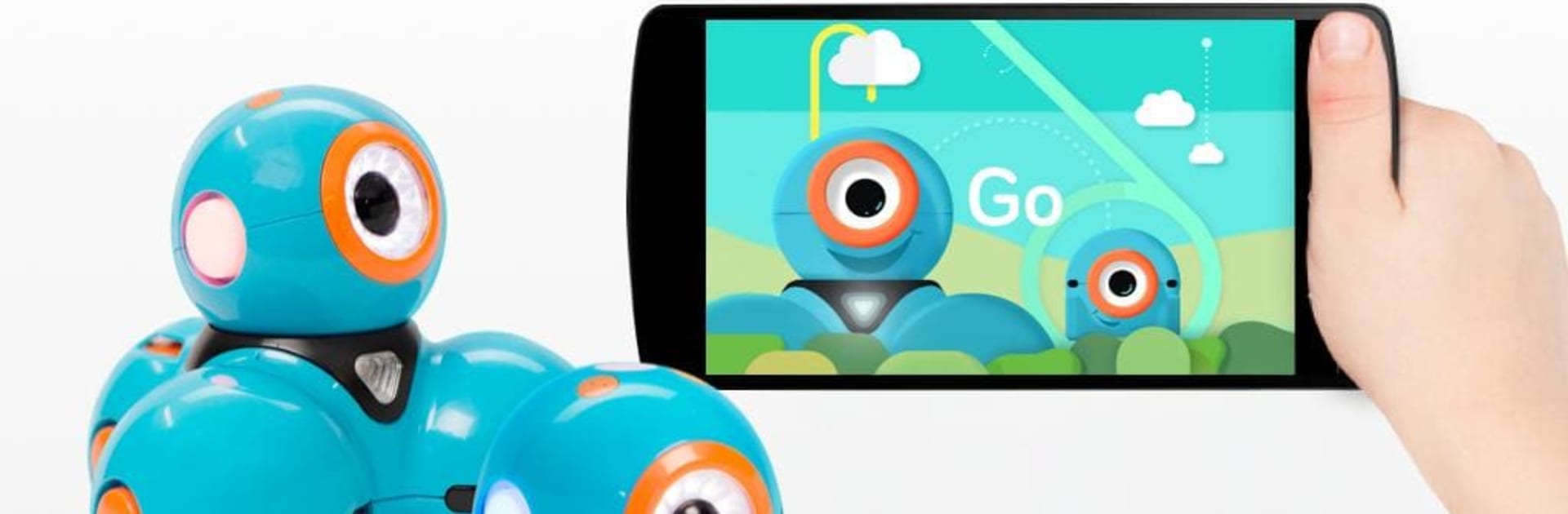


Multitask effortlessly on your PC or Mac as you try out Go for Dash & Dot robots, a Education app by WONDER WORKSHOP, INC. on BlueStacks.
Go for Dash and Dot is basically the remote brain for those Wonder Workshop robots, and it makes them feel alive. It does need a Dash or a Dot and a device with Bluetooth Low Energy, so this is not a stand-alone toy. Once paired, it gives simple, friendly controls that kids can handle without getting stuck. Players can rename the bots, pick a personality, and then drive Dash around with smooth directional control and different speed choices. Lights can be set to all sorts of colors and patterns, and there are lots of fun sounds and little animations to trigger, so the robots do not just move, they perform. There is a cute bit where Dash can be sent on message runs, and Dot can play pretend as story characters, which is great for open-ended play. It is aimed at age 5 and up, and it shows in a good way. No heavy text, no complicated menus, just explore and learn by doing.
On a PC with BlueStacks, the bigger screen makes the sliders and buttons easier to manage, especially when a parent is nearby helping. It is free, and there are no third party ads popping up, which parents usually appreciate. Compatibility still matters, though. It needs Bluetooth Smart and not every Android device behaves the same, so someone with older hardware may see hiccups. When the connection holds, it feels like a gentle first step into coding ideas without throwing code blocks at anyone. It turns the living room into a tiny lab where a robot can deliver a note, flash a rainbow, beep a tune, and then try it all again a little faster.
Switch to BlueStacks and make the most of your apps on your PC or Mac.





