
五十音輕鬆學-免費版
五十音輕鬆學-免費版

五十音輕鬆學-免費版

Education

| Soyong Corporation

Play on PC with BlueStacks or from our cloud

  • Overview
  • How to Download

Page Modified On: September 19, 2025

Run 五十音輕鬆學-免費版 on PC or Mac

Let BlueStacks turn your PC, Mac, or laptop into the perfect home for 五十音輕鬆學-免費版, a fun Education app from Soyong Corp..

This one is a straight-up helper for learning the Japanese 50 sounds, and it leans hard on simple tricks that actually stick. The app pairs each kana with real human audio, so the sound hits at the same time the character is on screen. It also shows little origin hints that link the kana shape back to old Chinese character forms, which makes the shapes feel less random. There is a write-it-yourself mode with stroke order shown clearly, so the hand gets involved while the ear is hearing and the mouth is saying it out loud. The whole thing is built around that hand, mouth, eyes, ears idea, so repeat, trace, say, listen, and the memory settles in.

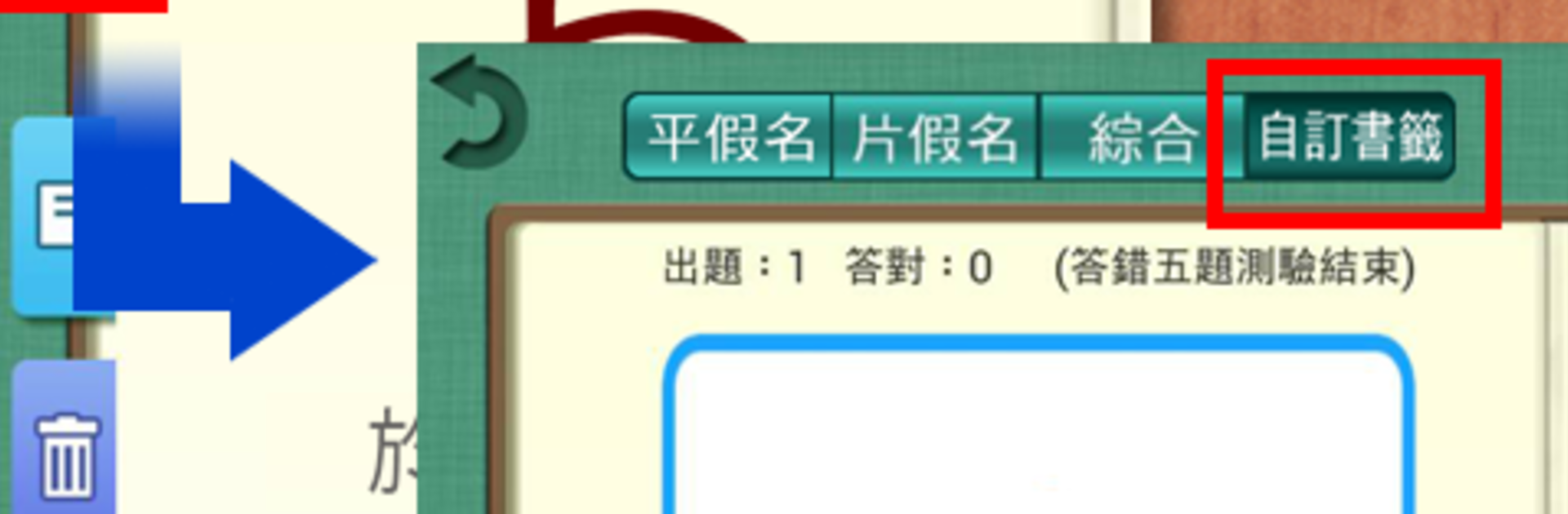
What stands out is how focused it is. No fluff, just hiragana and katakana and six quiz types that cycle recognition, sound, and writing. The quizzes can be customized, so weak kana can be saved into a personal set and hammered until they stop slipping. It feels old-school in a good way, like a workbook that talks. On a PC with BlueStacks, the bigger screen makes the stroke animations easier to follow, and writing with a mouse or tablet pen is fine once the sensitivity is set. Someone starting from zero would not feel lost, since it introduces one piece at a time and keeps pronunciation honest with native clips.

BlueStacks gives you the much-needed freedom to experience your favorite apps on a bigger screen. Get it now.


How to Download and Run 五十音輕鬆學-免費版 on PC or Mac

  • Download and install BlueStacks on your PC or Mac

  • Complete Google sign-in to access the Play Store, or do it later

  • Look for 五十音輕鬆學-免費版 in the search bar at the top right corner

  • Click to install 五十音輕鬆學-免費版 from the search results

  • Complete Google sign-in (if you skipped step 2) to install 五十音輕鬆學-免費版

  • Click the 五十音輕鬆學-免費版 icon on the home screen to start playing

video
Watch Video

Minimum System Requirements

With BlueStacks 5, you can get started on a PC that fulfills the following requirements.

  • Operating System

    Microsoft Windows 7 or above, macOS 11 (Big Sur) or above

  • Processor

    Intel, AMD or Apple Silicon Processor

  • RAM

    at least 4GB

  • HDD

    10GB Free Disk Space

Note:

* You must be an Administrator on your PC. Up to date graphics drivers from Microsoft or the chipset vendor.

五十音輕鬆學-免費版 - FAQs

  • How to Run 五十音輕鬆學-免費版 on Windows PC & Mac?

    Run 五十音輕鬆學-免費版 on your PC or Mac by following these simple steps.

    • Click on ‘Download 五十音輕鬆學-免費版 on PC’ to download BlueStacks
    • Install it and log-in to Google Play Store
    • Launch and run the app.
  • Why is BlueStacks the fastest and safest platform to play games on PC?

    BlueStacks respects your privacy and is always safe and secure to use. It does not carry any malware, spyware, or any sort of additional software that could harm your PC.

    It is engineered to optimize speed and performance for a seamless gaming experience.

  • What are 五十音輕鬆學-免費版 PC requirements?

    Minimum requirement to run 五十音輕鬆學-免費版 on your PC

    • OS: Microsoft Windows 7 and above:
    • Processor: Intel or AMD Processor:
    • RAM: Your PC must have at least 2GB of RAM. (Note that having 2GB or more disk space is not a substitute for RAM):
    • HDD: 5GB Free Disk Space.
    • You must be an Administrator on your PC.



