GPA Calculator
GPA Calculator

GPA Calculator

Education

| Shan Nirmala

Play on PC with BlueStacks or from our cloud

  • Overview
  • How to Download

Page Modified On: July 24, 2026

Run GPA Calculator on PC or Mac

Multitask effortlessly on your PC or Mac as you try out GPA Calculator, a Education app by Shan Nirmala on BlueStacks.

About the App

GPA Calculator makes tracking your grades feel simple, fast, and—dare we say—kind of satisfying. Whether your school uses a 4.0, 5.0, or a totally custom system, this Education app adapts to the way you calculate. Add courses, tweak scales, and watch your numbers update in real time without digging through spreadsheets.

You can keep everything on your phone, offline and private. Prefer a bigger screen? It also runs smoothly on your computer with BlueStacks.

App Features

  • Custom grade scales – Create your own rules for letters and points (A, B, C, pluses/minuses, weighted options). If your university has a unique setup, you can mirror it here.
  • Country presets – Start faster with ready-made scales commonly used in the USA, Nigeria, India, Australia, and more. No guesswork to get going.
  • One-tap scale switching – Change grading systems without re-entering courses. Your grades are auto-converted instantly.
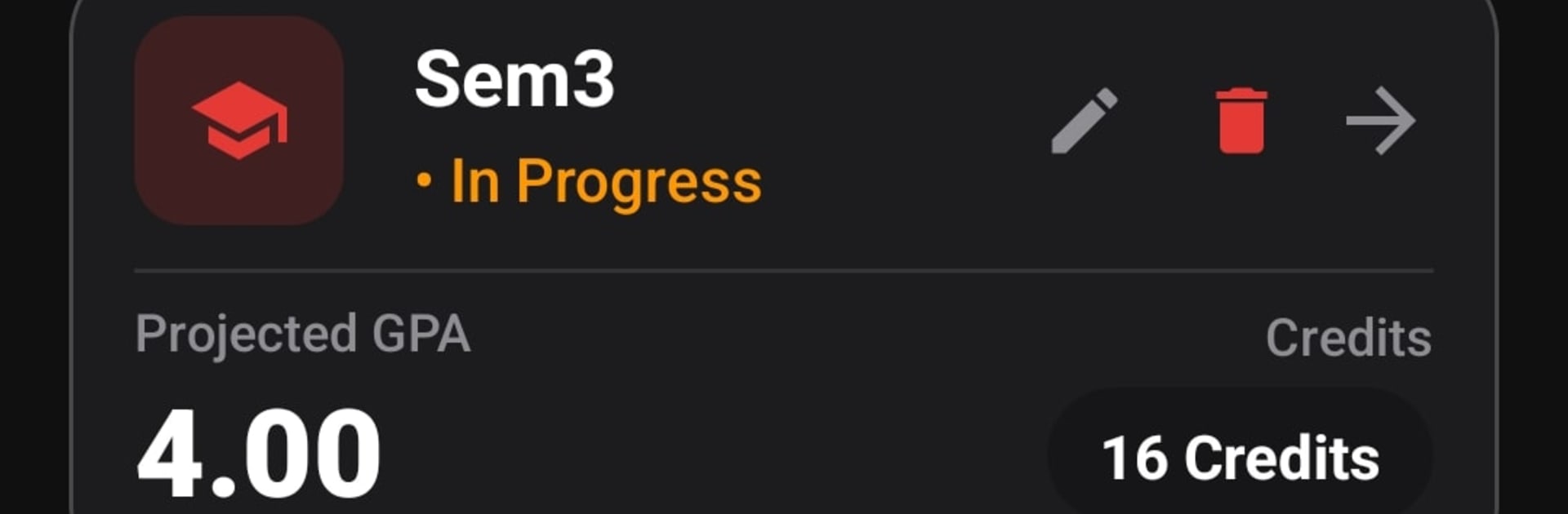
  • Instant GPA and CGPA – See semester and cumulative results update as soon as you add or edit classes, including credit totals and progress at a glance.
  • Smart insights – Track credits earned, number of semesters, and get helpful badges that reflect your standing, like being near the top of your class.
  • Clean, modern dashboard – A card-style layout that’s easy on the eyes, with polished Light and Dark modes for any time of day.
  • Export to PDF – Generate tidy summaries of your coursework and GPA, perfect for advising sessions or personal records.
  • Private and offline – Your data never leaves your device. Auto-save keeps your progress safe without extra steps.

Eager to take your app experience to the next level? Start right away by downloading BlueStacks on your PC or Mac.

How to Download and Run GPA Calculator on PC or Mac

  • Download and install BlueStacks on your PC or Mac

  • Complete Google sign-in to access the Play Store, or do it later

  • Look for GPA Calculator in the search bar at the top right corner

  • Click to install GPA Calculator from the search results

  • Complete Google sign-in (if you skipped step 2) to install GPA Calculator

  • Click the GPA Calculator icon on the home screen to start playing

video
Watch Video

Minimum System Requirements

With BlueStacks 5, you can get started on a PC that fulfills the following requirements.

  • Operating System

    Microsoft Windows 7 or above, macOS 11 (Big Sur) or above

  • Processor

    Intel, AMD or Apple Silicon Processor

  • RAM

    at least 4GB

  • HDD

    10GB Free Disk Space

Note:

* You must be an Administrator on your PC. Up to date graphics drivers from Microsoft or the chipset vendor.

GPA Calculator - FAQs

  • How to Run GPA Calculator on Windows PC & Mac?

    Run GPA Calculator on your PC or Mac by following these simple steps.

    • Click on ‘Download GPA Calculator on PC’ to download BlueStacks
    • Install it and log-in to Google Play Store
    • Launch and run the app.
  • Why is BlueStacks the fastest and safest platform to play games on PC?

    BlueStacks respects your privacy and is always safe and secure to use. It does not carry any malware, spyware, or any sort of additional software that could harm your PC.

    It is engineered to optimize speed and performance for a seamless gaming experience.

  • What are GPA Calculator PC requirements?

    Minimum requirement to run GPA Calculator on your PC

    • OS: Microsoft Windows 7 and above:
    • Processor: Intel or AMD Processor:
    • RAM: Your PC must have at least 2GB of RAM. (Note that having 2GB or more disk space is not a substitute for RAM):
    • HDD: 5GB Free Disk Space.
    • You must be an Administrator on your PC.