
Grade 10 Life Sciences Mobile Application

Grade 10 Life Sciences Mobile Application

Education

| JSDT SOLUTIONS

Play on PC with BlueStacks or from our cloud

  • Overview
  • How to Download

Page Modified On: September 12, 2025

Run Grade 10 Life Sciences Mobile Application on PC or Mac

Upgrade your experience. Try Grade 10 Life Sciences Mobile Application, the fantastic Education app from JSDT SOLUTIONS, from the comfort of your laptop, PC, or Mac, only on BlueStacks.

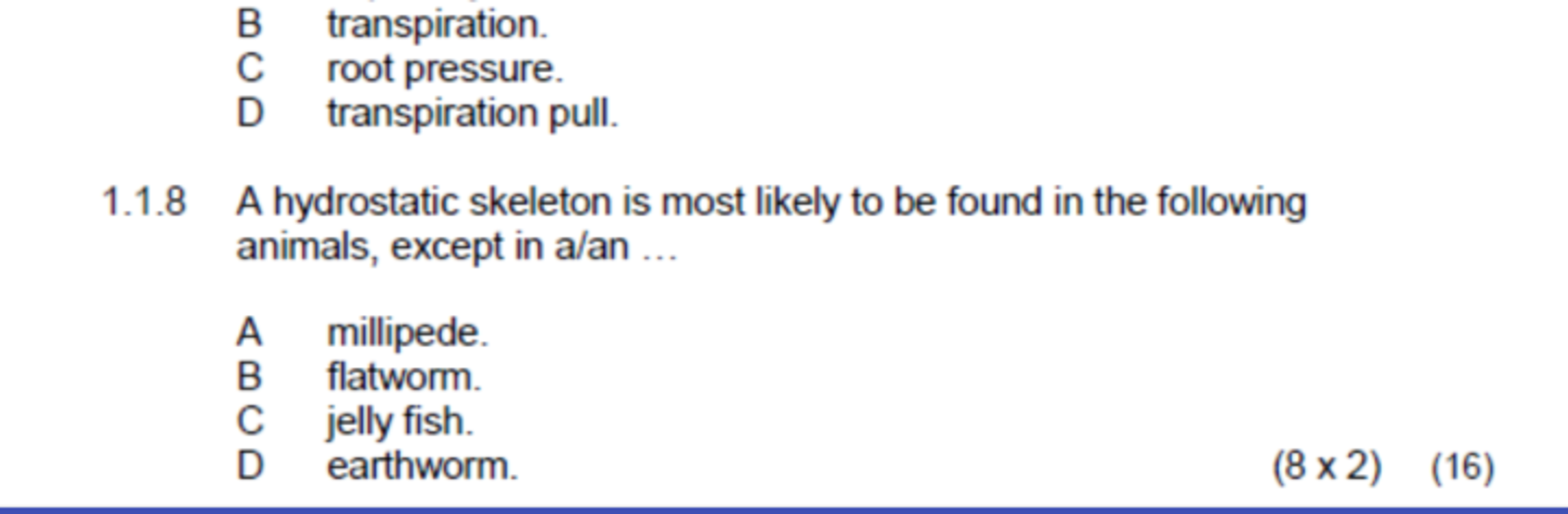
Grade 10 Life Sciences Mobile Application feels like a neatly packed study hub. It puts the usual school stuff in one place, so there are exam papers to see how questions are asked, quick activities to test understanding in small chunks, and practice problems for longer sessions. The layout is simple and no-nonsense, maybe a bit plain, but that actually helps keep focus on the work instead of getting lost in menus. What stands out is that it is not only practice, it also points forward. There is a career guide that explains where Life Sciences could lead after school, plus bursaries information for planning how to pay for studies. If extra help is needed, there are instructions for getting tutoring, which is handy when a topic just refuses to click.

On a PC with BlueStacks, it runs smoothly and the bigger screen makes long questions and diagrams easier to read. Mouse scrolling feels natural when paging through past papers, and typing answers with a keyboard is faster than tapping on a phone. It is not trying to be flashy or a game, it is more like a tidy folder that someone already organized for Grade 10. For anyone who wants a steady routine, open an activity, try a few practice problems, then peek at the career and bursary sections to see the bigger picture.

Eager to take your app experience to the next level? Start right away by downloading BlueStacks on your PC or Mac.


How to Download and Run Grade 10 Life Sciences Mobile Application on PC or Mac

  • Download and install BlueStacks on your PC or Mac

  • Complete Google sign-in to access the Play Store, or do it later

  • Look for Grade 10 Life Sciences Mobile Application in the search bar at the top right corner

  • Click to install Grade 10 Life Sciences Mobile Application from the search results

  • Complete Google sign-in (if you skipped step 2) to install Grade 10 Life Sciences Mobile Application

  • Click the Grade 10 Life Sciences Mobile Application icon on the home screen to start playing

video
Watch Video

Minimum System Requirements

With BlueStacks 5, you can get started on a PC that fulfills the following requirements.

  • Operating System

    Microsoft Windows 7 or above, macOS 11 (Big Sur) or above

  • Processor

    Intel, AMD or Apple Silicon Processor

  • RAM

    at least 4GB

  • HDD

    10GB Free Disk Space

Note:

* You must be an Administrator on your PC. Up to date graphics drivers from Microsoft or the chipset vendor.

Grade 10 Life Sciences Mobile Application - FAQs

  • How to Run Grade 10 Life Sciences Mobile Application on Windows PC & Mac?

    Run Grade 10 Life Sciences Mobile Application on your PC or Mac by following these simple steps.

    • Click on ‘Download Grade 10 Life Sciences Mobile Application on PC’ to download BlueStacks
    • Install it and log-in to Google Play Store
    • Launch and run the app.
  • Why is BlueStacks the fastest and safest platform to play games on PC?

    BlueStacks respects your privacy and is always safe and secure to use. It does not carry any malware, spyware, or any sort of additional software that could harm your PC.

    It is engineered to optimize speed and performance for a seamless gaming experience.

  • What are Grade 10 Life Sciences Mobile Application PC requirements?

    Minimum requirement to run Grade 10 Life Sciences Mobile Application on your PC

    • OS: Microsoft Windows 7 and above:
    • Processor: Intel or AMD Processor:
    • RAM: Your PC must have at least 2GB of RAM. (Note that having 2GB or more disk space is not a substitute for RAM):
    • HDD: 5GB Free Disk Space.
    • You must be an Administrator on your PC.



