
HelloWords Learn Languages Fun

HelloWords Learn Languages Fun

Education

| HelloTalk Learn Languages App

Play on PC with BlueStacks or from our cloud

  • Overview
  • How to Download

Page Modified On: January 02, 2026

Run HelloWords Learn Languages Fun on PC or Mac

Multitask effortlessly on your PC or Mac as you try out HelloWords Learn Languages Fun, a Education app by HelloTalk Learn Languages App on BlueStacks.

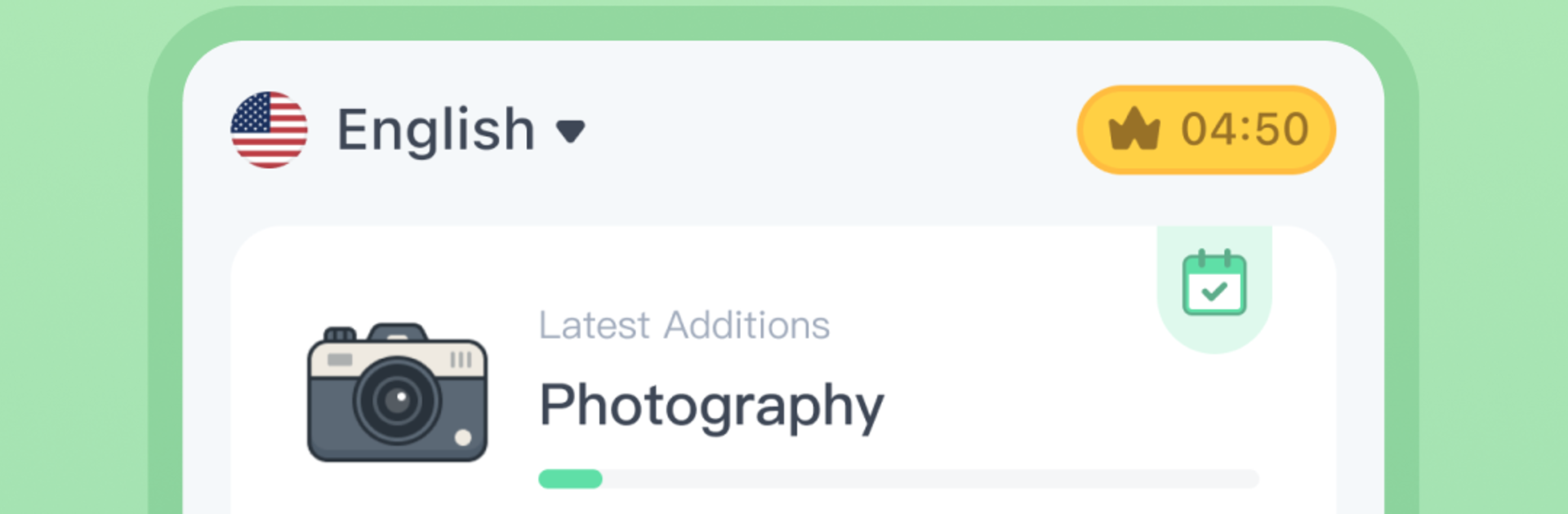
HelloWords feels like a fast, visual vocabulary trainer rather than a full class. Everything is super picture heavy and built around tiny bursts, so a session really can be a few minutes and still feel productive. The quizzes pop up fast, you tap, match, listen, and get instant feedback that nudges you to keep going. There are a lot of languages too, not just the usual ones. It includes American and British English, Chinese in several forms, Japanese, Korean, French, German, Spanish split into European and Latin American, Portuguese split into European and Brazilian, plus Arabic, Vietnamese, Turkish, Thai, Norwegian, Polish, Dutch, Swedish, Hindi, Indonesian, Hungarian, Danish, Icelandic, Hebrew, and more. On PC with BlueStacks the pictures and fonts look clearer, and clicking through the mini games is easy, so it suits a desk setup during a quick break.

Under the hood it uses spaced repetition, so words return right when the brain would normally forget them. The app tracks what was studied and shows which terms are already solid, with a handy Senior filter to hide the ones that are done. The word list feels purposeful, a few thousand everyday terms grouped into many small topics, so it leans toward real life stuff instead of textbook filler. Sessions are deliberately short to keep focus high, and stacking a couple back to back works fine if someone has the time. It is mostly vocabulary and listening with bite size prompts, not deep grammar or long dialogues, so it pairs well with other study methods when someone wants speaking practice or rules.

Ready to experience HelloWords Learn Languages Fun on a bigger screen, in all its glory? Download BlueStacks now.


How to Download and Run HelloWords Learn Languages Fun on PC or Mac

  • Download and install BlueStacks on your PC or Mac

  • Complete Google sign-in to access the Play Store, or do it later

  • Look for HelloWords Learn Languages Fun in the search bar at the top right corner

  • Click to install HelloWords Learn Languages Fun from the search results

  • Complete Google sign-in (if you skipped step 2) to install HelloWords Learn Languages Fun

  • Click the HelloWords Learn Languages Fun icon on the home screen to start playing

video
Watch Video

Minimum System Requirements

With BlueStacks 5, you can get started on a PC that fulfills the following requirements.

  • Operating System

    Microsoft Windows 7 or above, macOS 11 (Big Sur) or above

  • Processor

    Intel, AMD or Apple Silicon Processor

  • RAM

    at least 4GB

  • HDD

    10GB Free Disk Space

Note:

* You must be an Administrator on your PC. Up to date graphics drivers from Microsoft or the chipset vendor.

HelloWords Learn Languages Fun - FAQs

  • How to Run HelloWords Learn Languages Fun on Windows PC & Mac?

    Run HelloWords Learn Languages Fun on your PC or Mac by following these simple steps.

    • Click on ‘Download HelloWords Learn Languages Fun on PC’ to download BlueStacks
    • Install it and log-in to Google Play Store
    • Launch and run the app.
  • Why is BlueStacks the fastest and safest platform to play games on PC?

    BlueStacks respects your privacy and is always safe and secure to use. It does not carry any malware, spyware, or any sort of additional software that could harm your PC.

    It is engineered to optimize speed and performance for a seamless gaming experience.

  • What are HelloWords Learn Languages Fun PC requirements?

    Minimum requirement to run HelloWords Learn Languages Fun on your PC

    • OS: Microsoft Windows 7 and above:
    • Processor: Intel or AMD Processor:
    • RAM: Your PC must have at least 2GB of RAM. (Note that having 2GB or more disk space is not a substitute for RAM):
    • HDD: 5GB Free Disk Space.
    • You must be an Administrator on your PC.



