


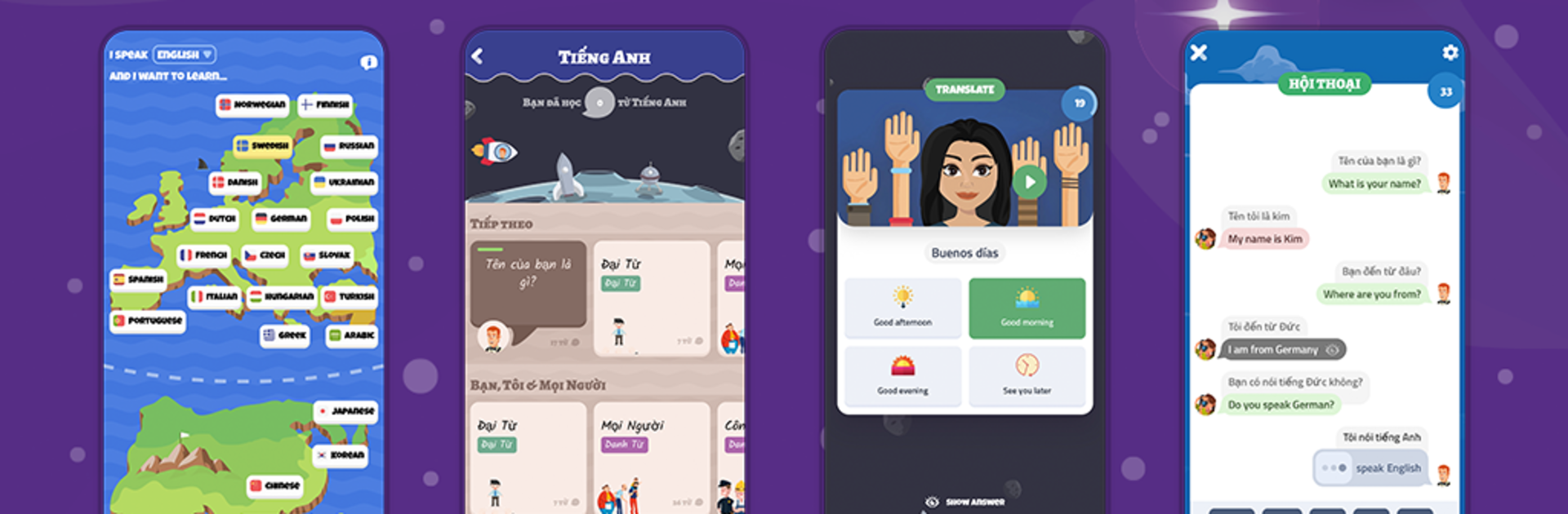


What’s better than using OkyDoky – Language Courses by HEYLINGO OU? Well, try it on a big screen, on your PC or Mac, with BlueStacks to see the difference.
OkyDoky feels like a calm, focused language trainer that actually keeps the brain busy without turning it into a grind. Lessons mix quick translations, listening clips, spelling checks, and little sentence-building bits, with pictures that help things stick. The grammar tips show up right when needed, with simple notes about word order, gender, and those small rules that usually trip people up. There is a chat-style practice mode that plays out everyday lines, a little scripted but useful for getting the rhythm of answers and questions. What stands out is the control it gives: pick topics that matter, learn at a pace that feels sane, then pin tough words so they resurface until they finally click.
Audio is done well. Every phrase can be played at normal speed or slowed down, and there is word by word audio for careful listening. For scripts like Japanese, Korean, Russian, or Thai, transliteration is there so learners do not feel lost on day one, and it can be ignored later. On PC with BlueStacks, the bigger screen makes the reading and the chat bits easier on the eyes, and tapping through cards with a mouse is oddly satisfying for longer sessions.
There is a lot of content. The paid Plus tier opens dozens of languages and a pile of courses and vocabulary sets, covering everything from Spanish and French to Vietnamese, Ukrainian, Greek, and smaller ones like Albanian or Estonian. A neat perk is that it works from any language to any language, so learners are not forced to start from English. It is friendly for beginners, but it also works fine as a refresher when someone just wants targeted drills on those stubborn phrases. Not flashy, just steady progress that does not waste time.
Big screen. Bigger performance. Use BlueStacks on your PC or Mac to run your favorite apps.





